Girls · AI photo prompt
Manga Character Photo Prompt – Turn Your Selfie into Bold Manga Art in Gemini & ChatGPT
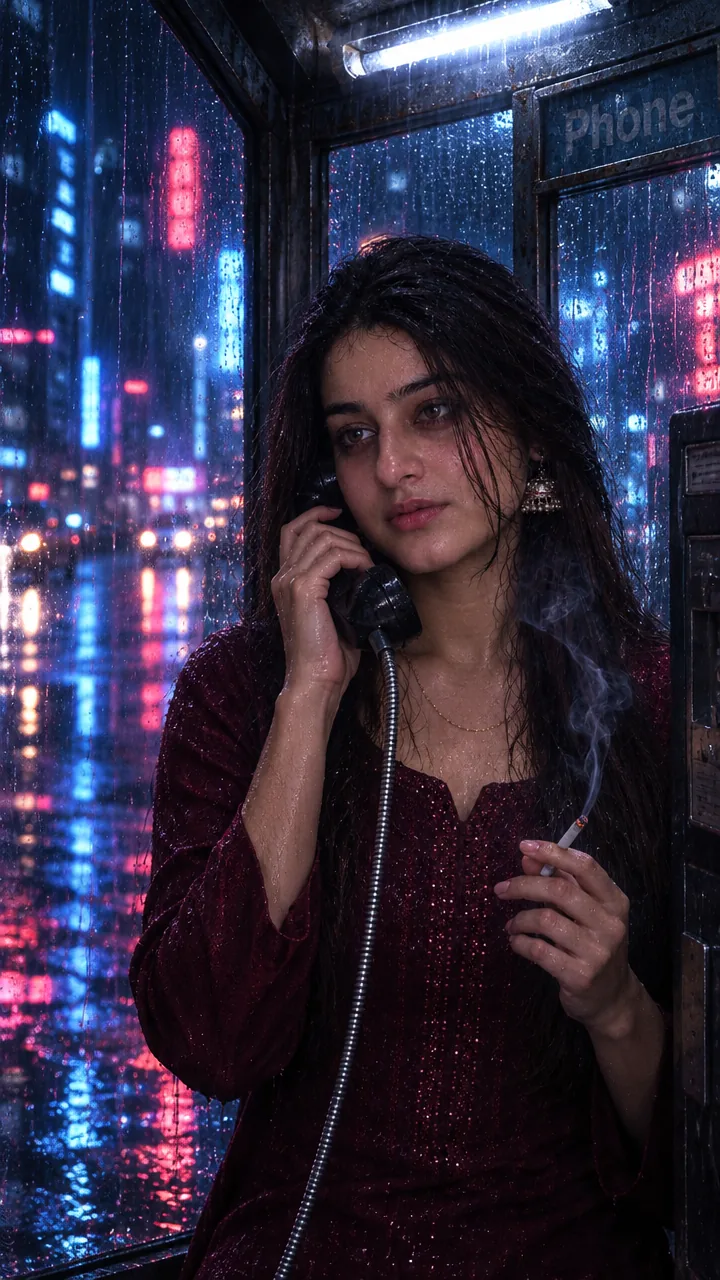
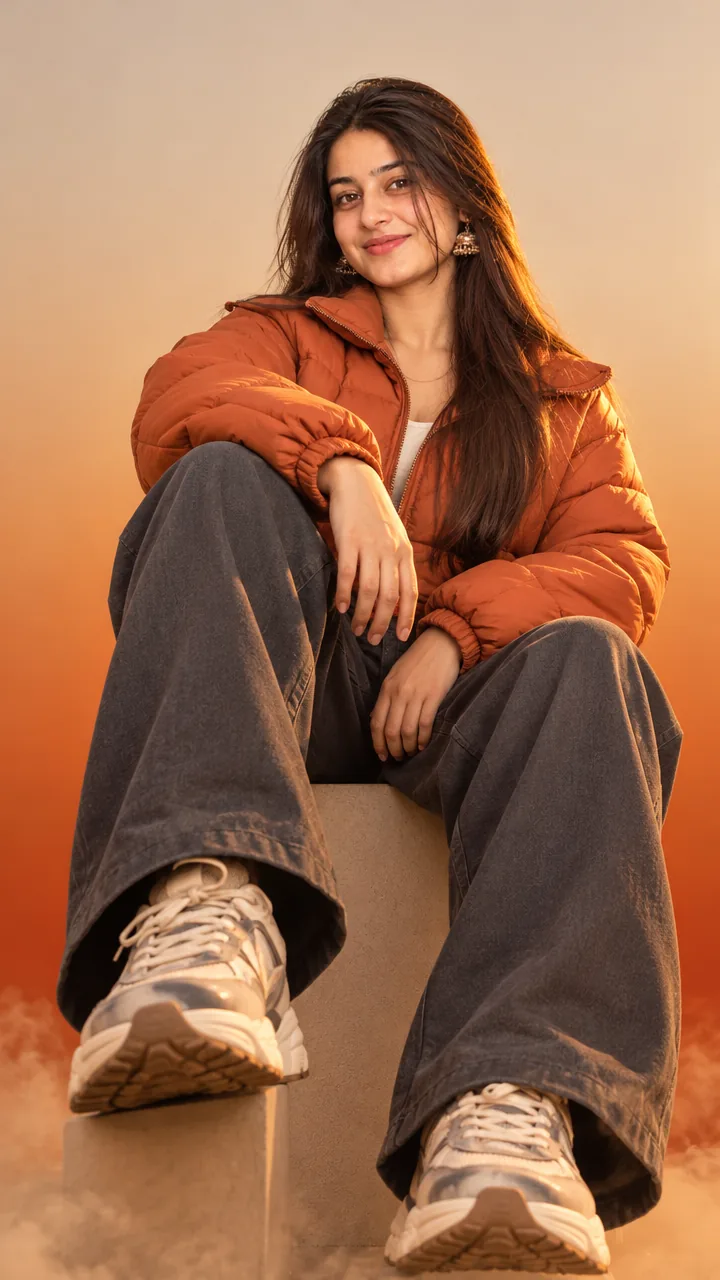
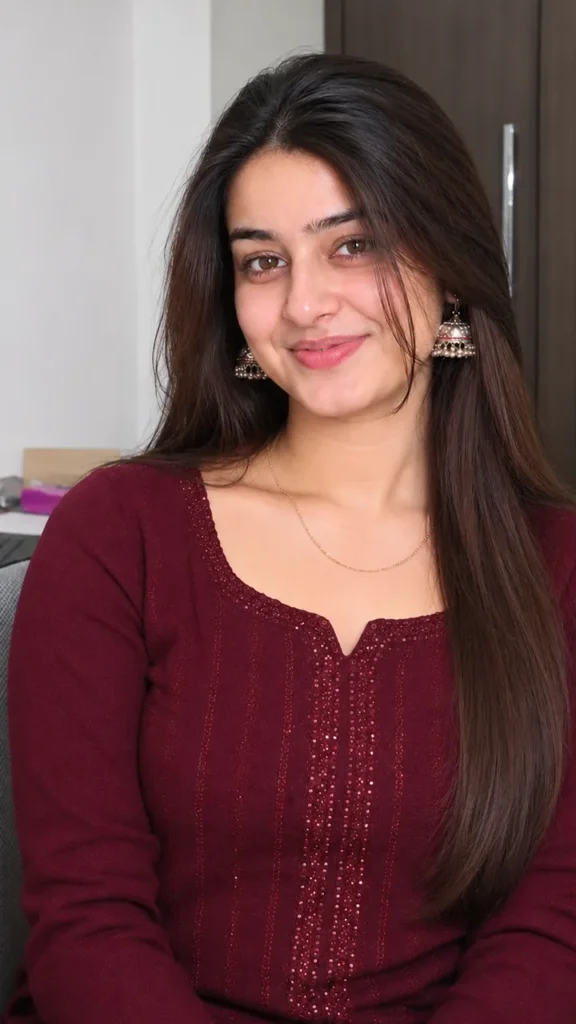
This Manga character photo prompt turns your photo into a manga character with one simple line – bold inking, stylised features and big expressive eyes, like a page from your favourite comic. It works for selfies, couple photos and even pet photos. Copy the prompt, upload your photo in Gemini or ChatGPT and get your manga version in seconds.
The prompt
3 more manga and comic styles
Same comic idea – a different art style each time.
Colour Manga Cover Prompt
Shoujo Manga Prompt
Action Manga Panel Prompt
Manga DP prompt
A square close-up made for your WhatsApp or Instagram profile picture.
Manga captions
Your photo is ready – now pick a caption. Tap Copy and paste it on Instagram.
- Main character, manga edition 📖
- Anime eyes, real heart 👀
- Inked and iconic 🖋️
- Chapter 1: Me ✨
- Big eyes, bigger dreams 💫
- Me, in a manga 😍
- Plot twist: I'm a comic now 😂
- Ink over everything 🖤
- Weekly Shonen me 📚
- Kawaii mode ON 🌸
- #MangaStyle #AnimeArt #MangaEdit #ComicArt #AIPhoto #GeminiAI #ChatGPT #AnimeGirl #PhotoPrompt
Turn your manga art into a reel
Made your photo? Bring it to life as a short reel. Upload the photo you just made in Gemini, tap Video, paste this prompt and send.
How to use this manga character photo prompt in Gemini
- Go to gemini.google.com or open the Gemini app on your phone.
- Tap Copy prompt above.
- Tap + and upload one clear, front-facing photo of yourself.
- Paste the prompt and send. Your photo is ready in about 10–20 seconds.
- Not happy? Tap regenerate or change one detail in the prompt and try again.
How to use it in ChatGPT
- Open ChatGPT (the free plan works) and start a new chat.
- Tap + and add your photo.
- Paste the prompt and send – image generation takes up to a minute.
- Long-press or tap download to save the picture.
Tips for the best manga art
- Pick a selfie in daylight with your face straight to the camera; side angles change the face more.
- Change the size at the end of the prompt: 1:1 for a DP, 3:4 for a post, 9:16 for a story.
- The prompt is short – add “in colour” if you want a coloured manga.
- A clear front-facing photo gives the best likeness.
FAQ
Is this manga character photo prompt free?
Yes, the prompt is free. Gemini and ChatGPT both make images on their free plans, with a small daily limit.
Which is better for this prompt – Gemini or ChatGPT?
Gemini keeps the face closer to your photo and is faster. ChatGPT often gives softer, more cinematic light. Try both and keep the one you like.
My face looks different in the result. What should I do?
Upload a clear, front-facing photo in good light without sunglasses or filters, and add "keep my face exactly the same as the uploaded photo" at the start of the prompt. Then generate again.
Can I make a video from this photo?
Yes. First make your photo with the prompt, then upload that photo in Gemini, choose Video and paste the video prompt from this page. Free plans have a small daily video limit.
More prompts like this
- Notebook Doodle Portrait Prompt – Turn Your Photo into a Pen Sketch with Gemini & ChatGPT
- White Outline Sticker Photo Prompt – Turn Your Photo into a Cute Sticker in Gemini & ChatGPT
- Foggy Forest Photo Edit Prompt – Turn Any Picture into a Misty Woodland in Gemini & ChatGPT
- All AI photo prompts for girls