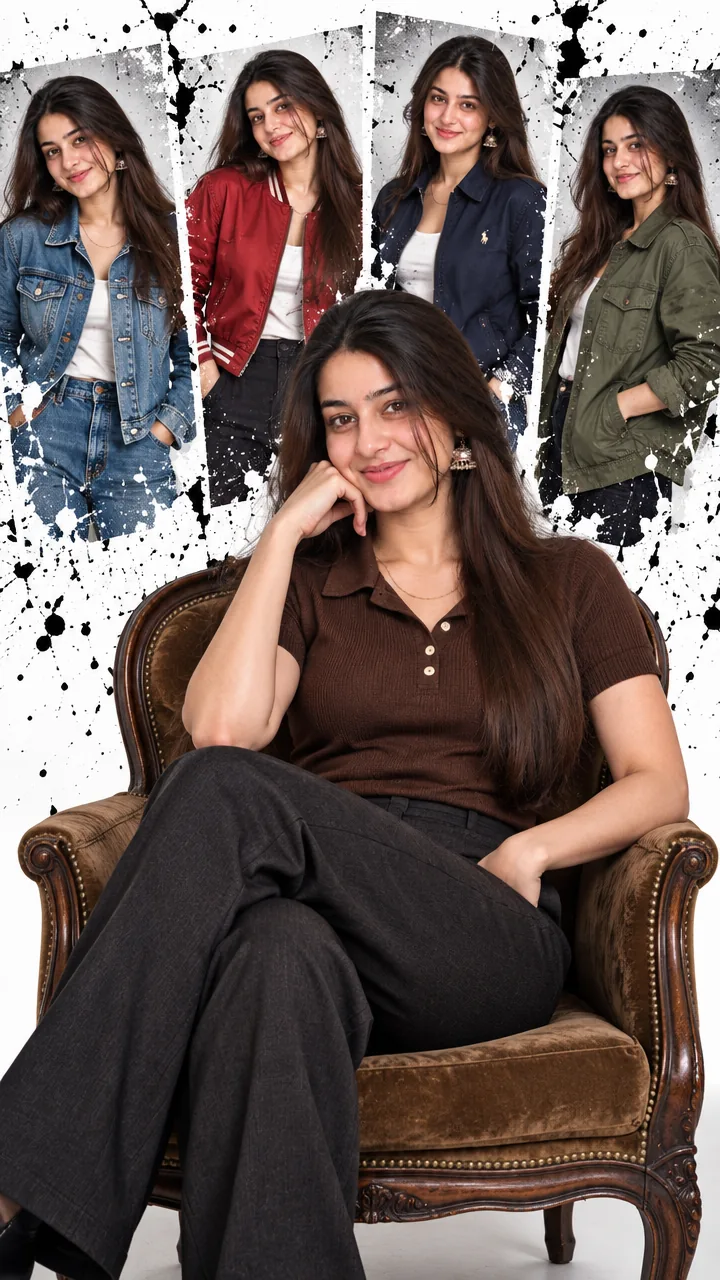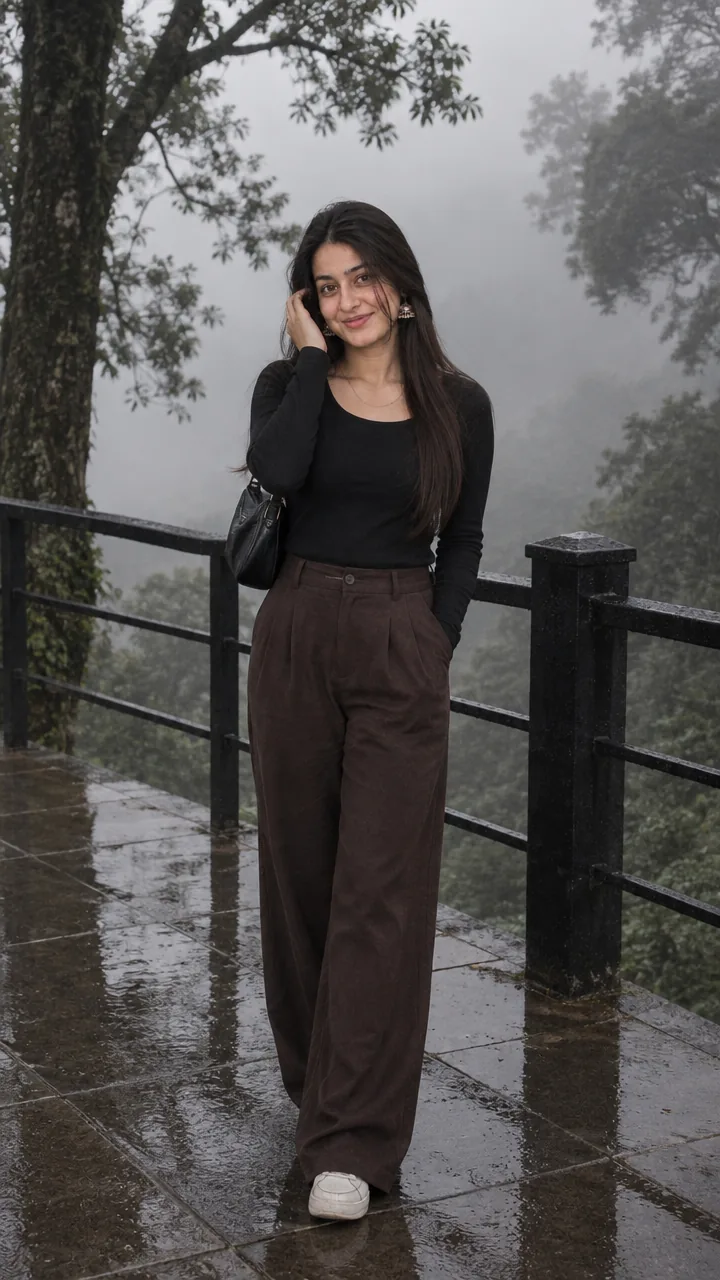
Girls · AI photo prompt
Rainy Phone Booth Photo Prompt – Neon Night Cinematic Portrait in Gemini & ChatGPT
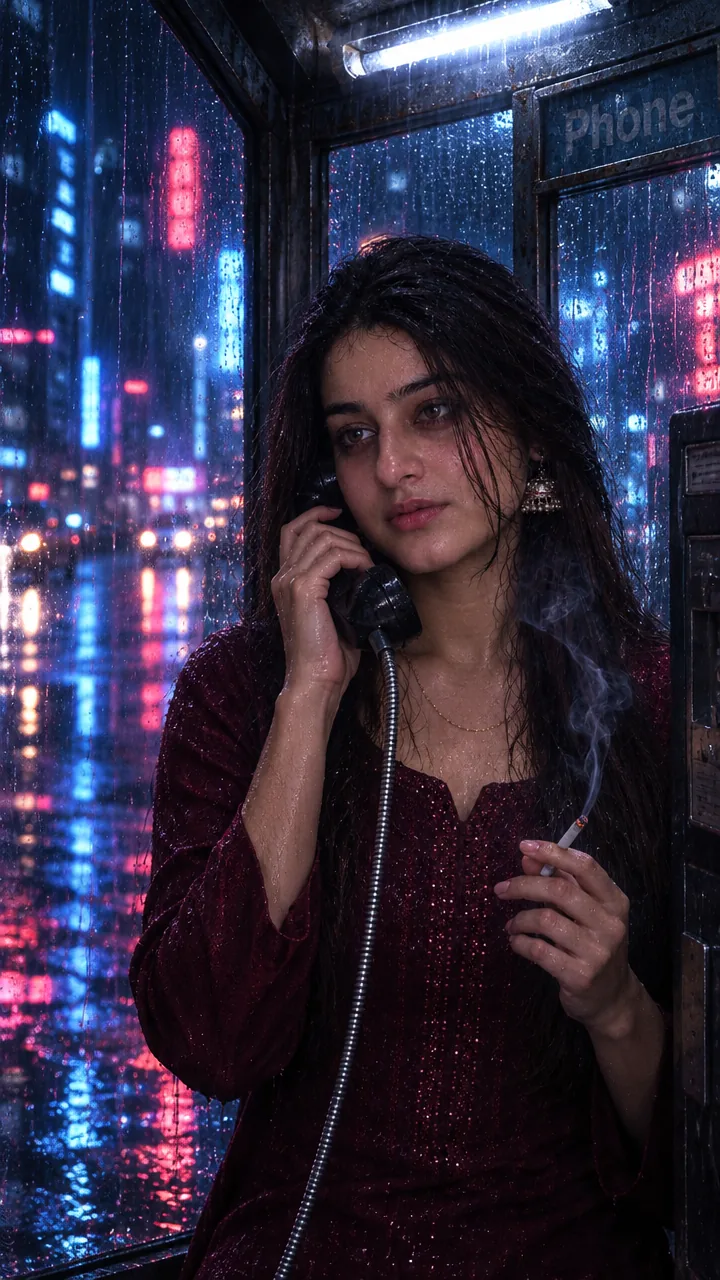
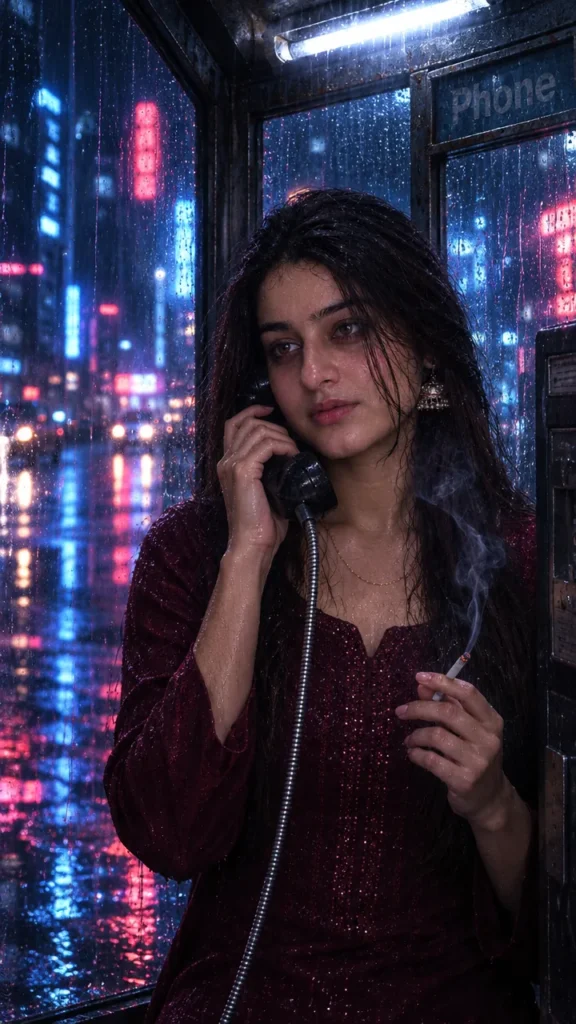
This Rainy phone booth photo prompt turns your photo into a film-like midnight scene – you inside a flickering phone booth, receiver at your ear, rain and cold neon streaks blurring the city outside. Copy the prompt, upload your photo in Gemini or ChatGPT and get a cinematic still in seconds.
The prompt
3 more neon rain moments
Same rainy midnight city – a different scene each time.
Hand On Booth Glass Prompt
Umbrella In Neon Rain Prompt
Phone Booth Window Close-Up Prompt
Neon rain phone booth DP, post and story versions
Need it for a profile picture, an Instagram post or a story? Use the version made for that size.
Neon rain DP prompt
Rainy Phone Booth Instagram Post Prompt
Rainy Phone Booth Instagram Story Prompt
Rainy night captions for Instagram
Your photo is ready – now pick a caption. Tap Copy and paste it on Instagram.
- Calling the version of me who stayed 📞
- Rain, neon and silence 🌧️
- Some calls never connect 💭
- City lights, quiet heart 🌃
- Night rain, old memories 🌧️
- Speaking to the rain tonight ☔
- Neon dreams, rainy streets 💙
- Waiting for someone, waiting for a call 📞
- Midnight mood 🌙
- The city sleeps, I don't 🌆
- #NeonNights #RainyNight #CinematicPortrait #MoodyVibes #AIPhoto #GeminiAI #ChatGPT #CityLights #PhotoPrompt
Turn your photo into a rainy night reel
Made your photo? Bring it to life as a short reel. Upload the photo you just made in Gemini, tap Video, paste this prompt and send.
How to use this rainy phone booth photo prompt in Gemini
- Open the Gemini app or gemini.google.com.
- Tap Copy prompt above.
- Tap + and upload one clear, front-facing photo of yourself.
- Paste the prompt and send. Your photo is ready in about 10–20 seconds.
- Not happy? Tap regenerate or change one detail in the prompt and try again.
How to use it in ChatGPT
- Open ChatGPT (the free plan works) and start a new chat.
- Tap + and add your photo.
- Paste the prompt and send – image generation takes up to a minute.
- Long-press or tap download to save the picture.
Tips for the best cinematic photo
- Use a sharp photo where your full face is visible – no sunglasses, mask or heavy filter.
- For an Instagram post write vertical 3:4; for a story or reel cover write vertical 9:16.
- Prefer a warmer mood? Change “cold neon” to “warm orange street lights”.
- The original prompt mentions cigarette smoke – you can remove that line and add “breath fog in the cold air” instead.
FAQ
Is this rainy phone booth photo prompt free?
Yes, the prompt is free. Gemini and ChatGPT both make images on their free plans, with a small daily limit.
Should I use Gemini or ChatGPT?
Both work. Gemini is quicker and usually keeps your face closer to the photo; ChatGPT takes longer but the light and detail can look richer. Run it in both and pick your favourite.
My face looks different in the result. What should I do?
Upload a clear, front-facing photo in good light without sunglasses or filters, and add "keep my face exactly the same as the uploaded photo" at the start of the prompt. Then generate again.
Can I make a video from this photo?
Yes. First make your photo with the prompt, then upload that photo in Gemini, choose Video and paste the video prompt from this page. Free plans have a small daily video limit.