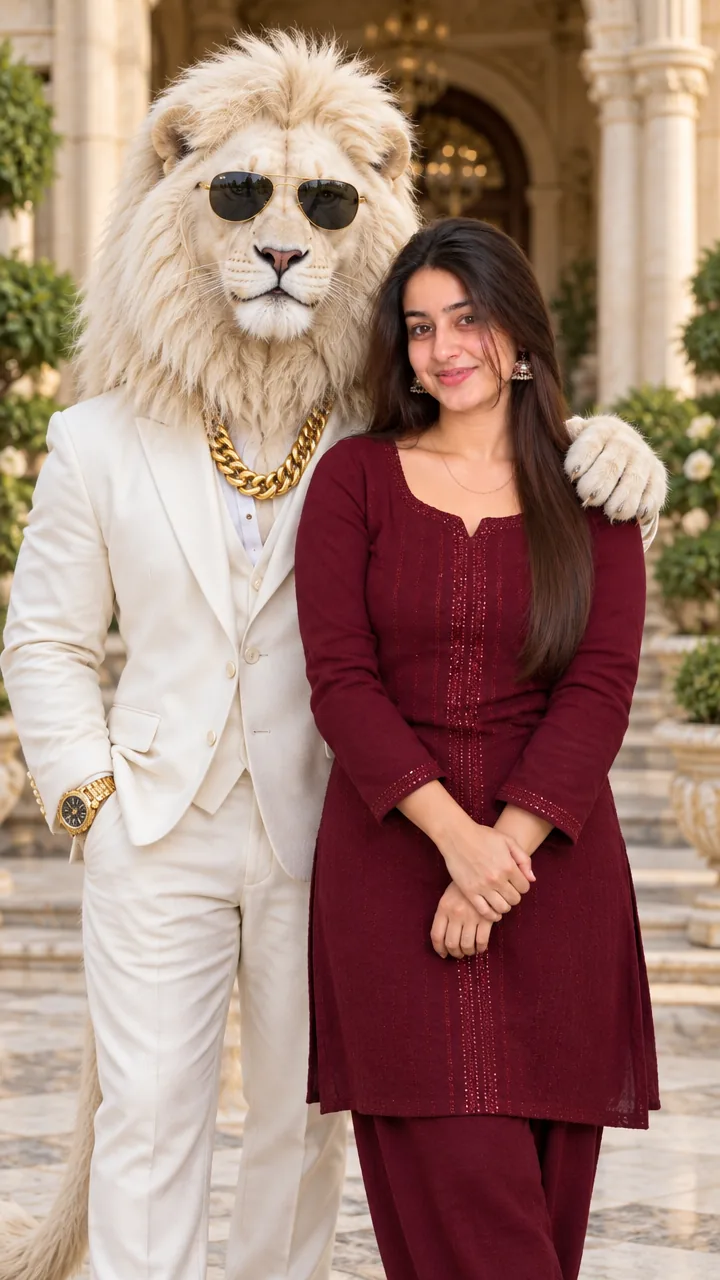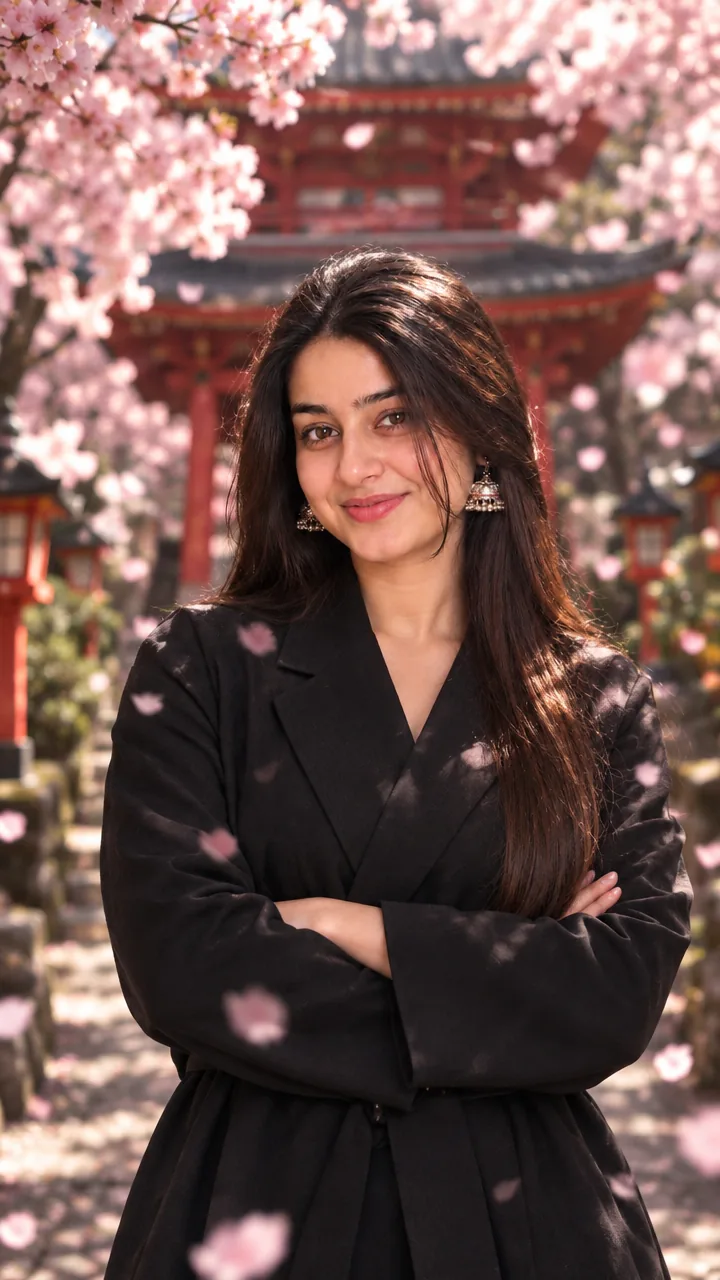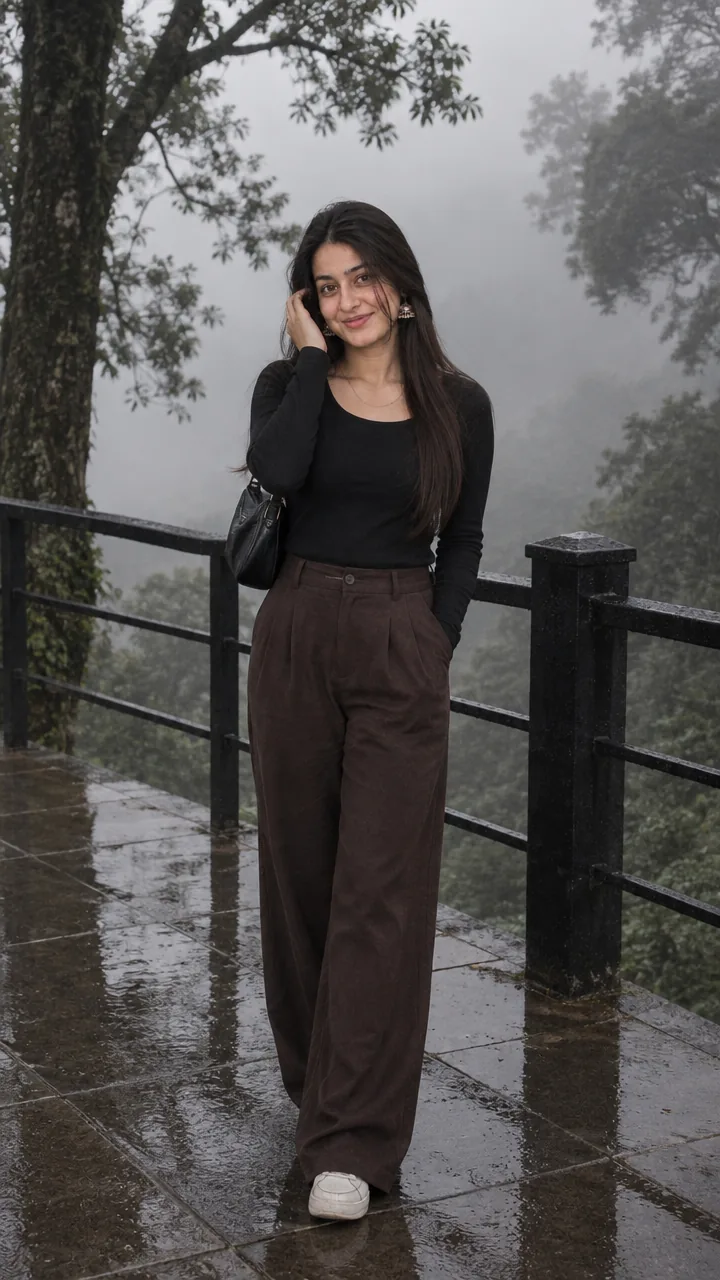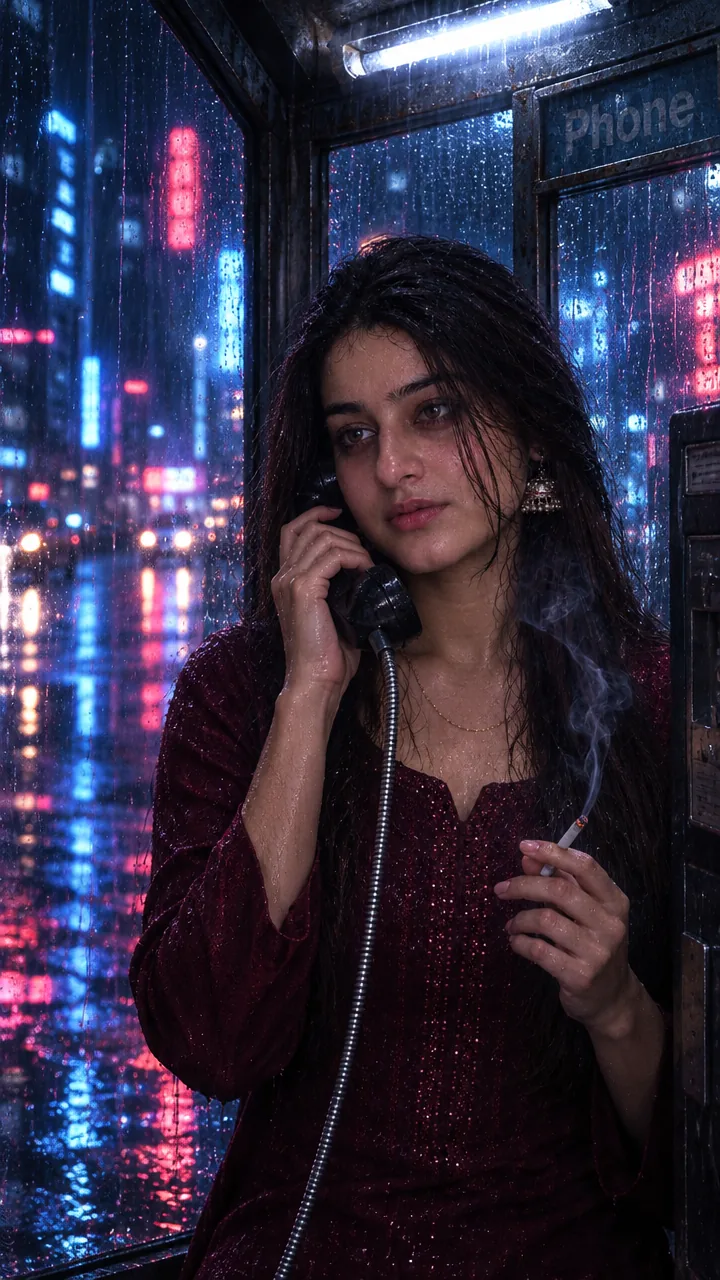
Girls · AI photo prompt
Editorial Fashion Photo Prompt for Girls – Armchair Studio Shoot in Gemini & ChatGPT
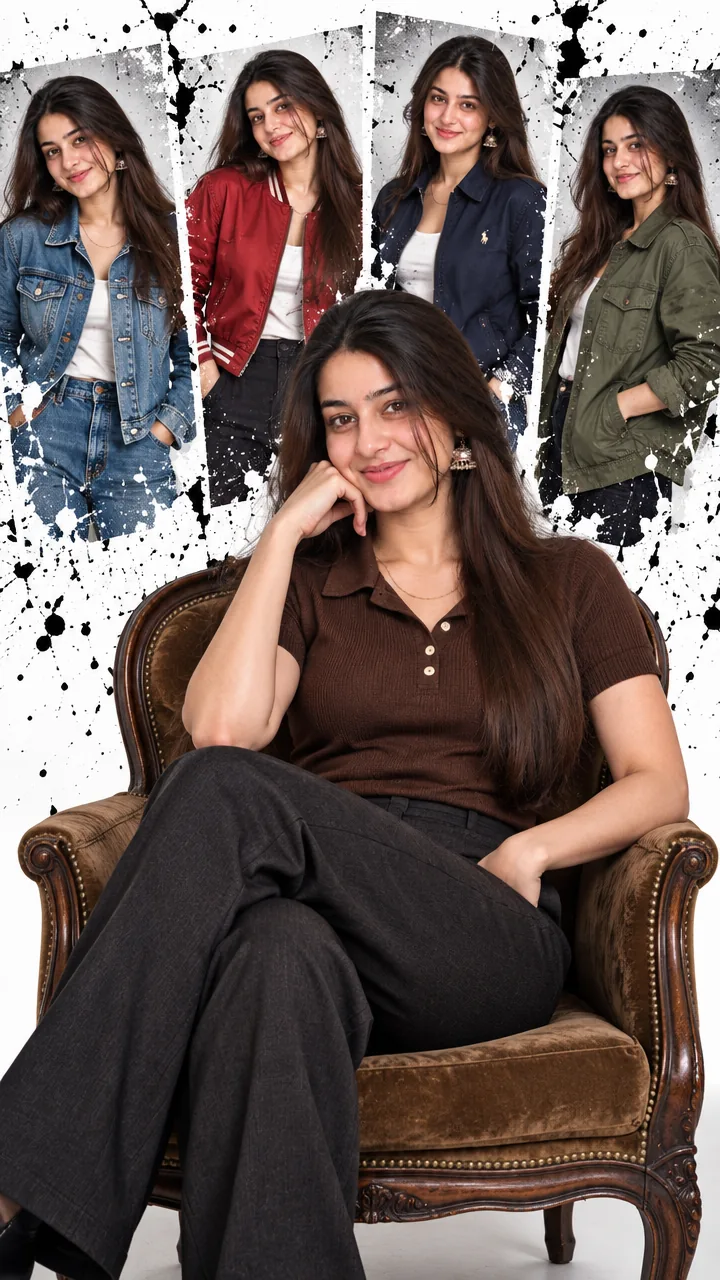
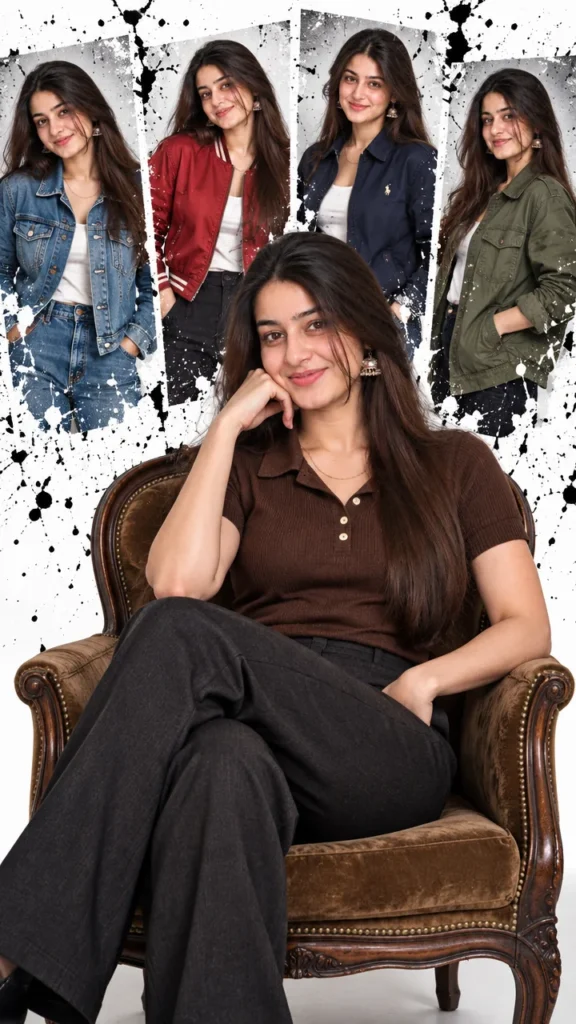
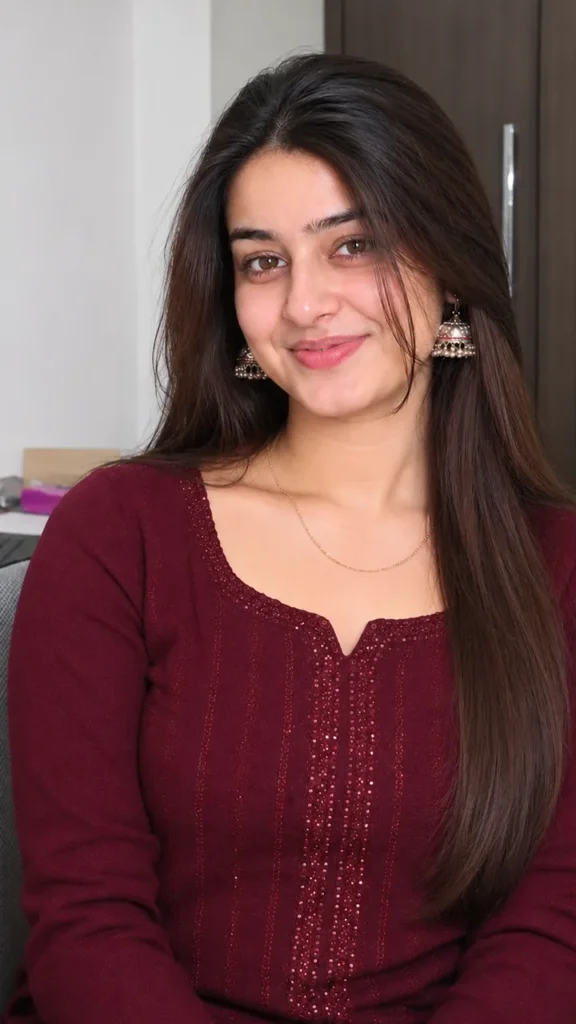
This Editorial fashion photo prompt for girls turns one normal selfie into a high-fashion studio portrait – you sit in a vintage armchair while a splatter-style collage of your own jacket looks fills the wall behind you. Copy the prompt, upload your photo in Gemini or ChatGPT and get a magazine-cover look in seconds.
The prompt
3 more editorial studio looks
Same clean studio, same fashion-shoot feel – just a different pose. Upload the same photo for each.
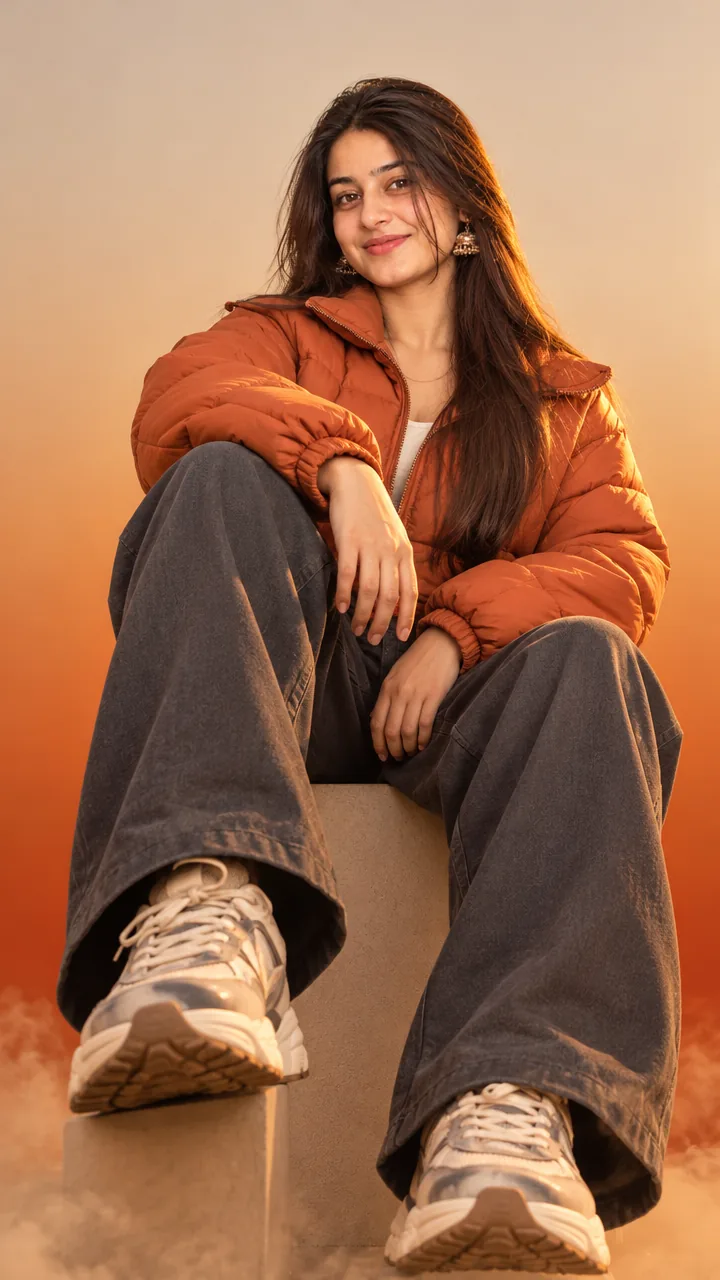
Editorial Standing Pose Prompt
Editorial Jacket Over Shoulder Prompt
Editorial Close-Up Portrait Prompt
Editorial fashion DP, post and story versions
Need it for a profile picture, an Instagram post or a story? Use the version made for that size.
Editorial fashion DP prompt
Editorial Fashion Instagram Post Prompt
Editorial Fashion Instagram Story Prompt
Fashion captions for your post
Your photo is ready – now pick a caption. Tap Copy and paste it on Instagram.
- Main character energy, studio edition 📸
- Outfit change? Anytime 😌
- Simple polo, serious vibes 🤎
- My style, my rules ✨
- Camera ready, always 💁♀️
- Editorial mood on, distractions off 🖤
- A little fashion, a little attitude 😎
- Sitting down, but the vibe deserves a standing ovation 👏
- Five jackets, one queen 👑
- Magazine cover? Coming soon 📰
- #EditorialLook #FashionShoot #StudioPortrait #AIPhoto #GeminiAI #ChatGPT #OOTD #FashionGirl #PhotoPrompt
Turn your photo into a fashion reel
Made your photo? Bring it to life as a short reel. Upload the photo you just made in Gemini, tap Video, paste this prompt and send.
How to use this editorial fashion photo prompt for girls in Gemini
- Open the Gemini app or gemini.google.com.
- Tap Copy prompt above.
- Tap + and upload one clear, front-facing photo of yourself.
- Paste the prompt and send. Your photo is ready in about 10–20 seconds.
- Not happy? Tap regenerate or change one detail in the prompt and try again.
How to use it in ChatGPT
- Open ChatGPT and start a new chat.
- Attach your photo with the + button.
- Paste the prompt, send it and wait for the image.
- Tap the download icon to save it.
Tips for the best editorial photo
- Use a sharp photo where your full face is visible – no sunglasses, mask or heavy filter.
- For an Instagram post write vertical 3:4; for a story or reel cover write vertical 9:16.
- Want a different colour story? Swap the jacket colours in the prompt – for example black, beige, white and camel.
- Ask for “full-body” at the start of the prompt if your feet get cut off.
FAQ
Is this editorial fashion photo prompt for girls free?
Yes, the prompt is free. Gemini and ChatGPT both make images on their free plans, with a small daily limit.
Should I use Gemini or ChatGPT?
Both work. Gemini is quicker and usually keeps your face closer to the photo; ChatGPT takes longer but the light and detail can look richer. Run it in both and pick your favourite.
My face looks different in the result. What should I do?
Upload a clear, front-facing photo in good light without sunglasses or filters, and add "keep my face exactly the same as the uploaded photo" at the start of the prompt. Then generate again.
Can I make a video from this photo?
Yes. First make your photo with the prompt, then upload that photo in Gemini, choose Video and paste the video prompt from this page. Free plans have a small daily video limit.
More prompts like this
- Yellow Armchair Kids Photo Prompt – Sunny Studio Portrait for Little Girls in Gemini & ChatGPT
- 80s Floral Dress Photo Prompt for Girls – Vintage Indian Fashion Shoot in Gemini & ChatGPT
- Navy Gown Editorial Photo Prompt – Midnight Poise Studio Portrait in Gemini & ChatGPT
- All AI photo prompts for girls