Girls · AI photo prompt
Yellow Armchair Kids Photo Prompt – Sunny Studio Portrait for Little Girls in Gemini & ChatGPT
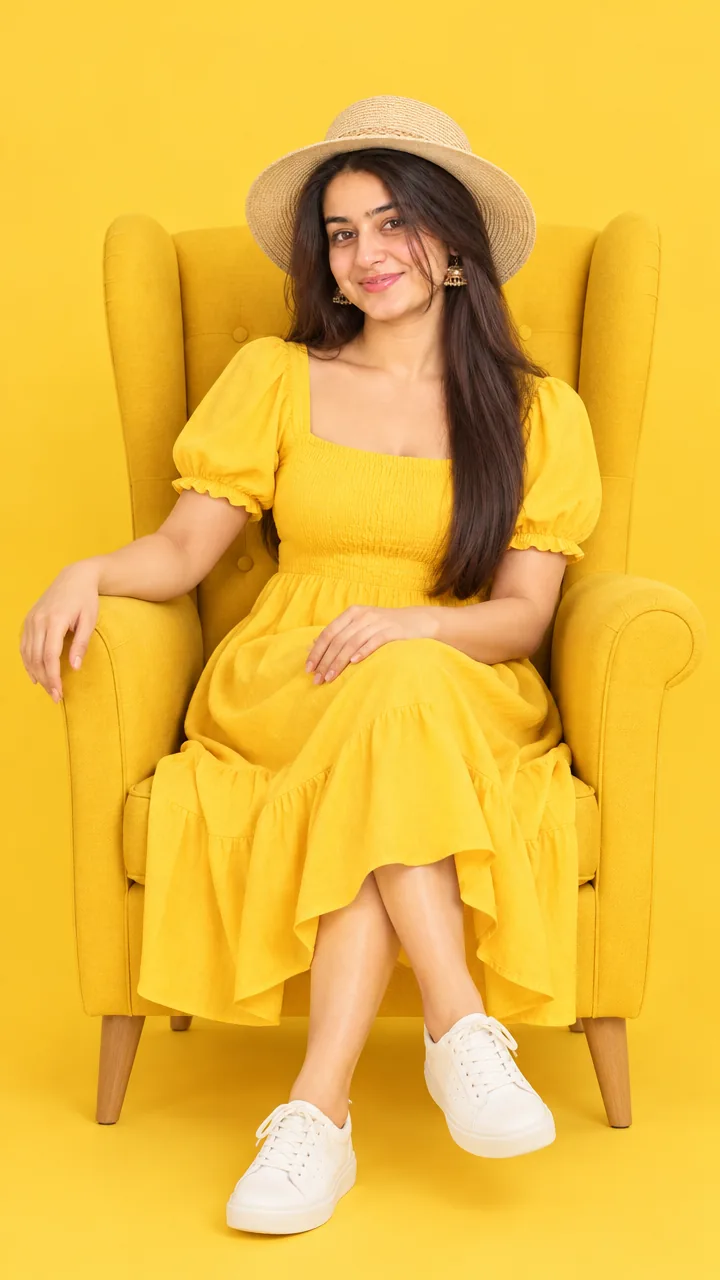
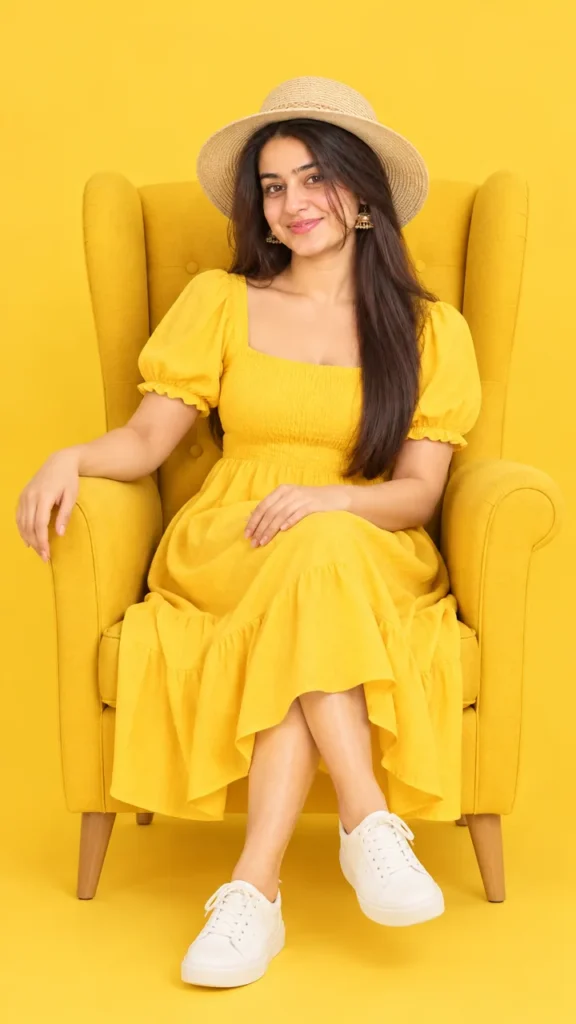
This Yellow armchair kids photo prompt turns a photo of your little one into a happy one-colour studio portrait – sunflower-yellow wall, floor and armchair, a matching yellow dress, white shoes and a beige hat. Copy the prompt, upload a clear photo of your child in Gemini or ChatGPT and get a joyful photo in seconds.
The prompt
3 more sunny kids portraits
Same happy yellow studio – a new playful moment each time.
Kids Yellow Balloon Prompt
Kids Sunflower Bouquet Prompt
Kids Peekaboo Hat Prompt
Kids yellow DP prompt
A square close-up made for your WhatsApp or Instagram profile picture.
Cute captions for kids photos
Your photo is ready – now pick a caption. Tap Copy and paste it on Instagram.
- Our little ray of sunshine ☀️
- The light of our home, our little doll 💛
- Sunny smiles only 🌻
- Tiny angel, big attitude 👑
- Happiness looks like this 💛
- Yellow is her colour, joy is her nature 🌼
- Mummy's whole world 💕
- Tiny human, big personality ✨
- Sunflower baby 🌻
- Keep smiling forever 😊
- #KidsPhotoshoot #LittlePrincess #SunshineBaby #KidsPortrait #AIPhoto #GeminiAI #ChatGPT #CuteKids #PhotoPrompt
Turn the photo into a cute reel
Made your photo? Bring it to life as a short reel. Upload the photo you just made in Gemini, tap Video, paste this prompt and send.
How to use this yellow armchair kids photo prompt in Gemini
- Open the Gemini app or gemini.google.com.
- Tap Copy prompt above.
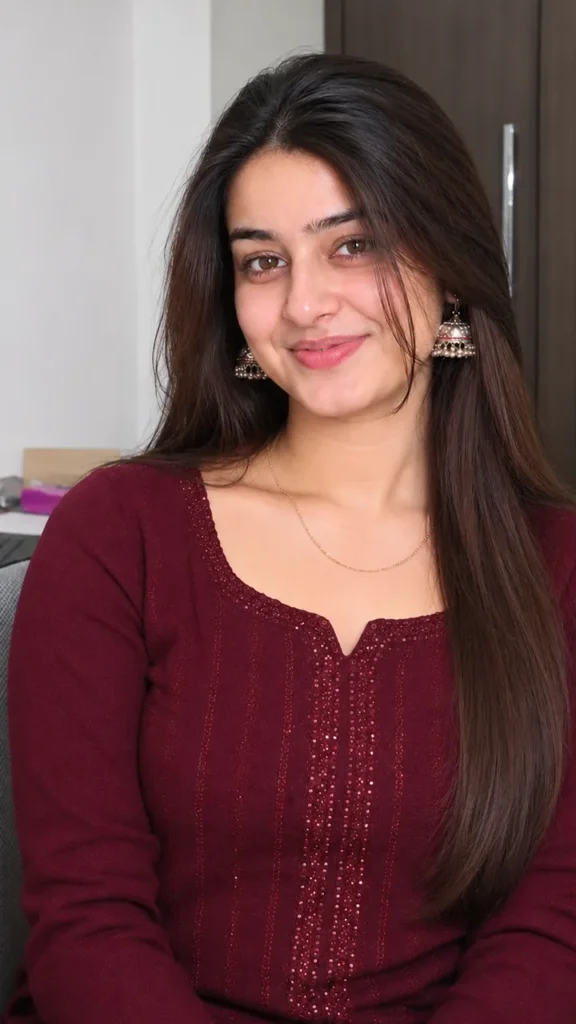
- Tap + and upload one clear, front-facing photo of yourself.
- Paste the prompt and tap send – the picture comes back in a few seconds.
- If something looks off, ask Gemini to fix just that part, for example "keep my face the same, make the light warmer".
How to use it in ChatGPT
- Open ChatGPT (the free plan works) and start a new chat.
- Tap + and add your photo.
- Paste the prompt and send – image generation takes up to a minute.
- Long-press or tap download to save the picture.
Tips for the best kids portrait
- Pick a selfie in daylight with your face straight to the camera; side angles change the face more.
- For an Instagram post write vertical 3:4; for a story or reel cover write vertical 9:16.
- Use a recent, sharp photo of your child looking at the camera – kids’ faces change quickly in AI if the photo is blurry.
- Try other happy colours: baby pink, mint green or sky blue.
FAQ
Is this yellow armchair kids photo prompt free?
Yes. Copy it for free and use it in the free version of Gemini or ChatGPT. Free accounts may have a daily image limit.
Should I use Gemini or ChatGPT?
Both work. Gemini is quicker and usually keeps your face closer to the photo; ChatGPT takes longer but the light and detail can look richer. Run it in both and pick your favourite.
Why does the face not look like me?
Usually the photo is too small, dark or taken from the side. Use a sharp, front-facing selfie and write "do not change my face" at the start of the prompt, then try again.
Can I make a video from this photo?
Yes. First make your photo with the prompt, then upload that photo in Gemini, choose Video and paste the video prompt from this page. Free plans have a small daily video limit.