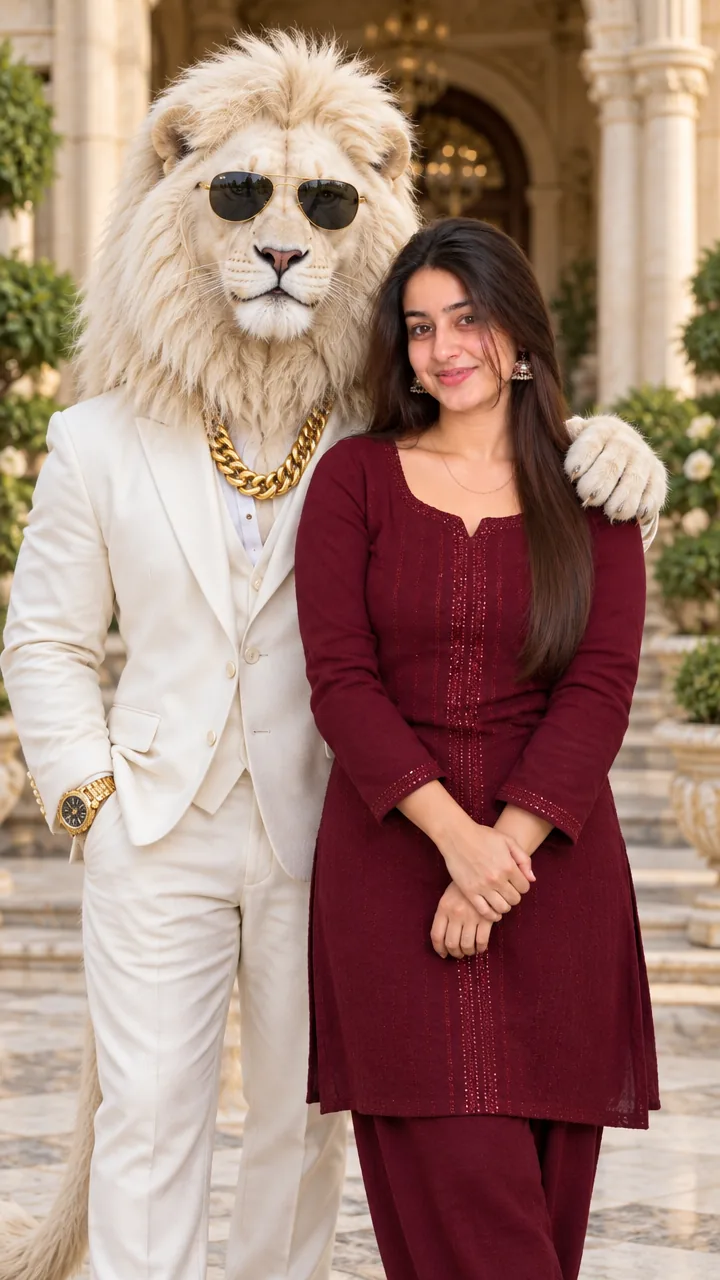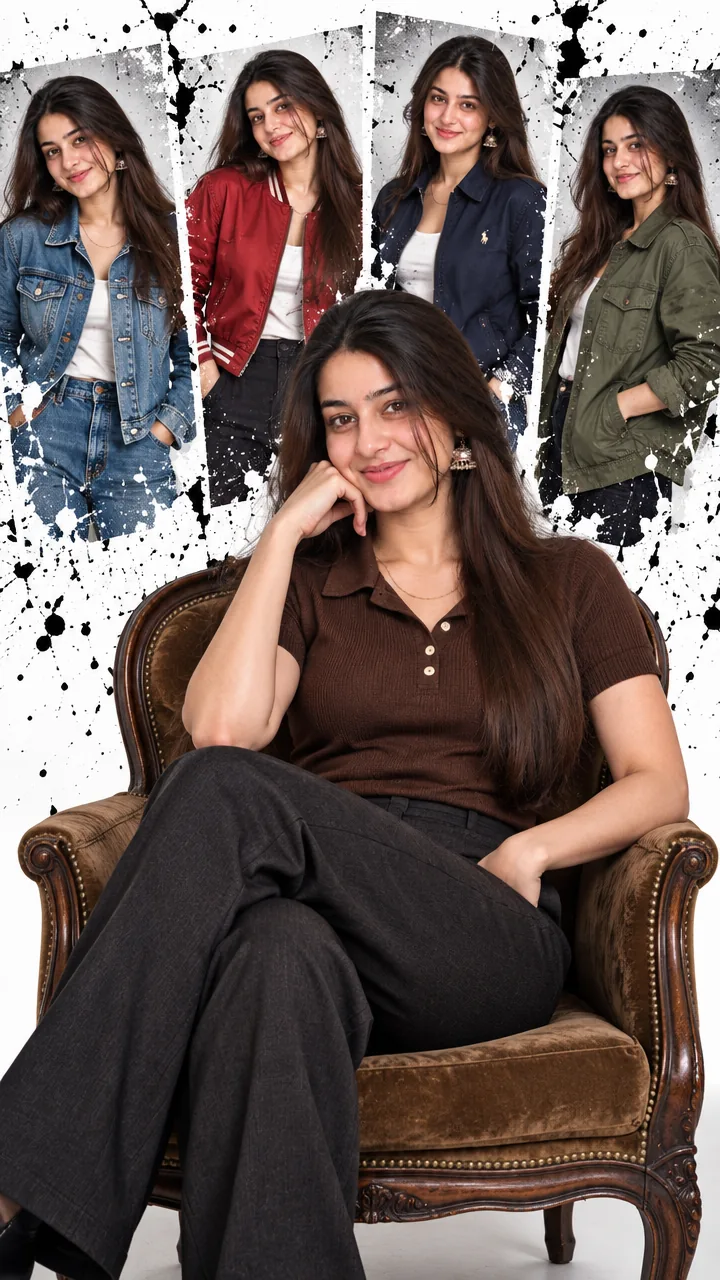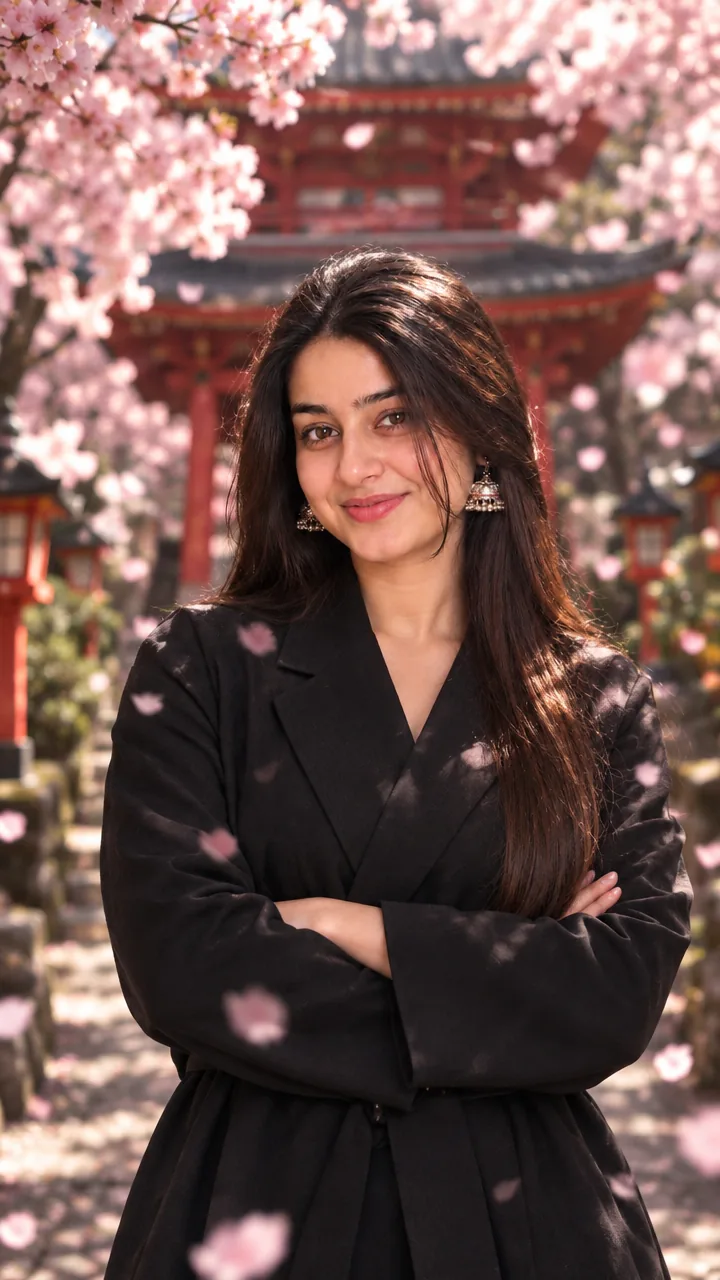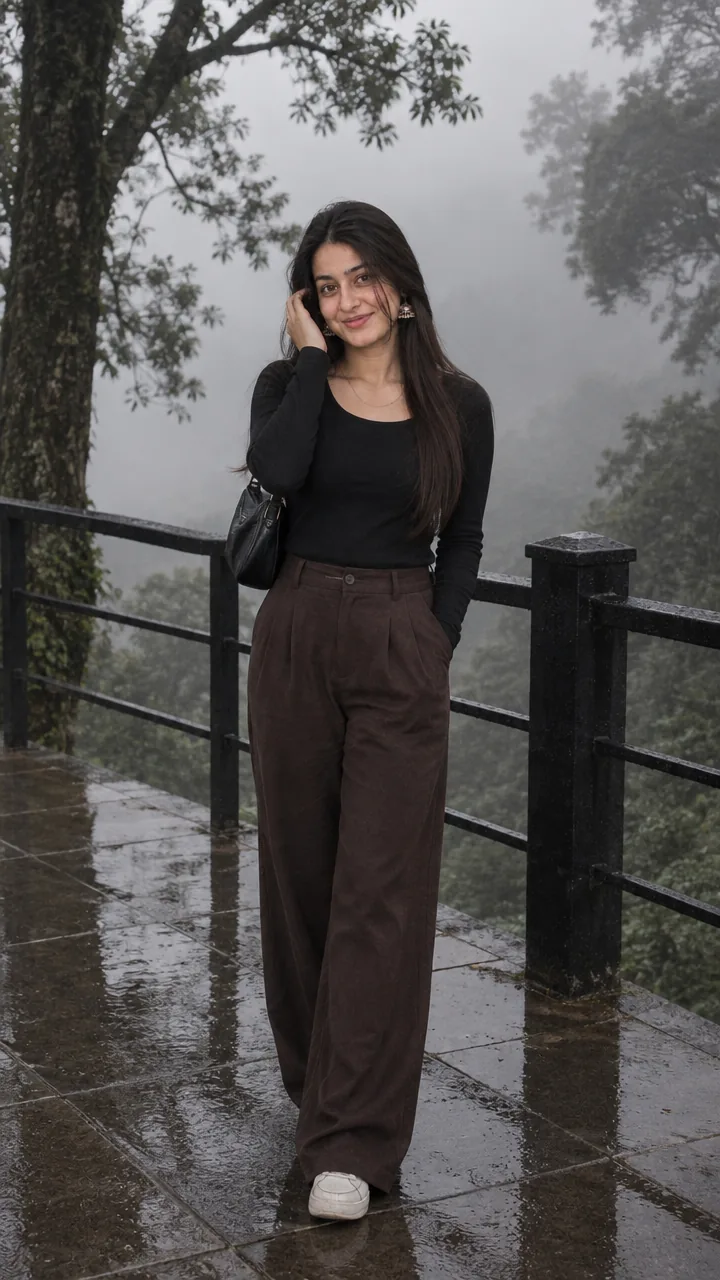
Girls · AI photo prompt
Traditional Raksha Bandhan Photo Prompt – Royal Saree, Silk Kurta and Diya Glow
This Traditional raksha bandhan photo prompt dresses you both in rich festive wear: the sister in an embroidered saree or lehenga with gold jewellery, the brother in a silk kurta with a Nehru jacket. She ties an ornate rakhi on his wrist in a decorated traditional home with marigold torans, brass lamps and a carved wooden door, all lit by warm diya glow. Upload both photos in Gemini or ChatGPT and paste the prompt.
The prompt
3 more traditional rakhi looks
Same royal feel – a new outfit each time.
Rajasthani Haveli Rakhi Prompt
South Indian Rakhi Prompt
Bengali Style Rakhi Prompt
Traditional rakhi DP prompt
A square close-up made for your WhatsApp or Instagram profile picture.
Traditional rakhi captions
Your photo is ready – now pick a caption. Tap Copy and paste it on Instagram.
- Values, silk and rakhi 🪔
- Traditional look, timeless bond ✨
- Raksha Bandhan, royal edition 👑
- Diyas glowing, hearts happy 💛
- One bond, a hundred traditions 🪢
- Dressed for the festival, here for the love 🌼
- Sister's rakhi, brother's promise 🤝
- Tradition looks good on us 💫
- Happy Raksha Bandhan 🎉
- An old bond, a new love 💞
- #RakshaBandhan #TraditionalLook #Rakhi #BhaiBehen #AIPhoto #GeminiAI #ChatGPT #PhotoPrompt #IndianFestival
Turn your photo into a festive reel
Made your photo? Bring it to life as a short reel. Upload the photo you just made in Gemini, tap Video, paste this prompt and send.
How to use this traditional raksha bandhan photo prompt in Gemini
- Go to gemini.google.com or open the Gemini app on your phone.
- Tap Copy prompt above.
- Tap + and upload one clear, front-facing photo of yourself.
- Paste the prompt and tap send – the picture comes back in a few seconds.
- If something looks off, ask Gemini to fix just that part, for example "keep my face the same, make the light warmer".
How to use it in ChatGPT
- Open ChatGPT and start a new chat.
- Attach your photo with the + button.
- Paste the prompt, send it and wait for the image.
- Tap the download icon to save it.
Tips for the best traditional rakhi photo
- Pick a selfie in daylight with your face straight to the camera; side angles change the face more.
- Change the size at the end of the prompt: 1:1 for a DP, 3:4 for a post, 9:16 for a story.
- Upload one clear photo of each sibling so both faces stay true.
- Pick saree or lehenga in the prompt – keeping both can make the outfit look mixed.
FAQ
Is this traditional raksha bandhan photo prompt free?
Yes. Copy it for free and use it in the free version of Gemini or ChatGPT. Free accounts may have a daily image limit.
Which is better for this prompt – Gemini or ChatGPT?
Gemini keeps the face closer to your photo and is faster. ChatGPT often gives softer, more cinematic light. Try both and keep the one you like.
Why does the face not look like me?
Usually the photo is too small, dark or taken from the side. Use a sharp, front-facing selfie and write "do not change my face" at the start of the prompt, then try again.
Can I make a video from this photo?
Yes. First make your photo with the prompt, then upload that photo in Gemini, choose Video and paste the video prompt from this page. Free plans have a small daily video limit.