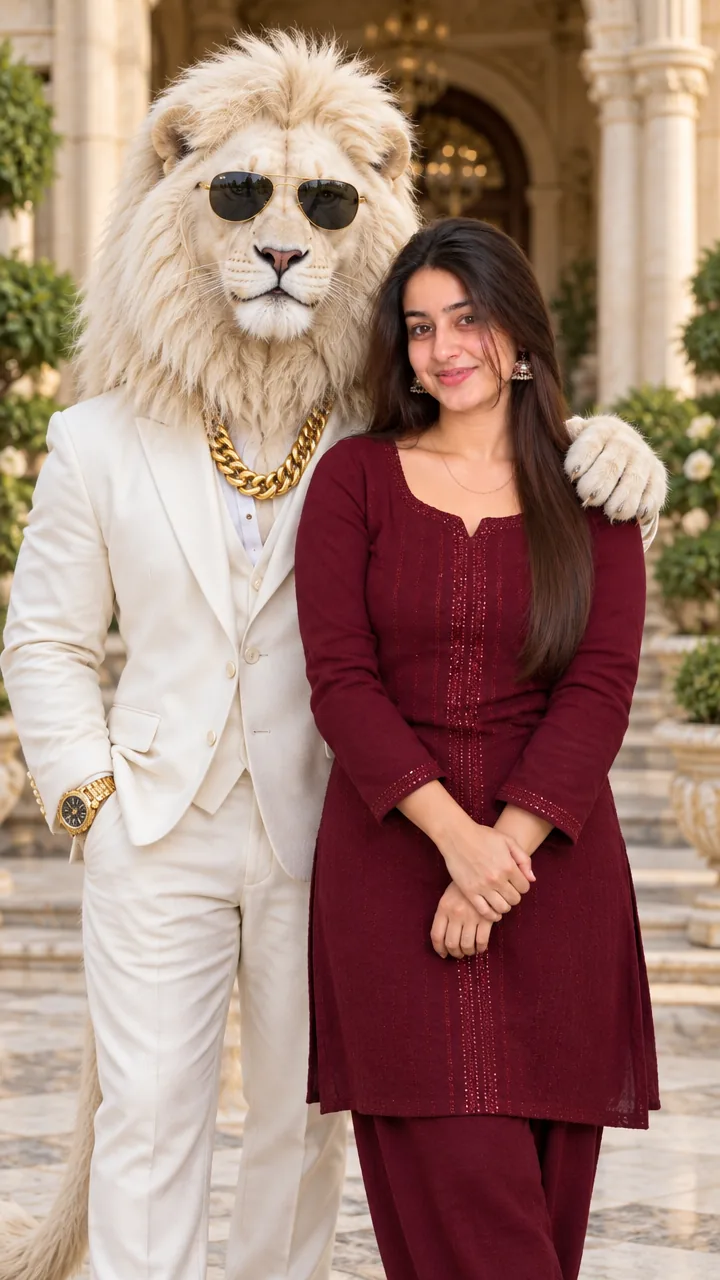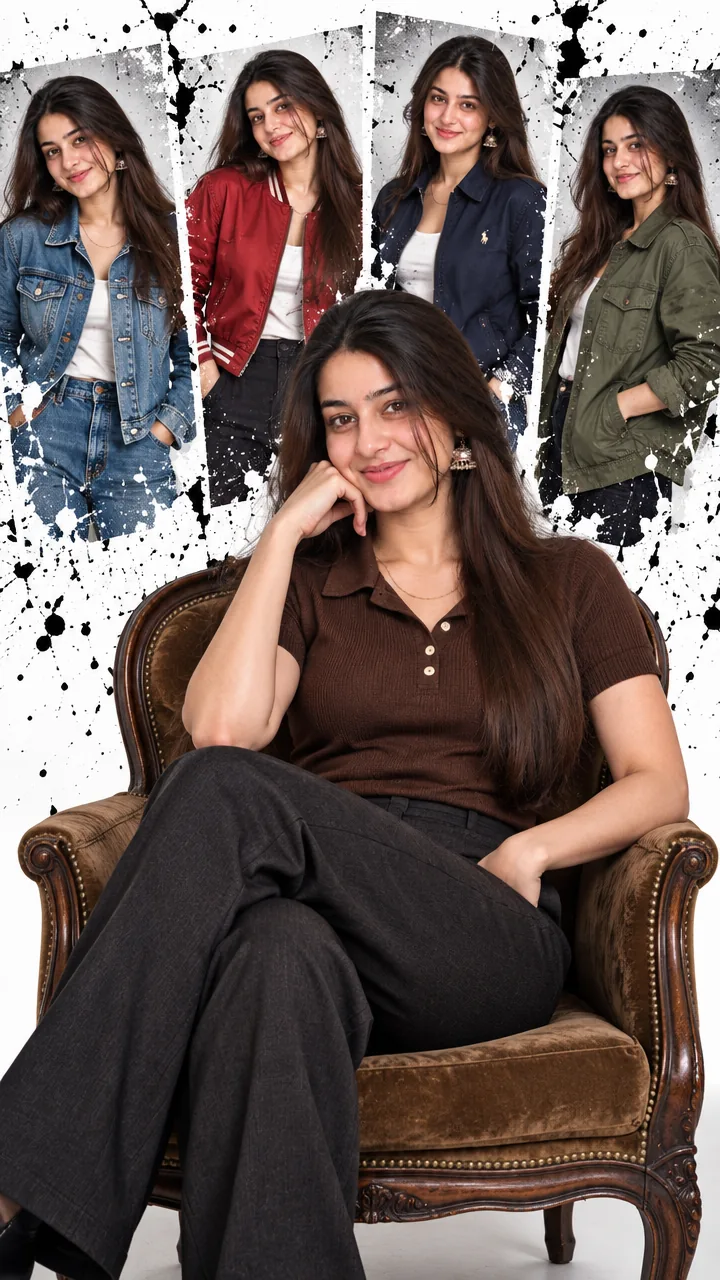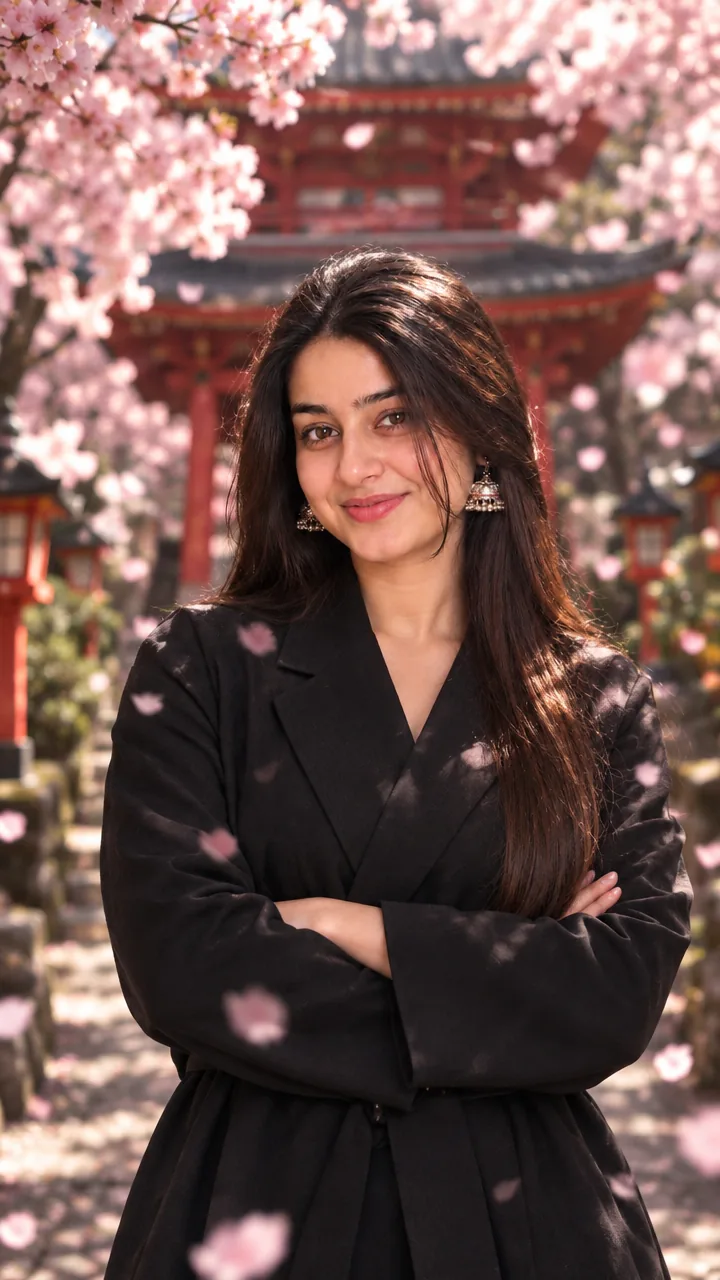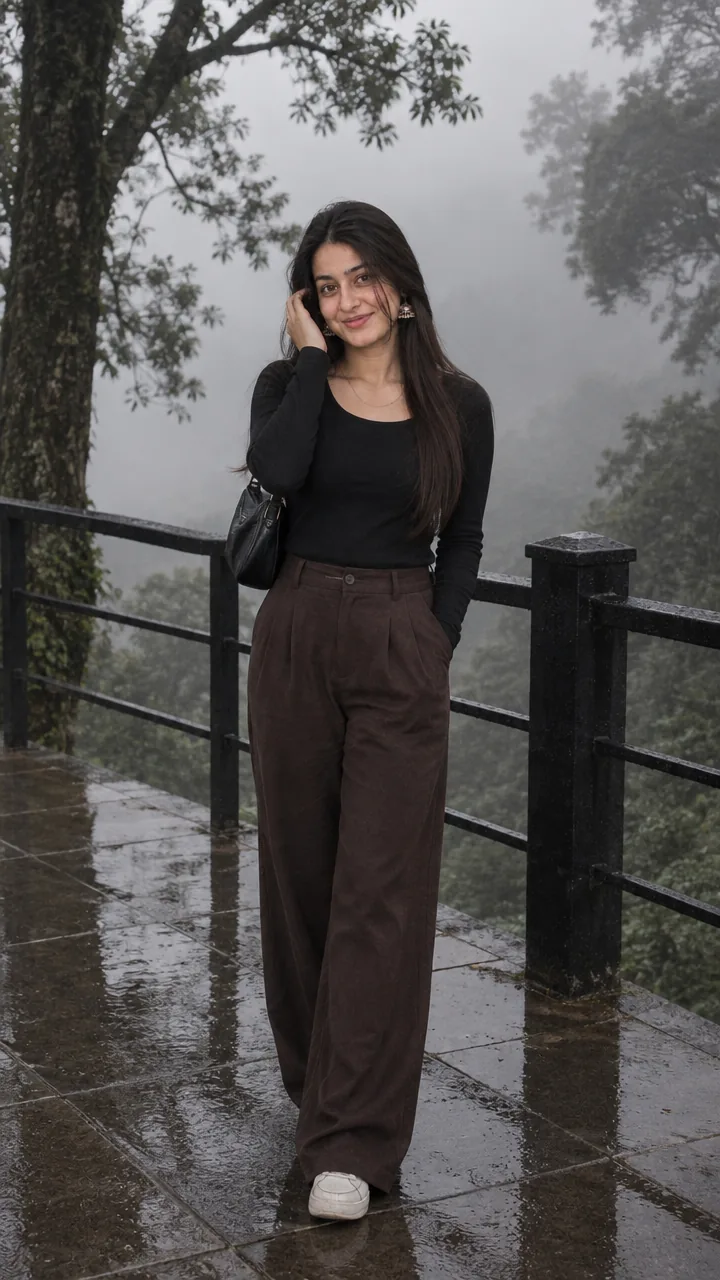
Girls · AI photo prompt
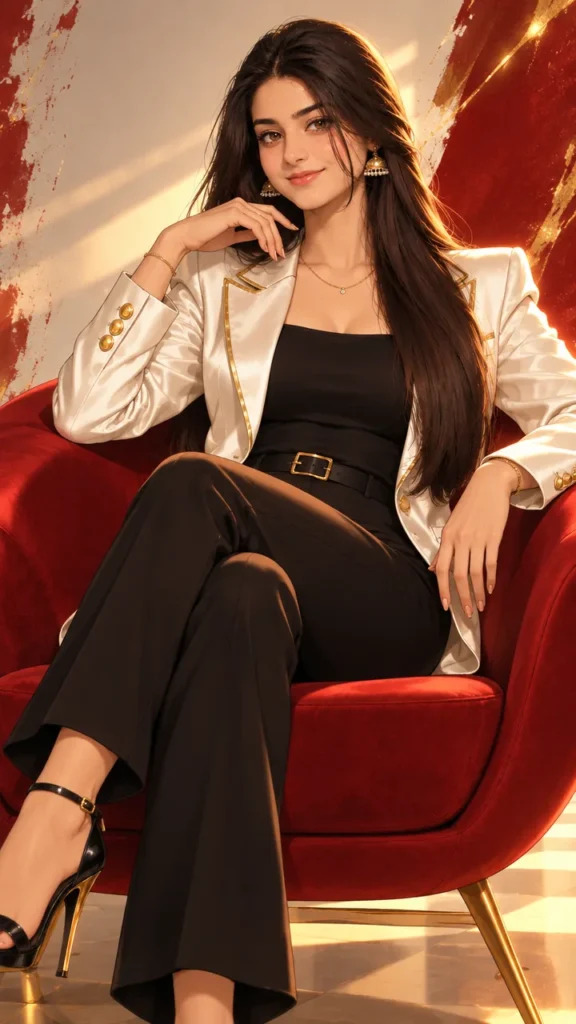
Red Chair Anime Portrait Prompt – Scarlet Confidence Luxury Still in Gemini & ChatGPT
This Red chair anime portrait prompt turns your photo into a luxury anime film still – sitting gracefully on a modern red chair in a white satin blazer with gold accents over a black fitted outfit, stylish heels and subtle jewellery, warm directional light and a minimal red-and-white background with gold light streaks. Copy the prompt, upload your photo in Gemini or ChatGPT and get an elegant anime portrait in seconds.
The prompt
3 more luxury anime stills
Same luxury anime style – a new scene each time.
Anime Office Boss Prompt
Anime Red Carpet Prompt
Anime Cafe Elegance Prompt
Luxury anime DP prompt
A square close-up made for your WhatsApp or Instagram profile picture.
Anime elegance captions
Your photo is ready – now pick a caption. Tap Copy and paste it on Instagram.
- Scarlet confidence ❤️
- Anime heroine, real attitude 💁♀️
- Red chair, gold dreams 💛
- Luxury anime mood ✨
- Poise is power 👑
- I'm the lead character 🎬
- Satin and strength 🤍
- Elegance in every frame 🎞️
- Queen of anime 🌸
- Modern allure 💫
- #AnimeStyle #LuxuryAnime #AnimeGirl #ElegantLook #AIPhoto #GeminiAI #ChatGPT #AnimeEdit #PhotoPrompt
Turn your anime into a reel
Made your photo? Bring it to life as a short reel. Upload the photo you just made in Gemini, tap Video, paste this prompt and send.
How to use this red chair anime portrait prompt in Gemini
- Go to gemini.google.com or open the Gemini app on your phone.
- Tap Copy prompt above.
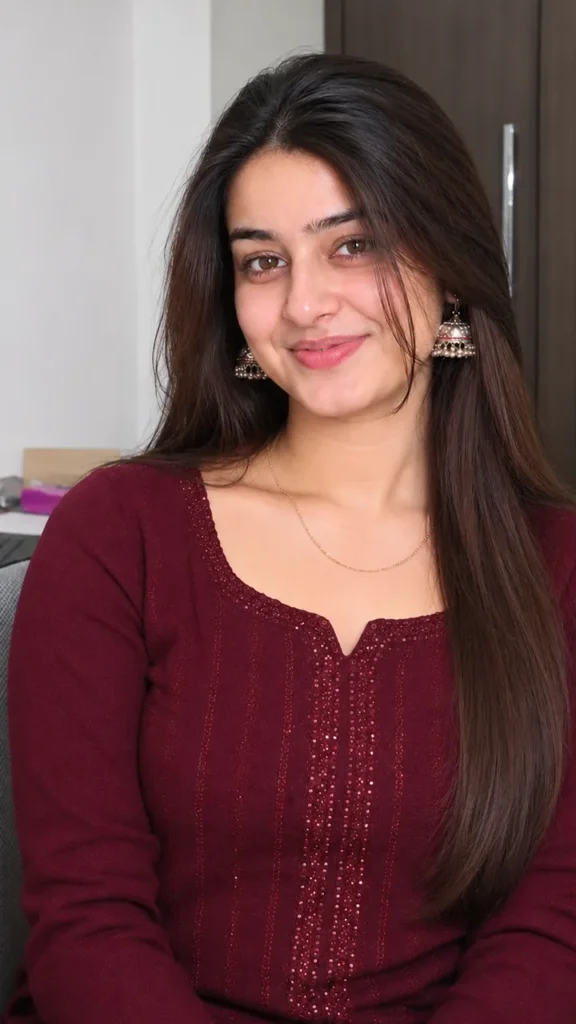
- Tap + and upload one clear, front-facing photo of yourself.
- Paste the prompt and send. Your photo is ready in about 10–20 seconds.
- Not happy? Tap regenerate or change one detail in the prompt and try again.
How to use it in ChatGPT
- Open ChatGPT and start a new chat.
- Attach your photo with the + button.
- Paste the prompt, send it and wait for the image.
- Tap the download icon to save it.
Tips for the best anime still
- Pick a selfie in daylight with your face straight to the camera; side angles change the face more.
- Change the size at the end of the prompt: 1:1 for a DP, 3:4 for a post, 9:16 for a story.
- Remove “anime style” for a real photo version.
- A full-body seated photo helps the pose.
FAQ
Is this red chair anime portrait prompt free?
Yes, the prompt is free. Gemini and ChatGPT both make images on their free plans, with a small daily limit.
Which is better for this prompt – Gemini or ChatGPT?
Gemini keeps the face closer to your photo and is faster. ChatGPT often gives softer, more cinematic light. Try both and keep the one you like.
My face looks different in the result. What should I do?
Upload a clear, front-facing photo in good light without sunglasses or filters, and add "keep my face exactly the same as the uploaded photo" at the start of the prompt. Then generate again.
Can I make a video from this photo?
Yes. First make your photo with the prompt, then upload that photo in Gemini, choose Video and paste the video prompt from this page. Free plans have a small daily video limit.