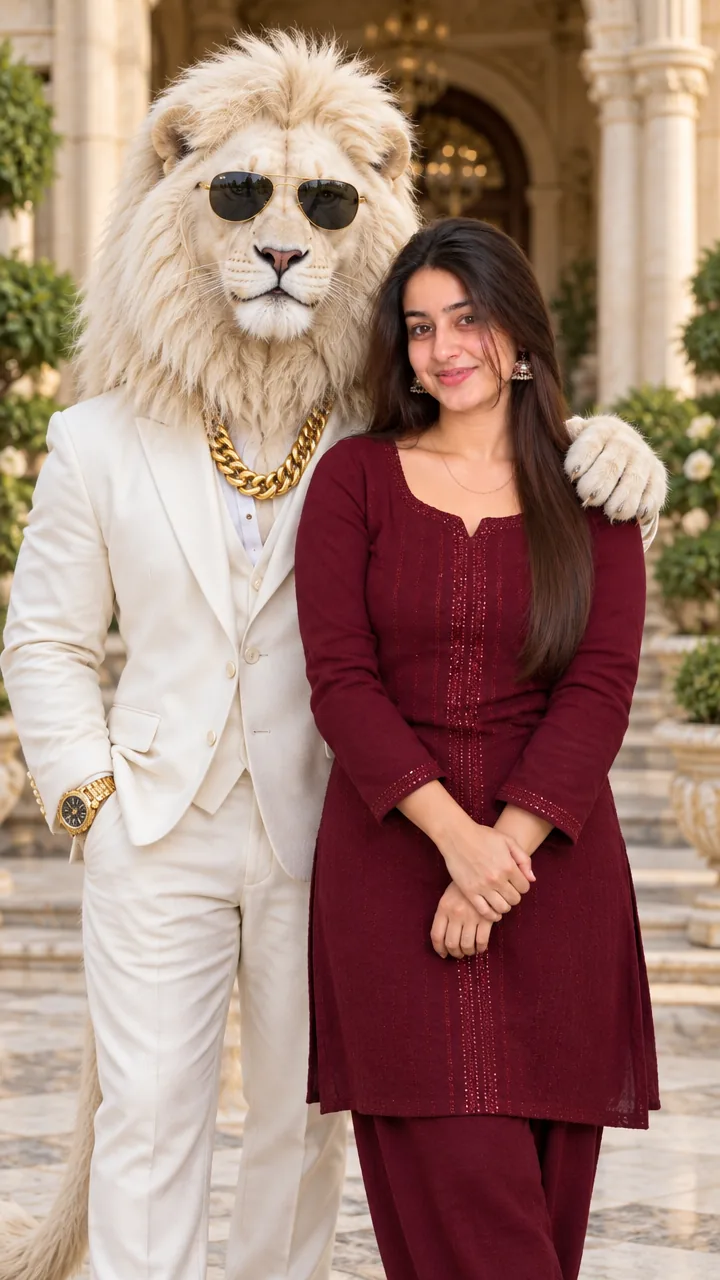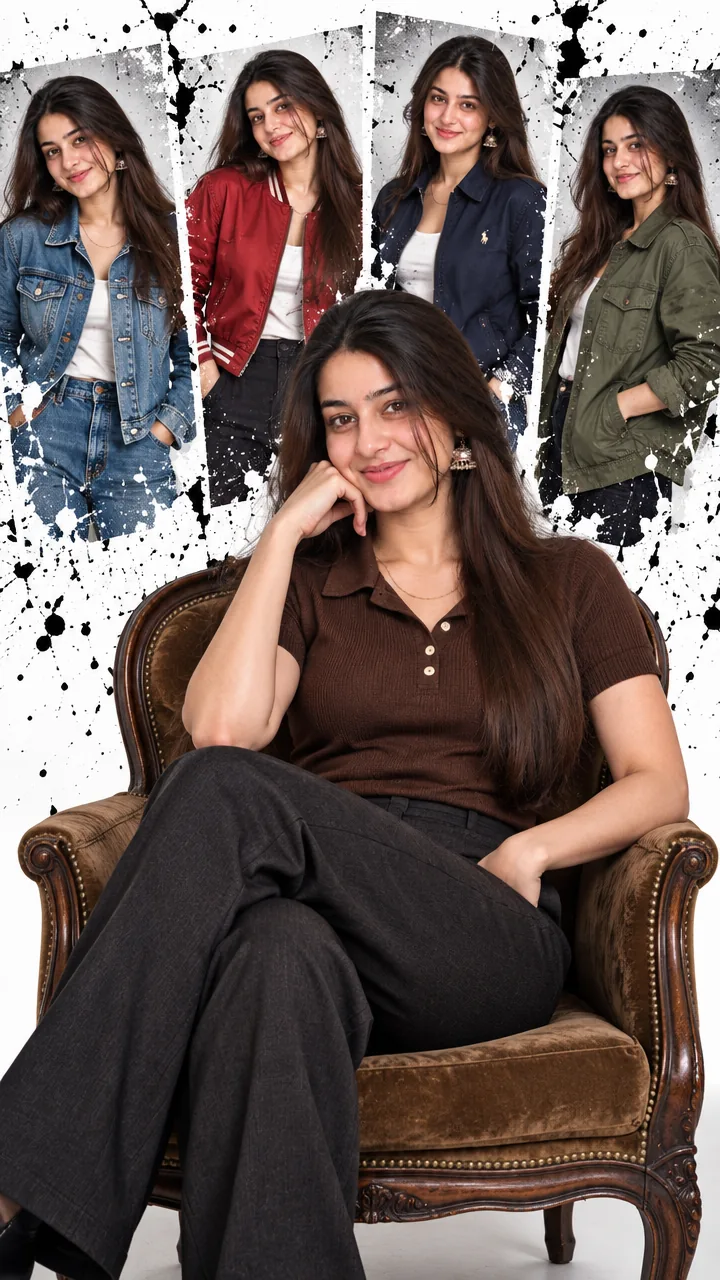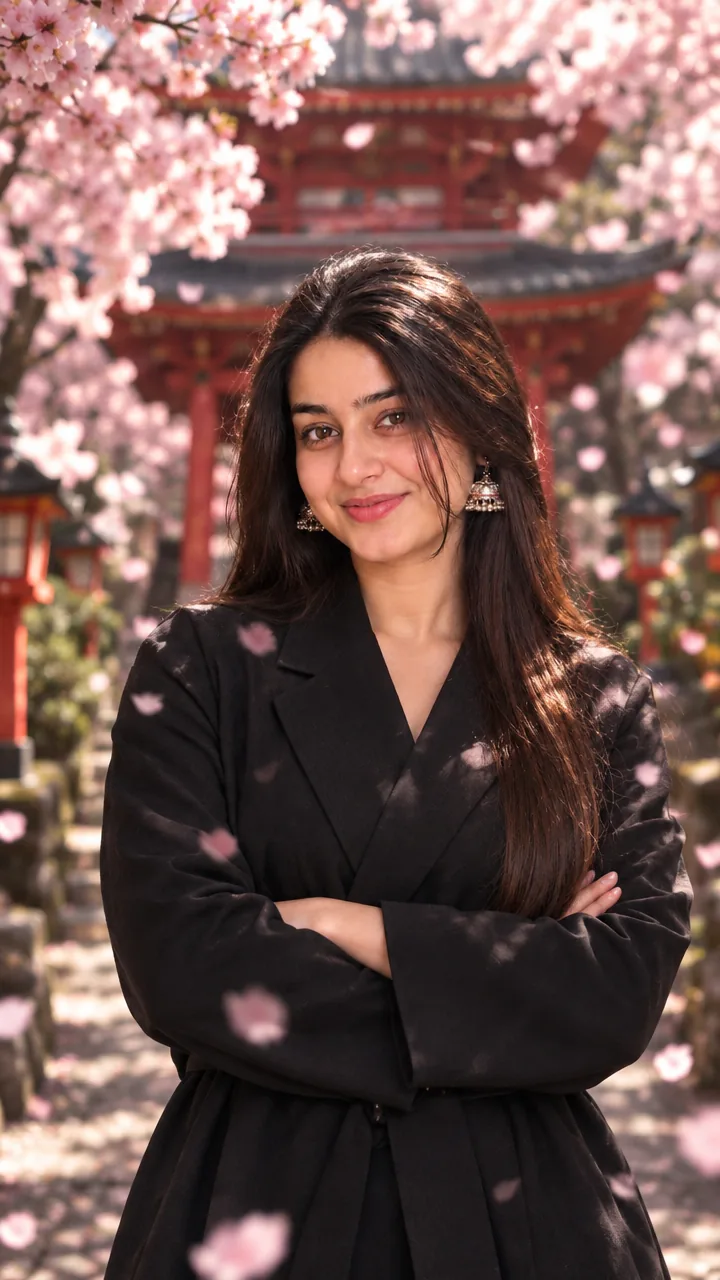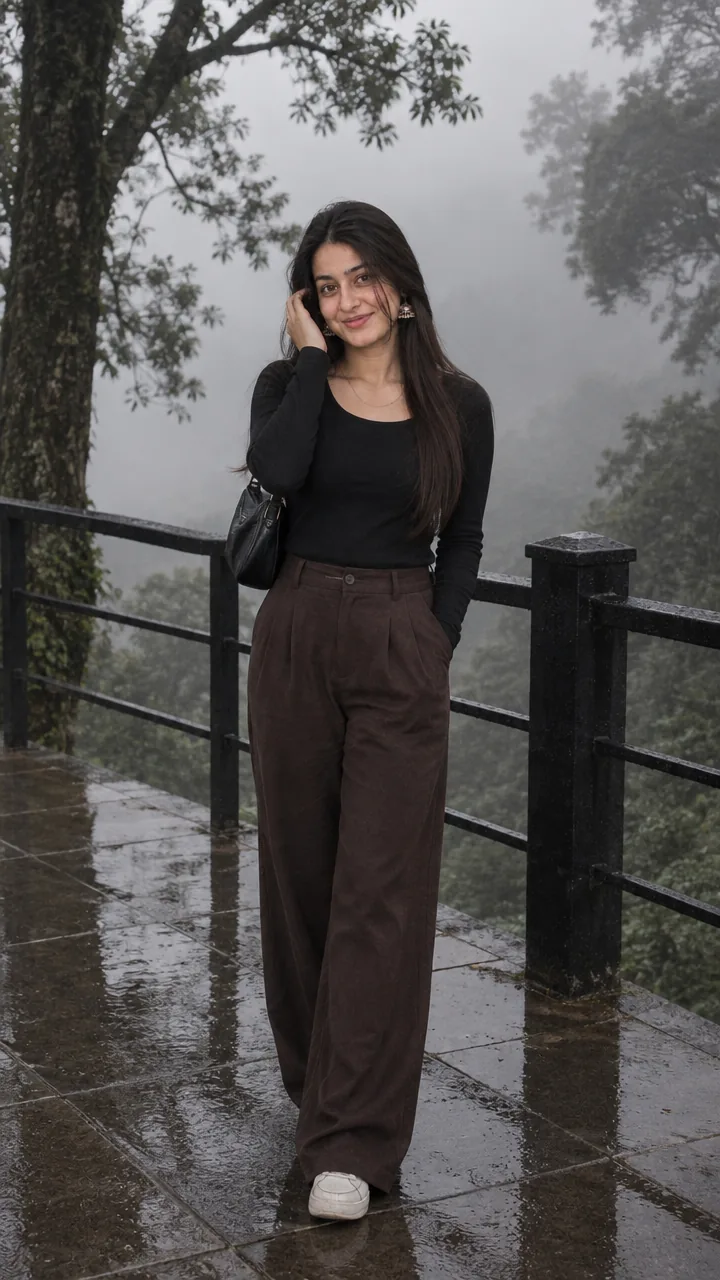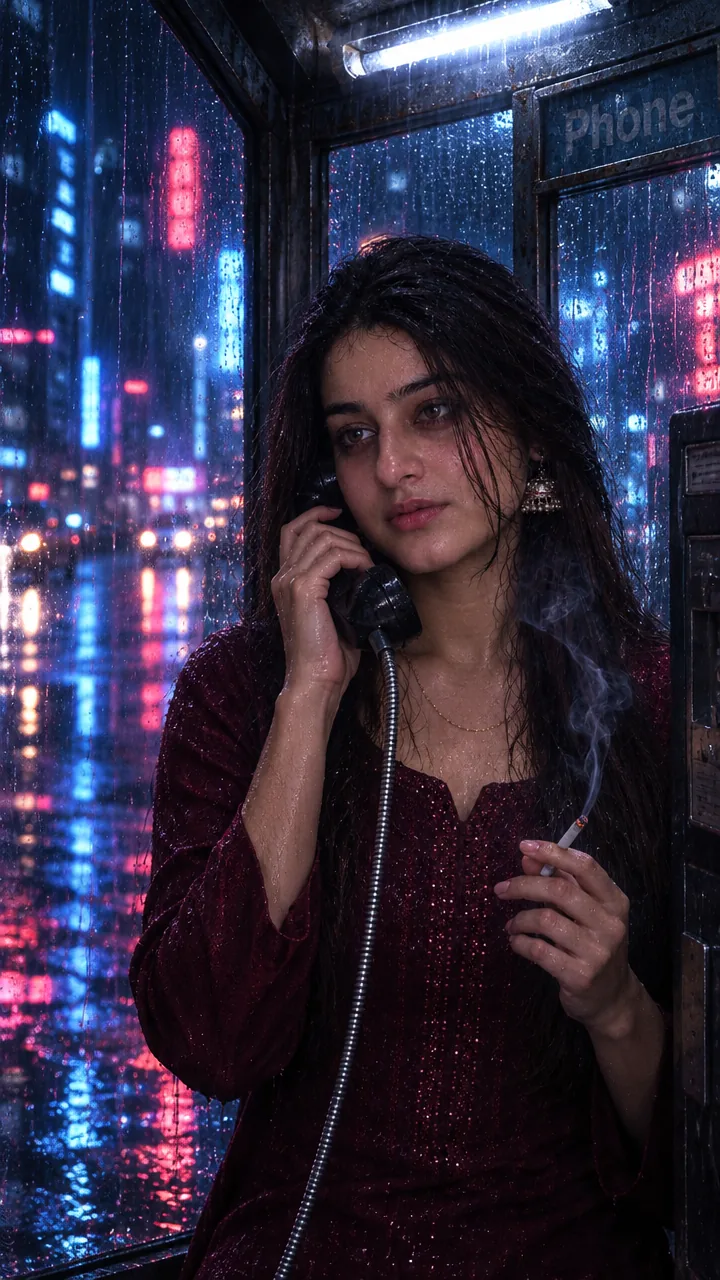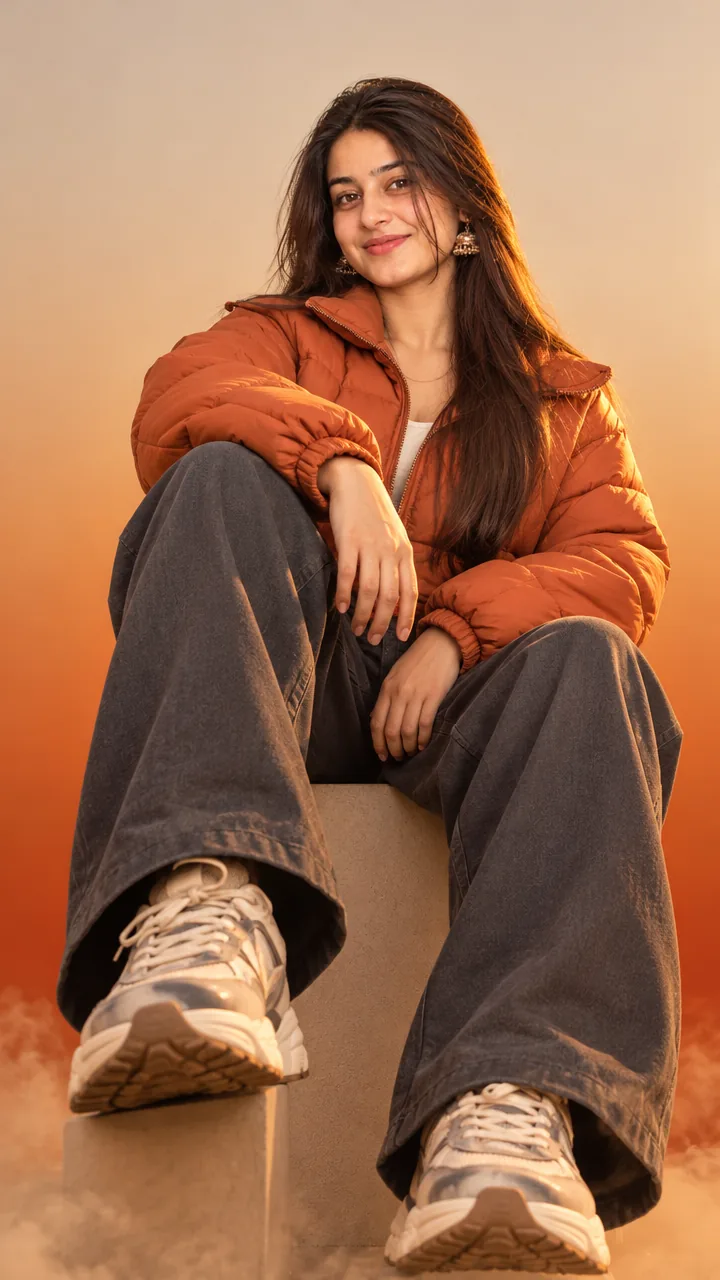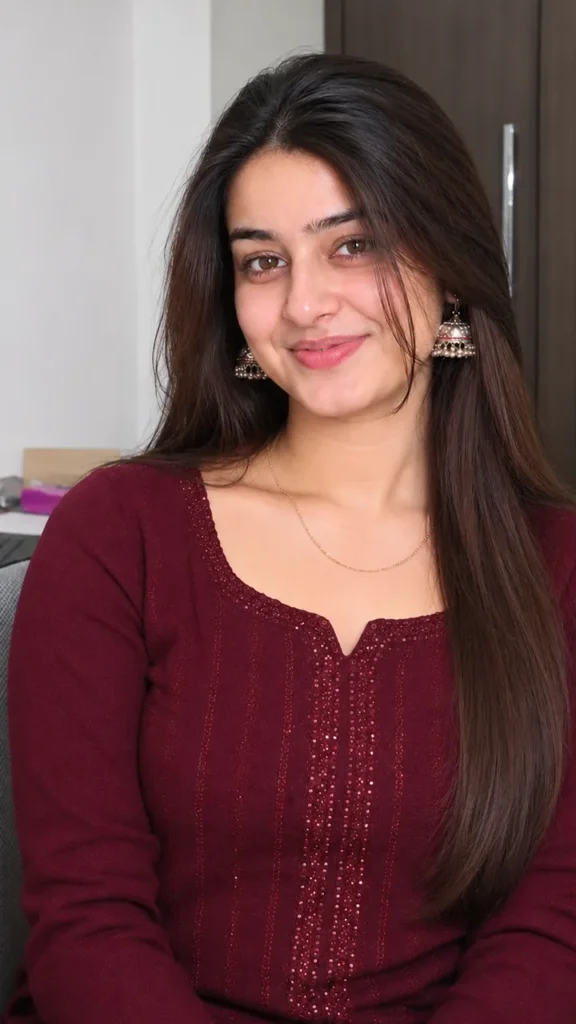
Girls · AI photo prompt
Independence Day Night Relight Prompt – Cinematic Patriotic Glow in Gemini & ChatGPT
This Independence day night relight prompt keeps your photo exactly as it is – same face, outfit, pose and accessories – and only relights it with a deep, cinematic Independence Day night: a dark atmospheric backdrop, faint city silhouettes, tricolour bokeh and floating dust particles. Copy the prompt, upload your photo in Gemini or ChatGPT and get a patriotic edit in seconds.
The prompt
3 more patriotic edits
Same patriotic mood – these versions build a new scene from your selfie.
Tiranga Fireworks Night Prompt
Candle Tribute Prompt
Tricolour Lights Portrait Prompt
Patriotic night DP prompt
A square close-up made for your WhatsApp or Instagram profile picture.
Independence Day captions
Your photo is ready – now pick a caption. Tap Copy and paste it on Instagram.
- Jai Hind 🇮🇳
- Tricolour in the night, tricolour in my heart 🧡🤍💚
- Freedom glows brighter at night ✨
- Proud to be Indian 🇮🇳
- The light of freedom 💡
- Three colours, one passion 🔥
- Vande Mataram 🙏
- My country, my pride 🇮🇳
- Happy Independence Day 🎆
- A photo for my country 📸
- #IndependenceDay #JaiHind #15August #Tiranga #AIPhoto #GeminiAI #ChatGPT #PatrioticEdit #PhotoPrompt
Turn your photo into a patriotic reel
Made your photo? Bring it to life as a short reel. Upload the photo you just made in Gemini, tap Video, paste this prompt and send.
How to use this independence day night relight prompt in Gemini
- Go to gemini.google.com or open the Gemini app on your phone.
- Tap Copy prompt above.
- Tap + and upload one clear, front-facing photo of yourself.
- Paste the prompt and send. Your photo is ready in about 10–20 seconds.
- Not happy? Tap regenerate or change one detail in the prompt and try again.
How to use it in ChatGPT
- Open ChatGPT (the free plan works) and start a new chat.
- Tap + and add your photo.
- Paste the prompt and send – image generation takes up to a minute.
- Long-press or tap download to save the picture.
Tips for the best patriotic edit
- Use a sharp photo where your full face is visible – no sunglasses, mask or heavy filter.
- Change the size at the end of the prompt: 1:1 for a DP, 3:4 for a post, 9:16 for a story.
- This prompt only changes the light – upload the photo you already love.
- For a daytime version, write “sunrise” instead of “night scene”.
FAQ
Is this independence day night relight prompt free?
Yes, the prompt is free. Gemini and ChatGPT both make images on their free plans, with a small daily limit.
Which is better for this prompt – Gemini or ChatGPT?
Gemini keeps the face closer to your photo and is faster. ChatGPT often gives softer, more cinematic light. Try both and keep the one you like.
My face looks different in the result. What should I do?
Upload a clear, front-facing photo in good light without sunglasses or filters, and add "keep my face exactly the same as the uploaded photo" at the start of the prompt. Then generate again.
Can I make a video from this photo?
Yes. First make your photo with the prompt, then upload that photo in Gemini, choose Video and paste the video prompt from this page. Free plans have a small daily video limit.