
Girls · AI photo prompt
ID Card Photo Prompt – Clean Head-On White Background Photo in Gemini & ChatGPT
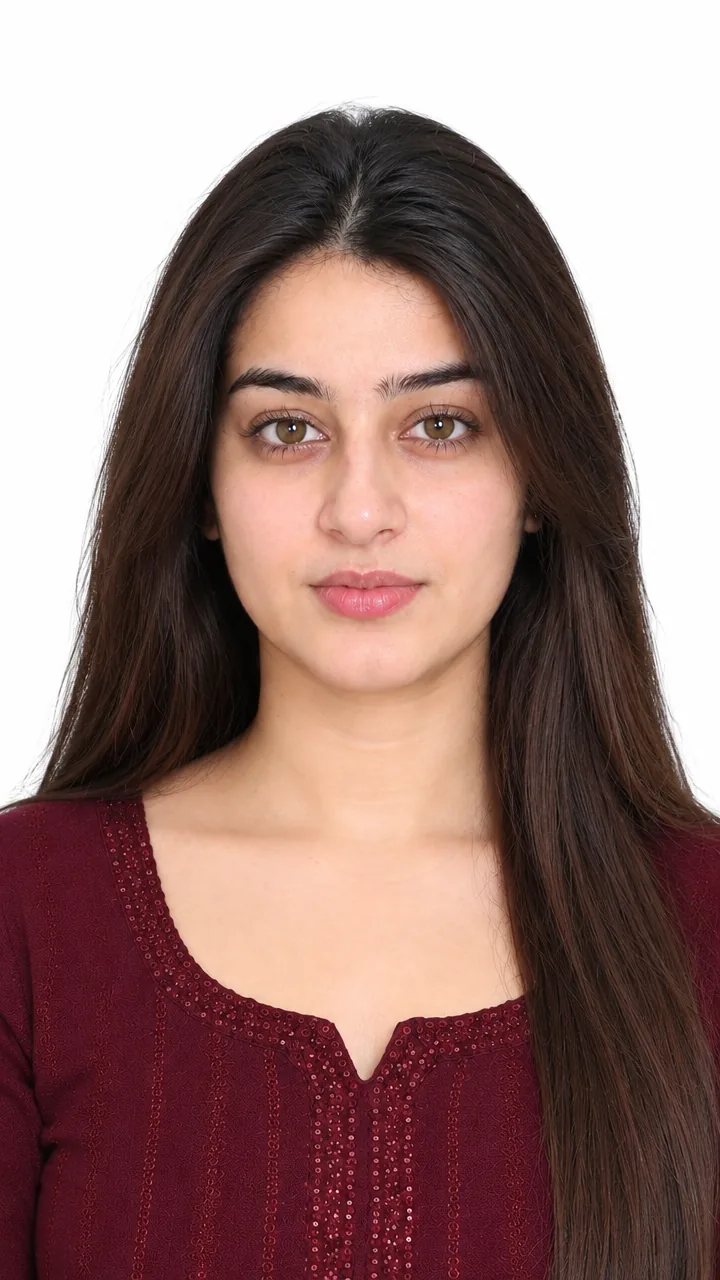
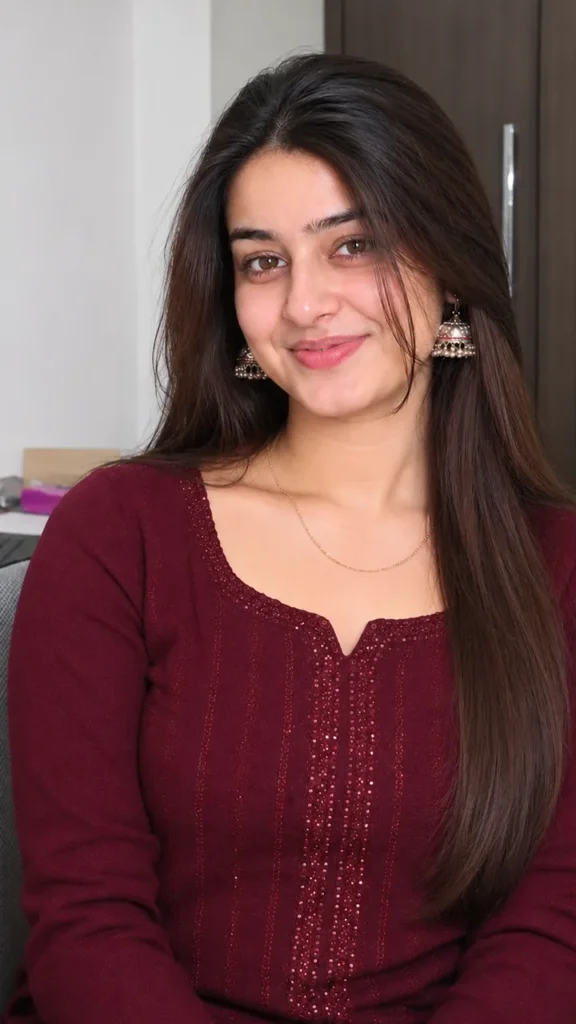
This Id card photo prompt turns a normal selfie into a clean ID-card style photo – head-on, neutral expression, plain white background, even light with no shadows, face fully visible and no glasses or hats. Copy the prompt, upload your photo in Gemini or ChatGPT and get a neat ID-style picture in seconds (always check your office or college photo rules before using it).
The prompt
3 more ID-style photos
Same clean ID look – for different cards.
Office ID Card Prompt
School ID Card Prompt
Gym Membership Photo Prompt
Clean ID style DP prompt
A square close-up made for your WhatsApp or Instagram profile picture.
New photo captions
Your photo is ready – now pick a caption. Tap Copy and paste it on Instagram.
- ID photo ready 🪪
- Government-office seriousness 😐
- Time to fill the form 📄
- Official mode: ON 📋
- No smile, still cute 😌
- New card, new me ✨
- Photo sorted, work sorted ✅
- First time my face looked this serious 😂
- Documents ready 🗂️
- Clean and clear 🤍
- #IDPhoto #PassportPhoto #WhiteBackground #ProfilePhoto #AIPhoto #GeminiAI #ChatGPT #OfficialPhoto #PhotoPrompt
Turn your photo into a fun reel
Made your photo? Bring it to life as a short reel. Upload the photo you just made in Gemini, tap Video, paste this prompt and send.
How to use this id card photo prompt in Gemini
- Open the Gemini app or gemini.google.com.
- Tap Copy prompt above.
- Tap + and upload one clear, front-facing photo of yourself.
- Paste the prompt and tap send – the picture comes back in a few seconds.
- If something looks off, ask Gemini to fix just that part, for example "keep my face the same, make the light warmer".
How to use it in ChatGPT
- Open ChatGPT (the free plan works) and start a new chat.
- Tap + and add your photo.
- Paste the prompt and send – image generation takes up to a minute.
- Long-press or tap download to save the picture.
Tips for the best ID photo
- Use a sharp photo where your full face is visible – no sunglasses, mask or heavy filter.
- For an Instagram post write vertical 3:4; for a story or reel cover write vertical 9:16.
- Official documents often need a real, unedited photo – check the rules and use a studio when required.
- Upload a front-facing photo with both ears and eyes clearly visible.
FAQ
Is this id card photo prompt free?
Yes. Copy it for free and use it in the free version of Gemini or ChatGPT. Free accounts may have a daily image limit.
Should I use Gemini or ChatGPT?
Both work. Gemini is quicker and usually keeps your face closer to the photo; ChatGPT takes longer but the light and detail can look richer. Run it in both and pick your favourite.
Why does the face not look like me?
Usually the photo is too small, dark or taken from the side. Use a sharp, front-facing selfie and write "do not change my face" at the start of the prompt, then try again.
Can I use this AI photo on official documents?
Only where edited photos are allowed. Passports, visas and many government forms require a real, recent and unedited photo with exact size rules, so check the official guidelines first.
Can I make a video from this photo?
Yes. First make your photo with the prompt, then upload that photo in Gemini, choose Video and paste the video prompt from this page. Free plans have a small daily video limit.