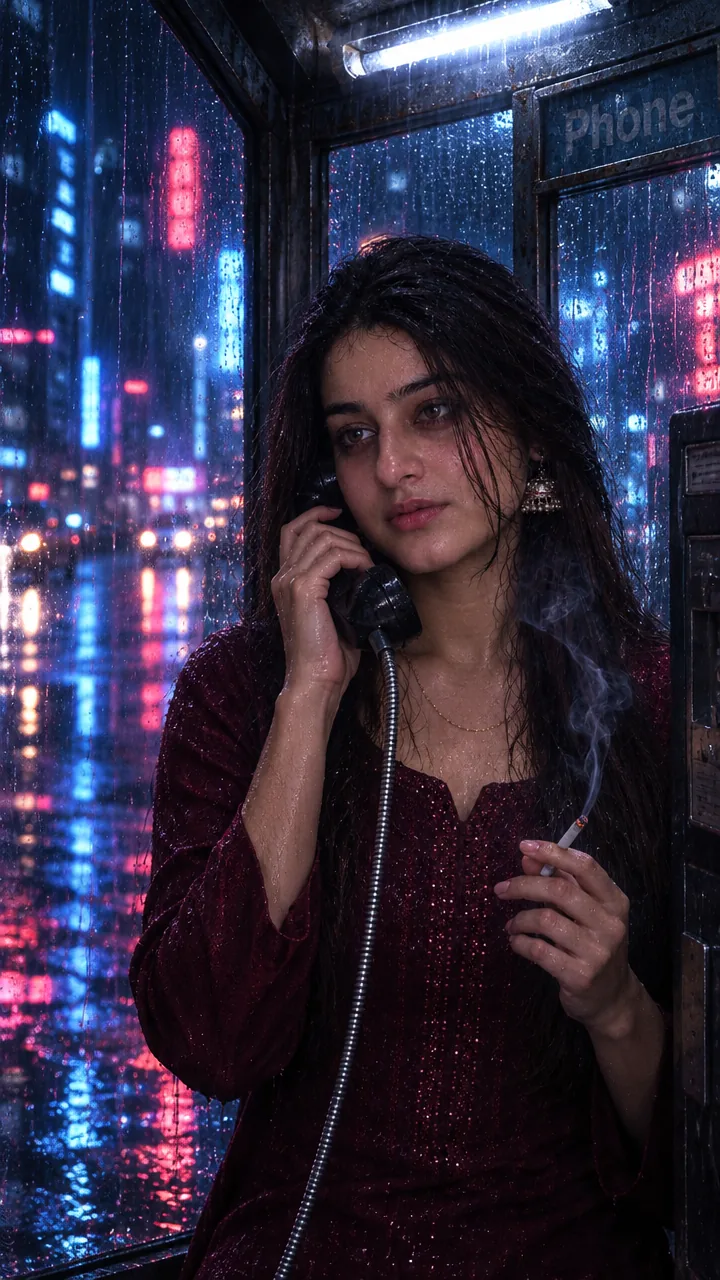

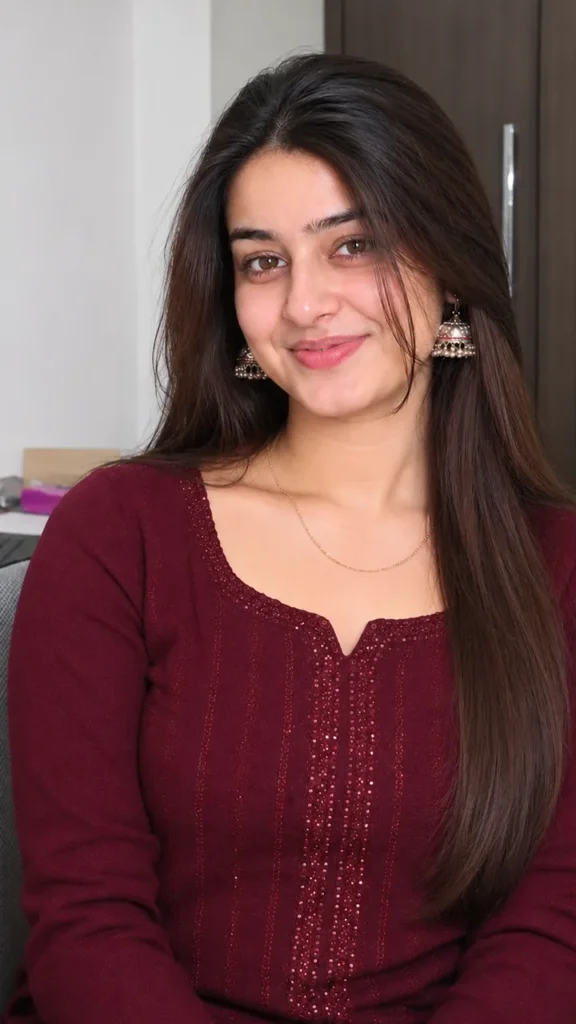
Girls · AI photo prompt
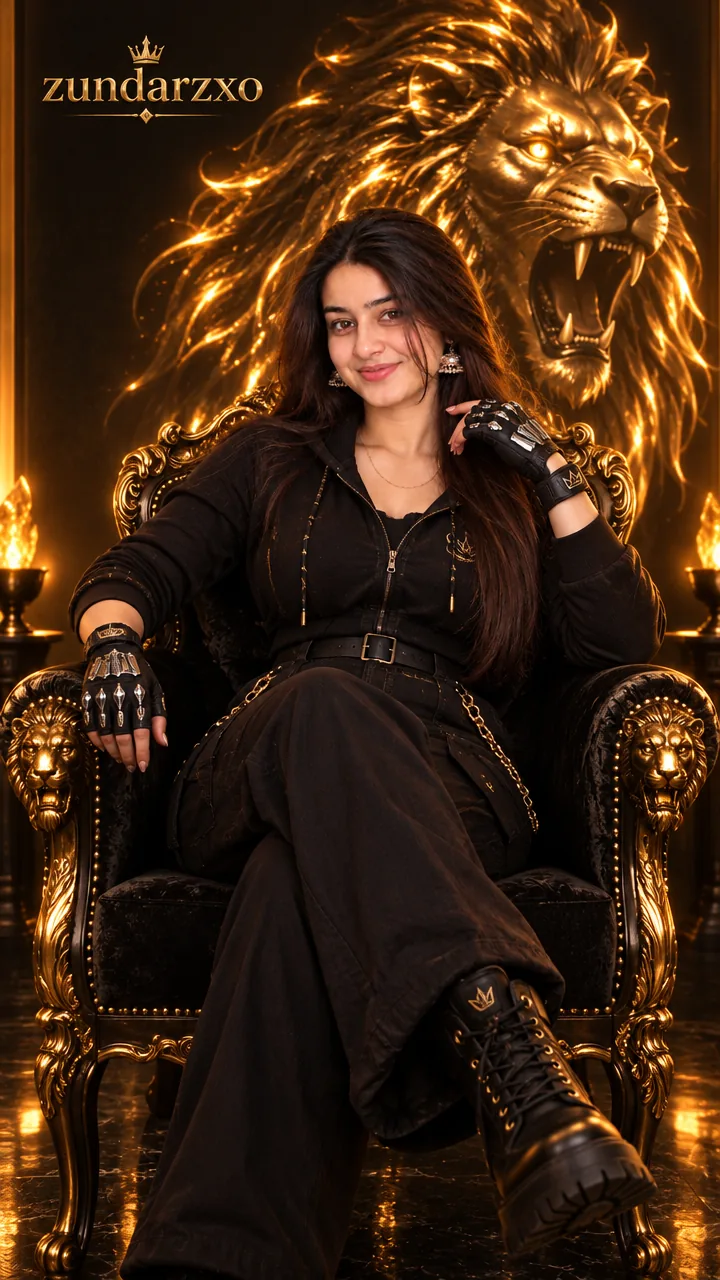
Golden Lion Throne Portrait Prompt – Queen of Shadows Look in Gemini & ChatGPT
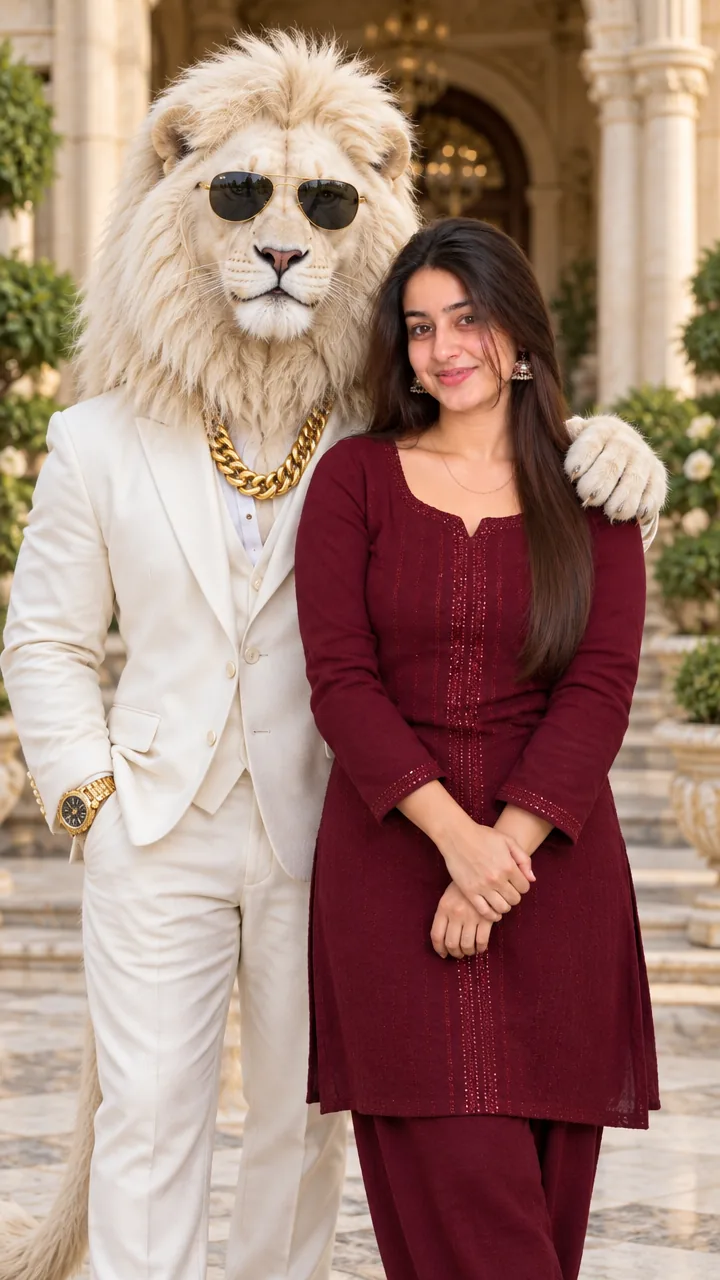
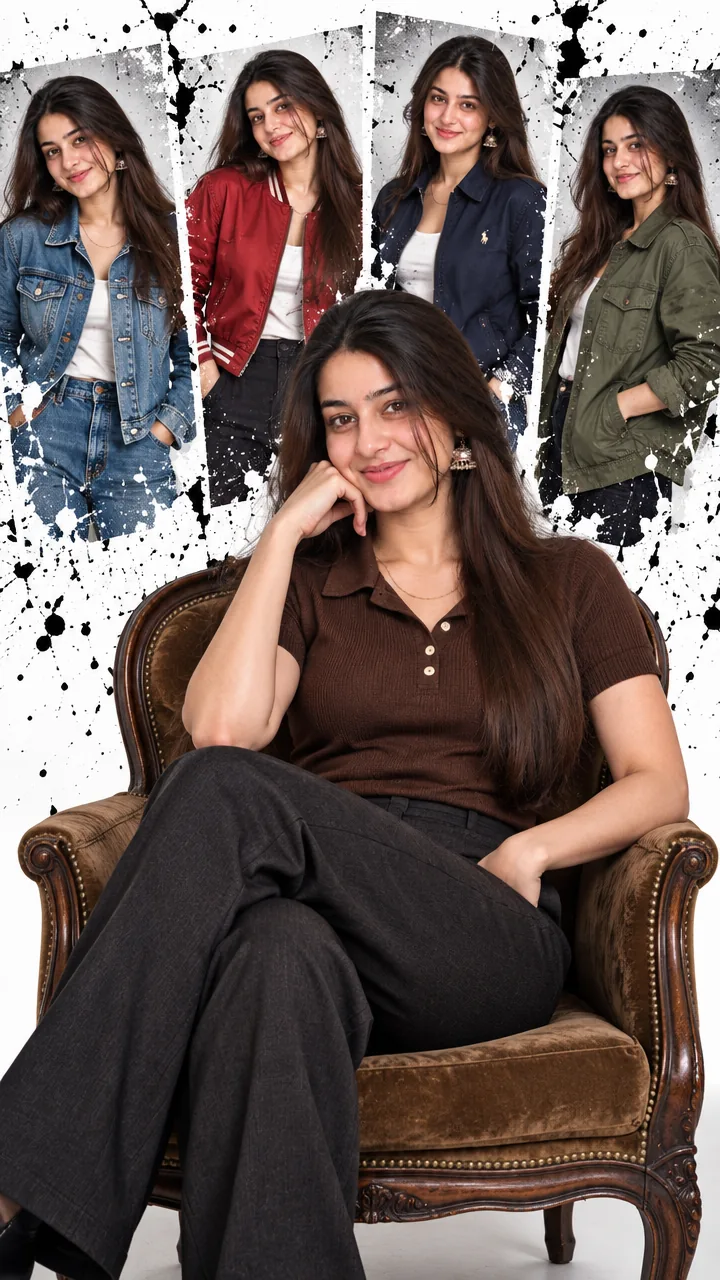
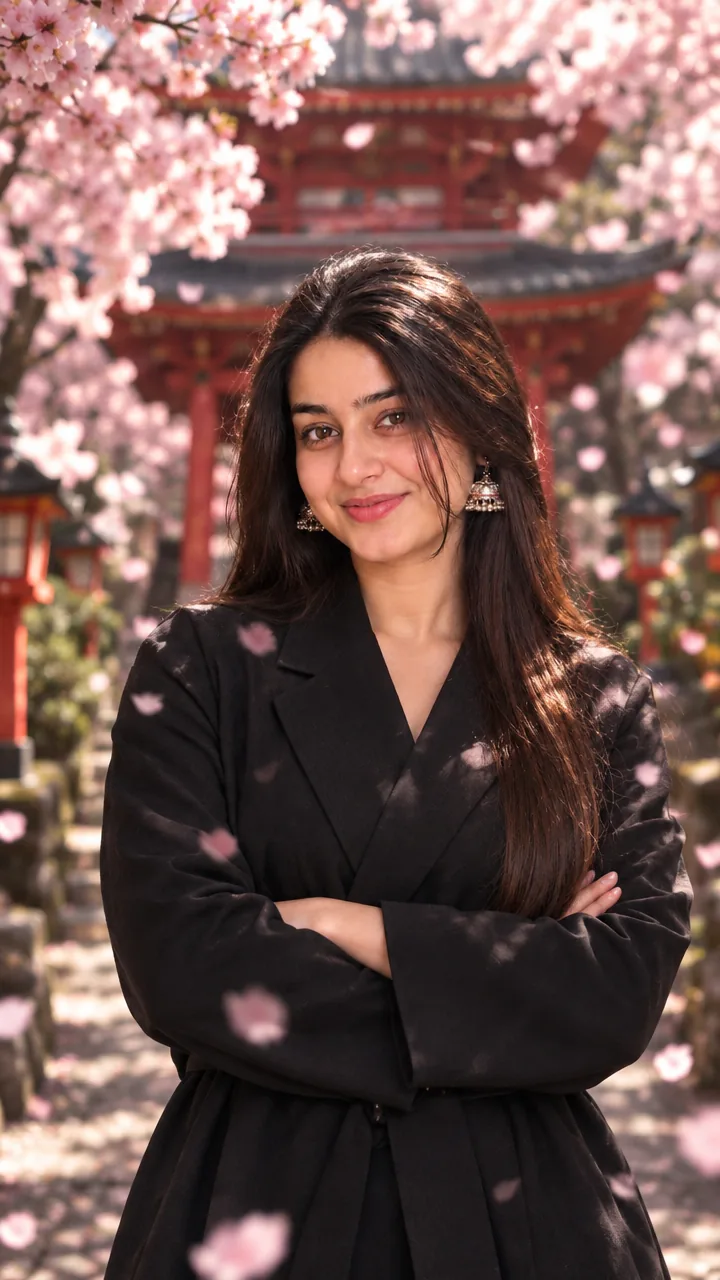
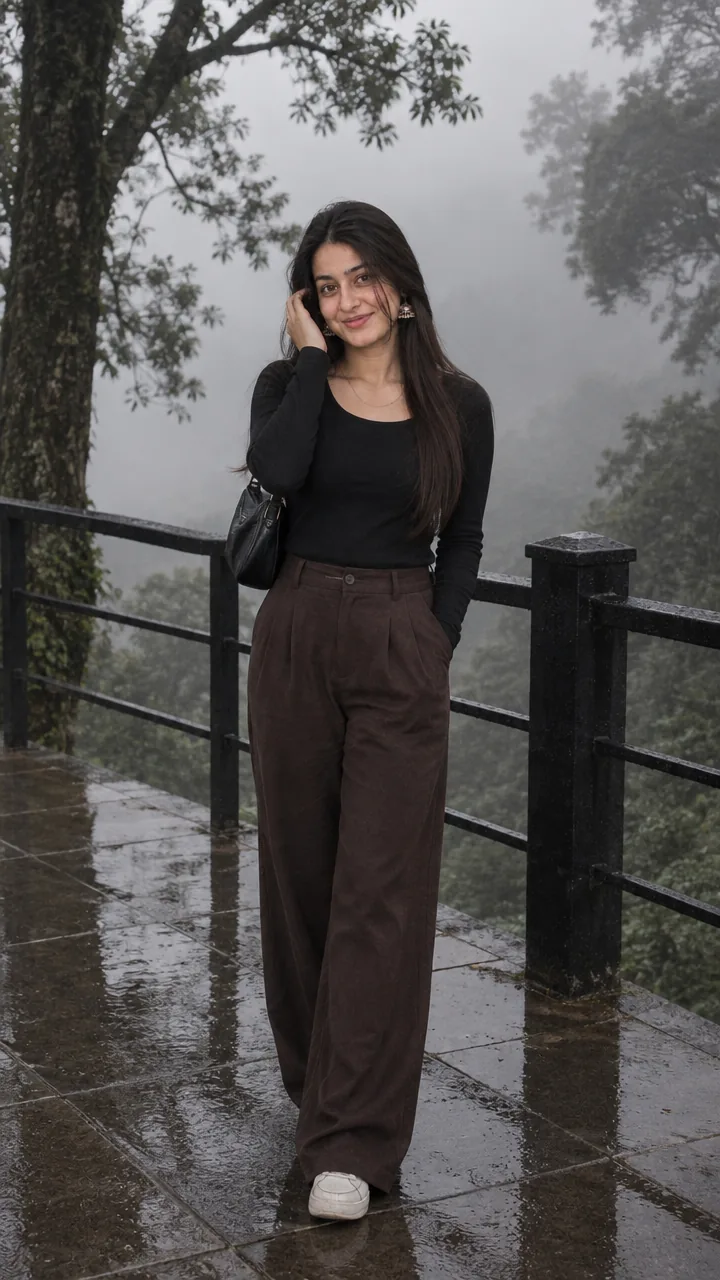
This Golden lion throne portrait prompt turns your selfie into a fierce royal portrait – seated regally on an ornate throne in sleek black luxury streetwear (a metallic-thread hoodie, tailored high-waisted pants, fingerless gloves with silver details), legs crossed, while a magnificent glowing golden lion head roars from the black wall behind you. Copy the prompt, upload your photo in Gemini or ChatGPT and get a queen-energy photo in seconds.
The prompt
3 more throne portraits
Same fierce royal energy – a new symbol each time.
Throne Tiger Wall Prompt
Throne Phoenix Wall Prompt
Throne Crown Close-Up Prompt
Queen throne DP prompt
A square close-up made for your WhatsApp or Instagram profile picture.
Queen captions
Your photo is ready – now pick a caption. Tap Copy and paste it on Instagram.
- Queen of my own kingdom 👑
- The style of a lioness 🦁
- Fierce, feminine, fearless 🔥
- Throne ready 🪑
- Bow down, I'm busy 😌
- Lioness energy 🦁
- Black and gold, bold and cold 🖤💛
- I'm my own queen 💫
- Roar louder ✨
- Rule your world 🌍
- #QueenEnergy #LionessVibes #ThronePortrait #BossLady #AIPhoto #GeminiAI #ChatGPT #FierceGirl #PhotoPrompt
Turn your photo into a queen reel
Made your photo? Bring it to life as a short reel. Upload the photo you just made in Gemini, tap Video, paste this prompt and send.
How to use this golden lion throne portrait prompt in Gemini
- Go to gemini.google.com or open the Gemini app on your phone.
- Tap Copy prompt above.
- Tap + and upload one clear, front-facing photo of yourself.
- Paste the prompt and tap send – the picture comes back in a few seconds.
- If something looks off, ask Gemini to fix just that part, for example "keep my face the same, make the light warmer".
How to use it in ChatGPT
- Open ChatGPT and start a new chat.
- Attach your photo with the + button.
- Paste the prompt, send it and wait for the image.
- Tap the download icon to save it.
Tips for the best throne portrait
- Use a sharp photo where your full face is visible – no sunglasses, mask or heavy filter.
- Change the size at the end of the prompt: 1:1 for a DP, 3:4 for a post, 9:16 for a story.
- Swap the lion for a tiger, eagle or phoenix for your own symbol.
- A full-body photo helps the seated pose look natural.
FAQ
Is this golden lion throne portrait prompt free?
Yes. Copy it for free and use it in the free version of Gemini or ChatGPT. Free accounts may have a daily image limit.
Which is better for this prompt – Gemini or ChatGPT?
Gemini keeps the face closer to your photo and is faster. ChatGPT often gives softer, more cinematic light. Try both and keep the one you like.
Why does the face not look like me?
Usually the photo is too small, dark or taken from the side. Use a sharp, front-facing selfie and write "do not change my face" at the start of the prompt, then try again.
Can I make a video from this photo?
Yes. First make your photo with the prompt, then upload that photo in Gemini, choose Video and paste the video prompt from this page. Free plans have a small daily video limit.