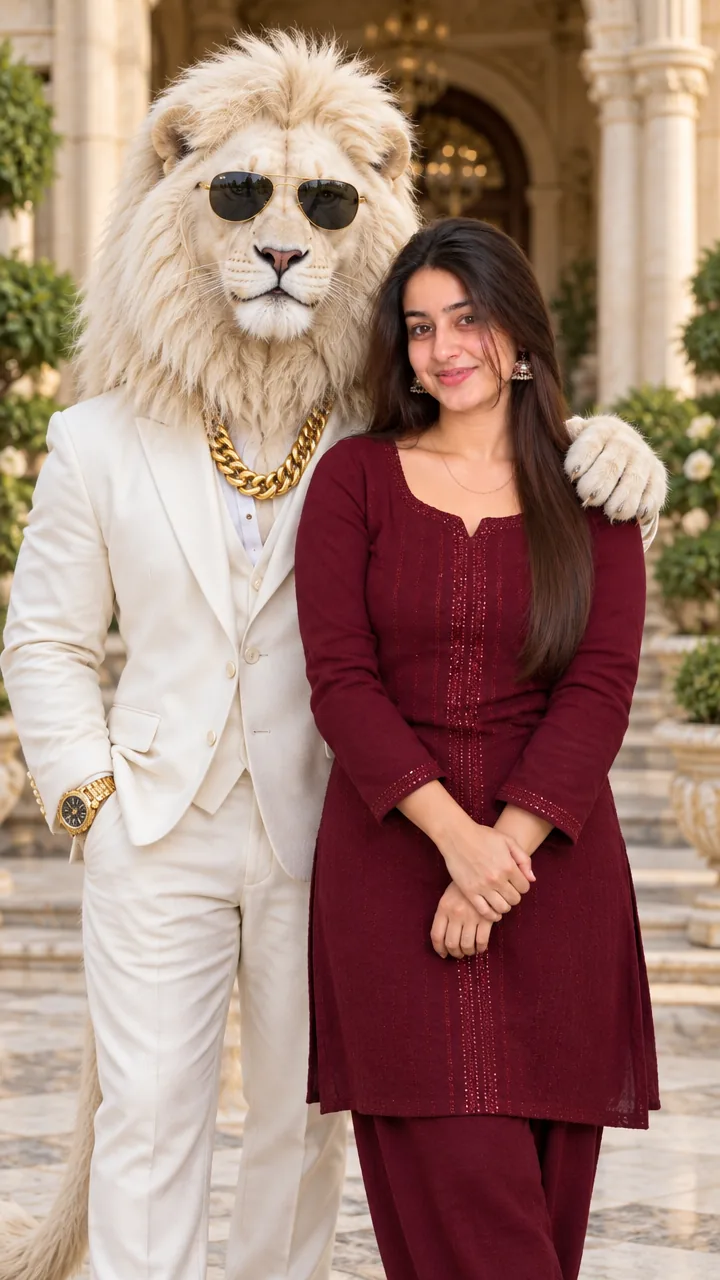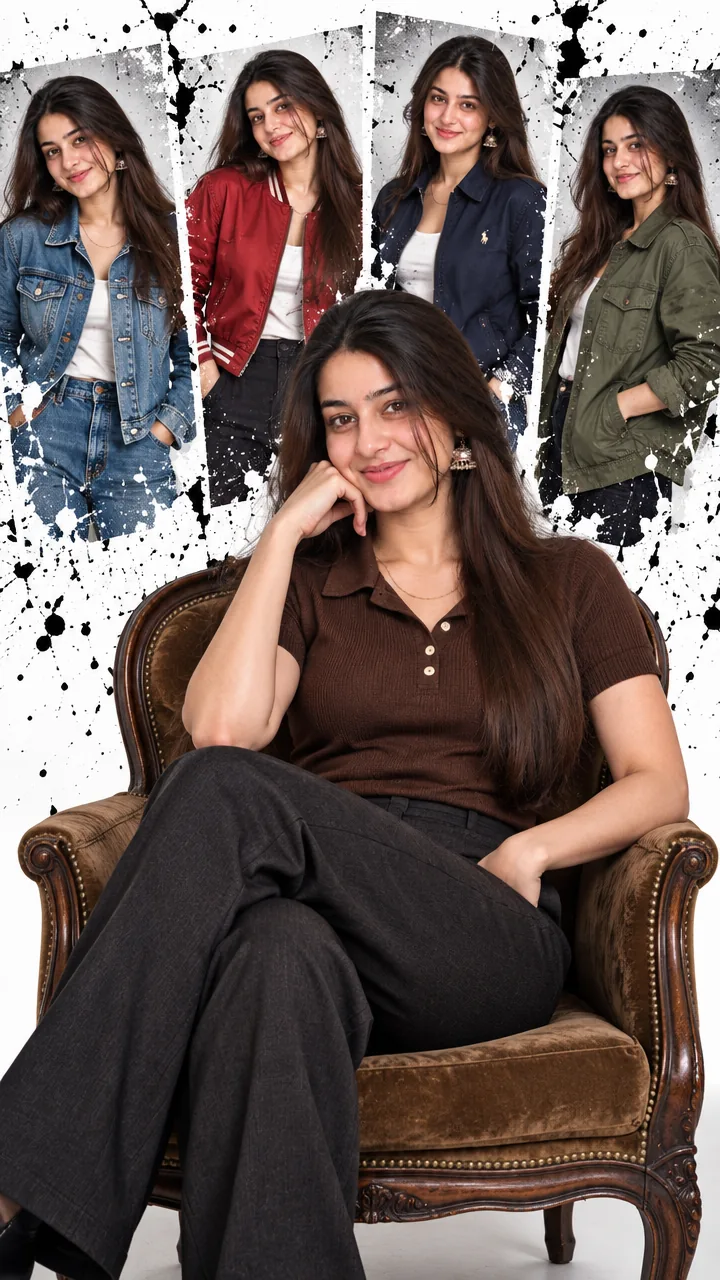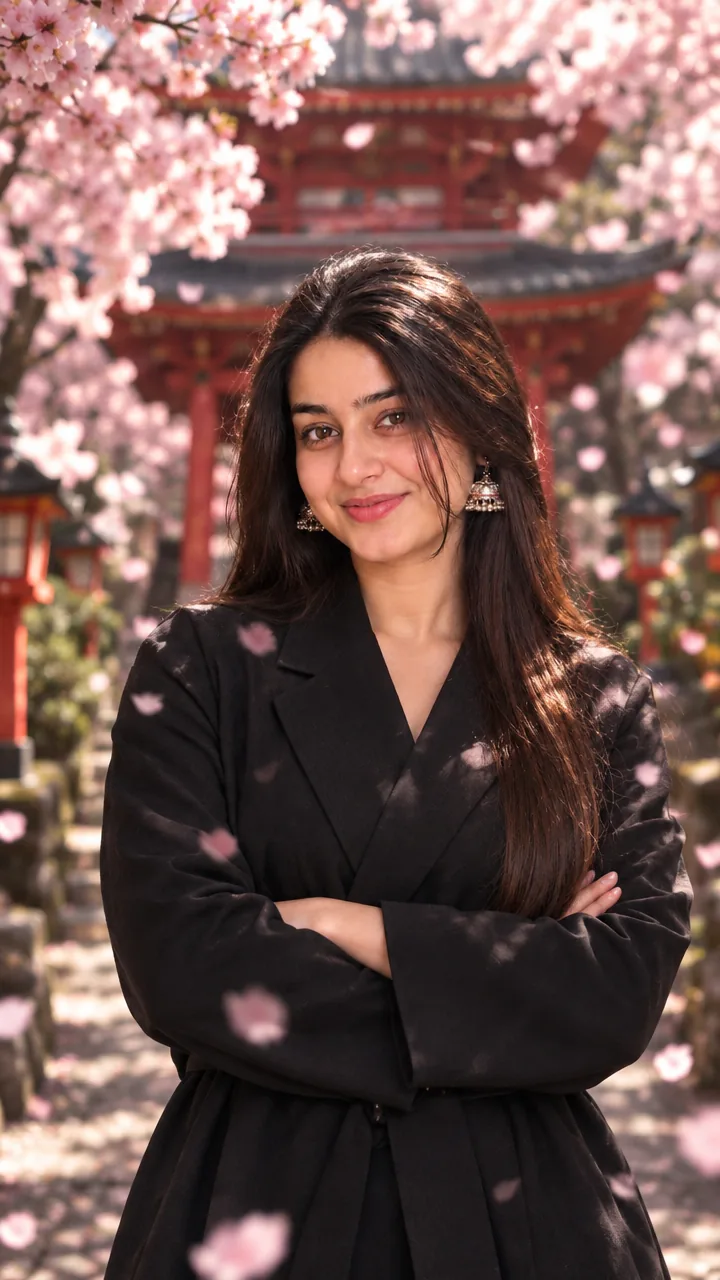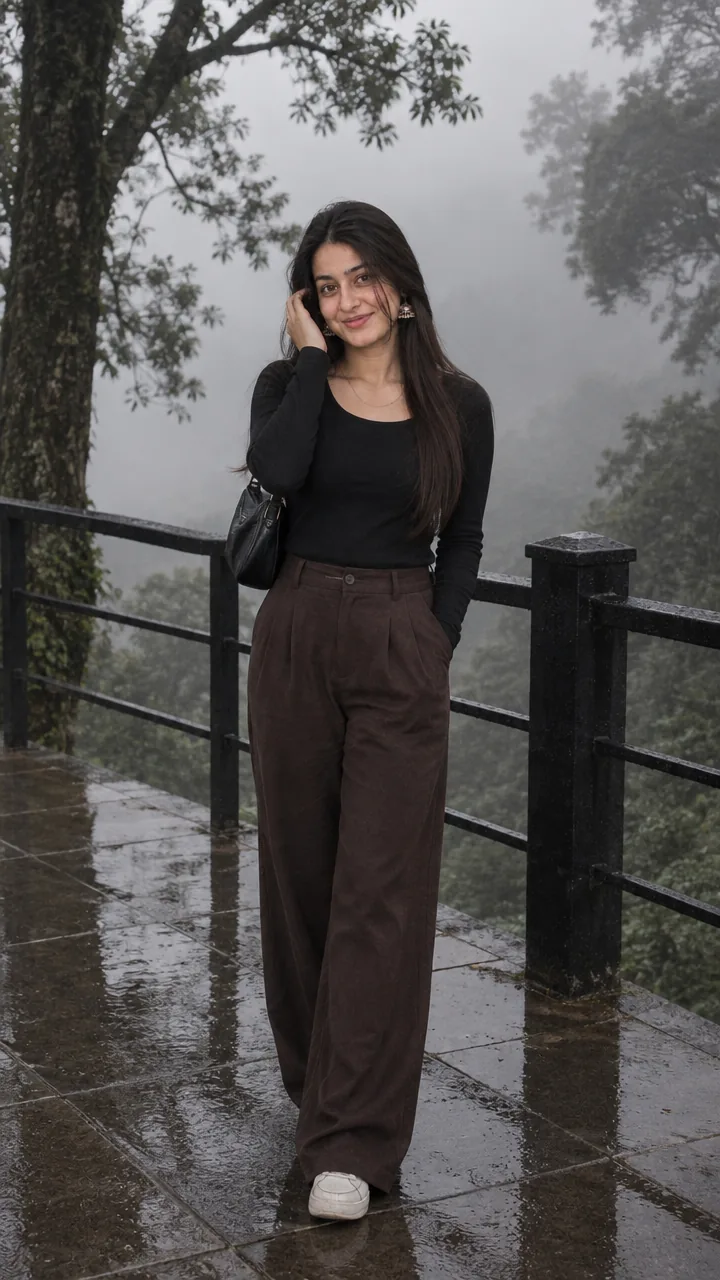
Girls · AI photo prompt
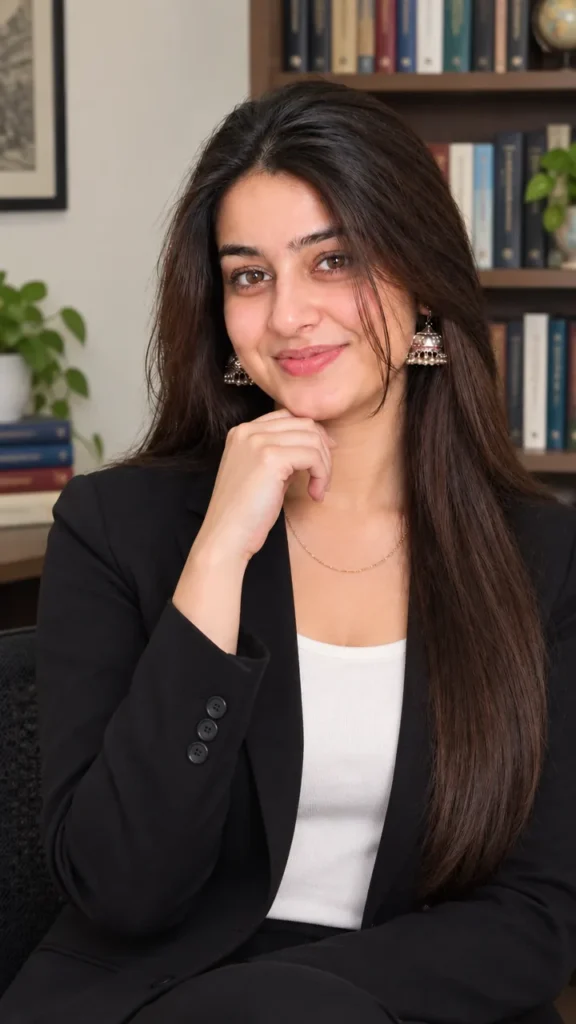
Academic Headshot Prompt – Scholarly Book-Lined Portrait in Gemini & ChatGPT
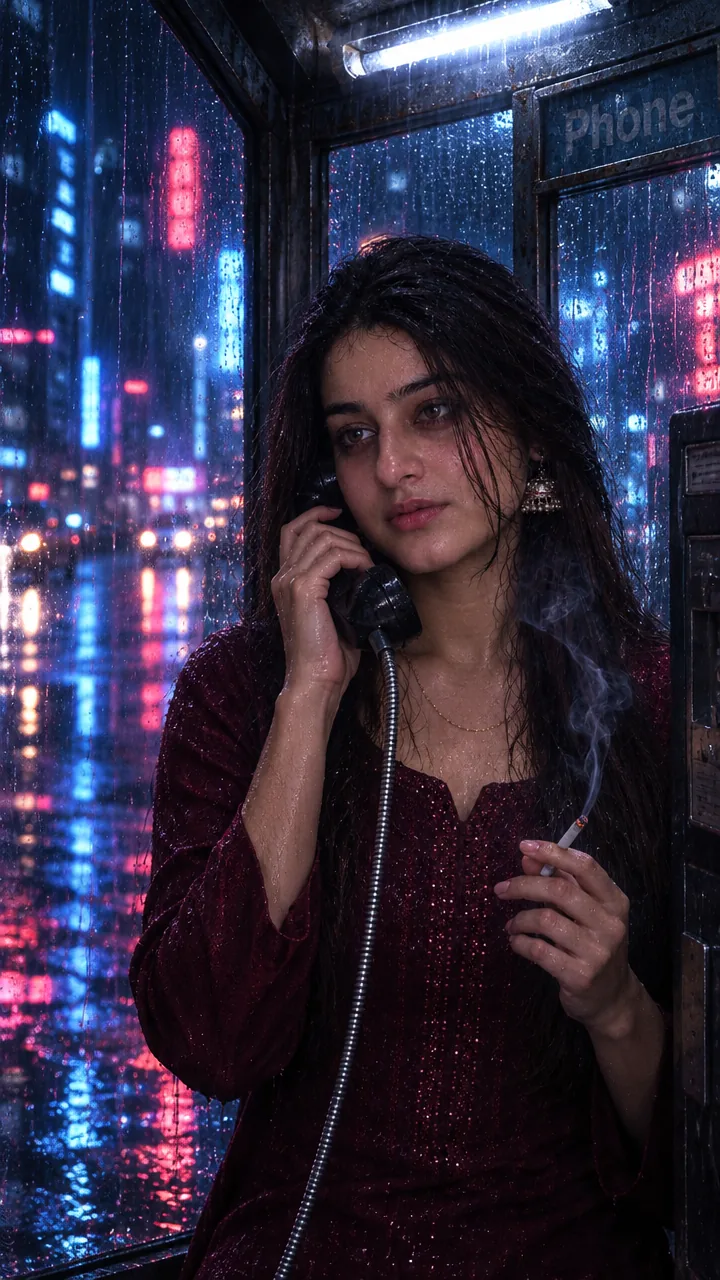
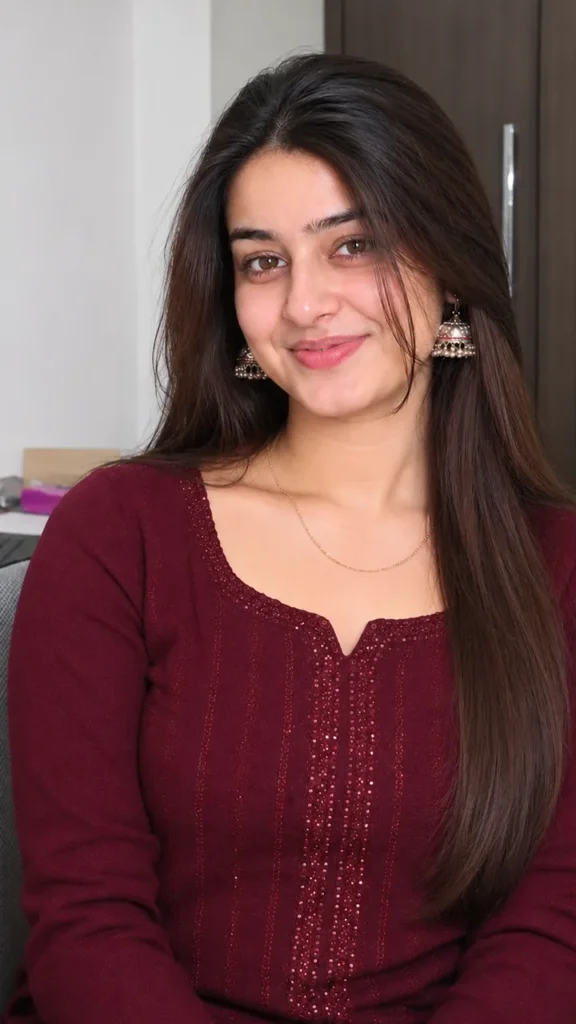
This Academic headshot prompt turns any selfie into a scholarly academic headshot – a confident smile, a thoughtful expression and a neutral or book-lined background, ideal for a university profile, research page or teaching bio. Copy the prompt, upload a clear selfie in Gemini or ChatGPT and get a professional academic photo in seconds.
The prompt
3 more academic portraits
Same scholarly style – for different uses.
Library Academic Prompt
Lecture Hall Prompt
Graduation Portrait Prompt
Academic DP prompt
A square close-up made for your WhatsApp or Instagram profile picture.
Academic captions
Your photo is ready – now pick a caption. Tap Copy and paste it on Instagram.
- Always learning 📚
- Addicted to learning ✨
- New profile photo for the department 🏛️
- Curiosity is my superpower 🔍
- Books, ideas and coffee ☕
- Sharing knowledge is the job 🎓
- Research mode: ON 🧪
- Teacher, learner, dreamer 💭
- Smart is beautiful 🤓
- Knowledge never graduates 🎓
- #AcademicHeadshot #ProfessorLife #ResearchLife #ProfilePhoto #AIPhoto #GeminiAI #ChatGPT #EducationMatters #PhotoPrompt
Turn your headshot into an intro video
Made your photo? Bring it to life as a short reel. Upload the photo you just made in Gemini, tap Video, paste this prompt and send.
How to use this academic headshot prompt in Gemini
- Open the Gemini app or gemini.google.com.
- Tap Copy prompt above.
- Tap + and upload one clear, front-facing photo of yourself.
- Paste the prompt and send. Your photo is ready in about 10–20 seconds.
- Not happy? Tap regenerate or change one detail in the prompt and try again.
How to use it in ChatGPT
- Open ChatGPT (the free plan works) and start a new chat.
- Tap + and add your photo.
- Paste the prompt and send – image generation takes up to a minute.
- Long-press or tap download to save the picture.
Tips for the best academic headshot
- Use a sharp photo where your full face is visible – no sunglasses, mask or heavy filter.
- For an Instagram post write vertical 3:4; for a story or reel cover write vertical 9:16.
- Add “wearing glasses” or “in a blazer” to match how you teach.
- Square 1:1 works best for university profile pages.
FAQ
Is this academic headshot prompt free?
Yes, the prompt is free. Gemini and ChatGPT both make images on their free plans, with a small daily limit.
Should I use Gemini or ChatGPT?
Both work. Gemini is quicker and usually keeps your face closer to the photo; ChatGPT takes longer but the light and detail can look richer. Run it in both and pick your favourite.
My face looks different in the result. What should I do?
Upload a clear, front-facing photo in good light without sunglasses or filters, and add "keep my face exactly the same as the uploaded photo" at the start of the prompt. Then generate again.
Can I make a video from this photo?
Yes. First make your photo with the prompt, then upload that photo in Gemini, choose Video and paste the video prompt from this page. Free plans have a small daily video limit.