Girls · AI photo prompt
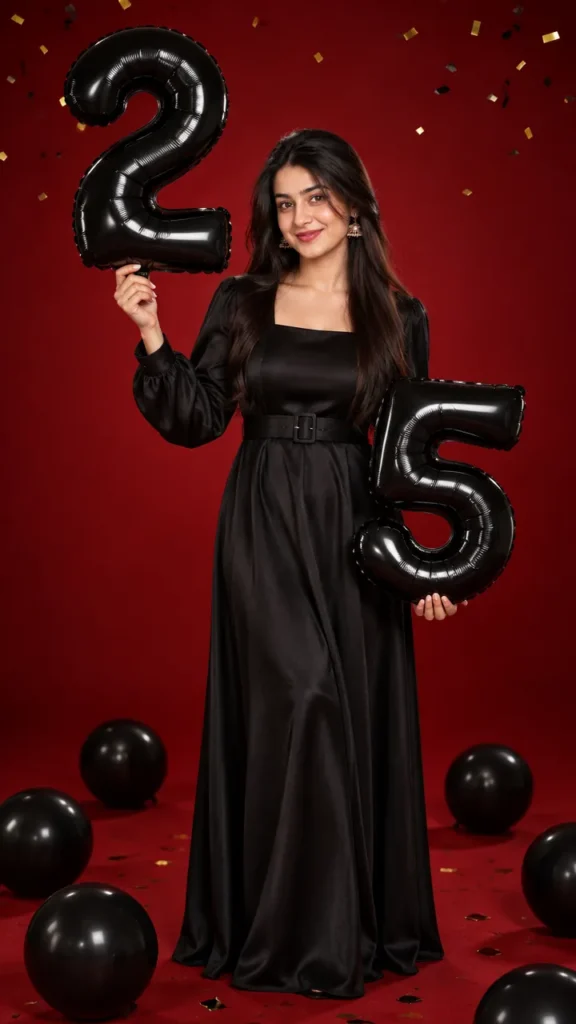
25th Birthday Photo Prompt – Black Number Balloons on Red Studio in Gemini & ChatGPT
This 25th birthday photo prompt turns your selfie into a glam birthday shoot – a deep crimson studio, glossy black “2” and “5” foil balloons in your hands and small black balloons around your feet. Copy the prompt, upload your photo in Gemini or ChatGPT and get your birthday post ready in seconds.
The prompt
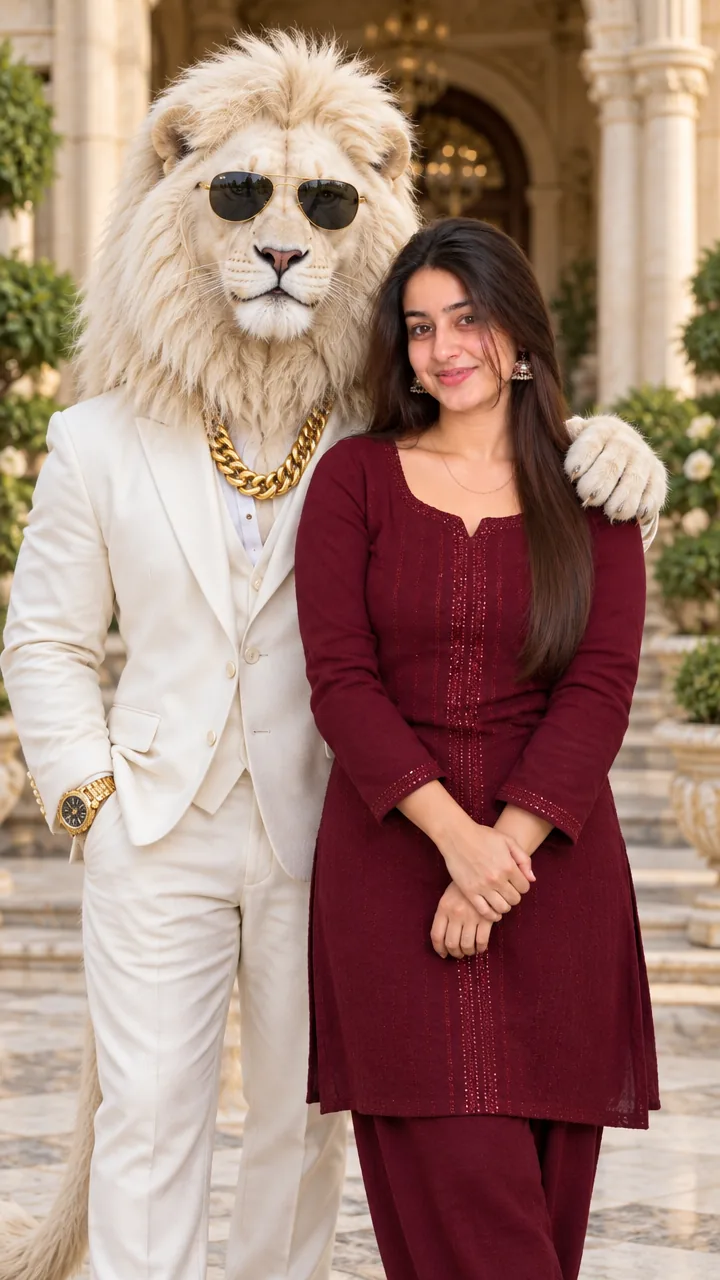
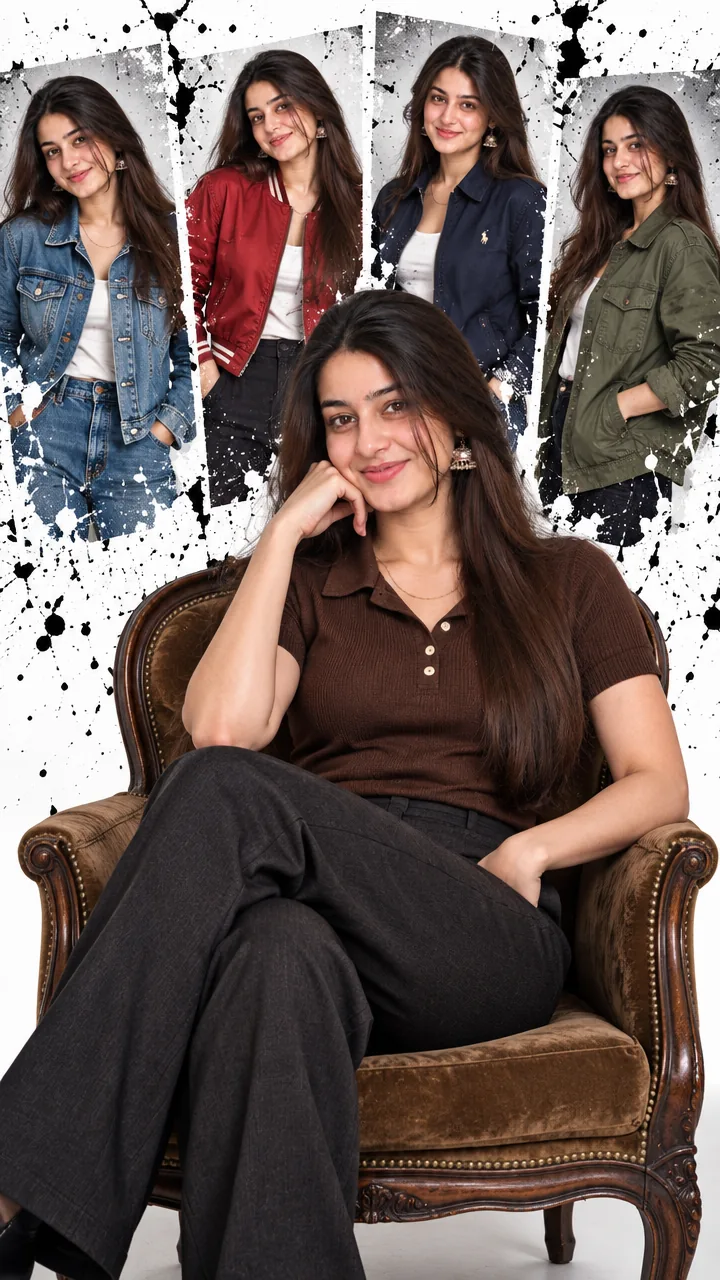
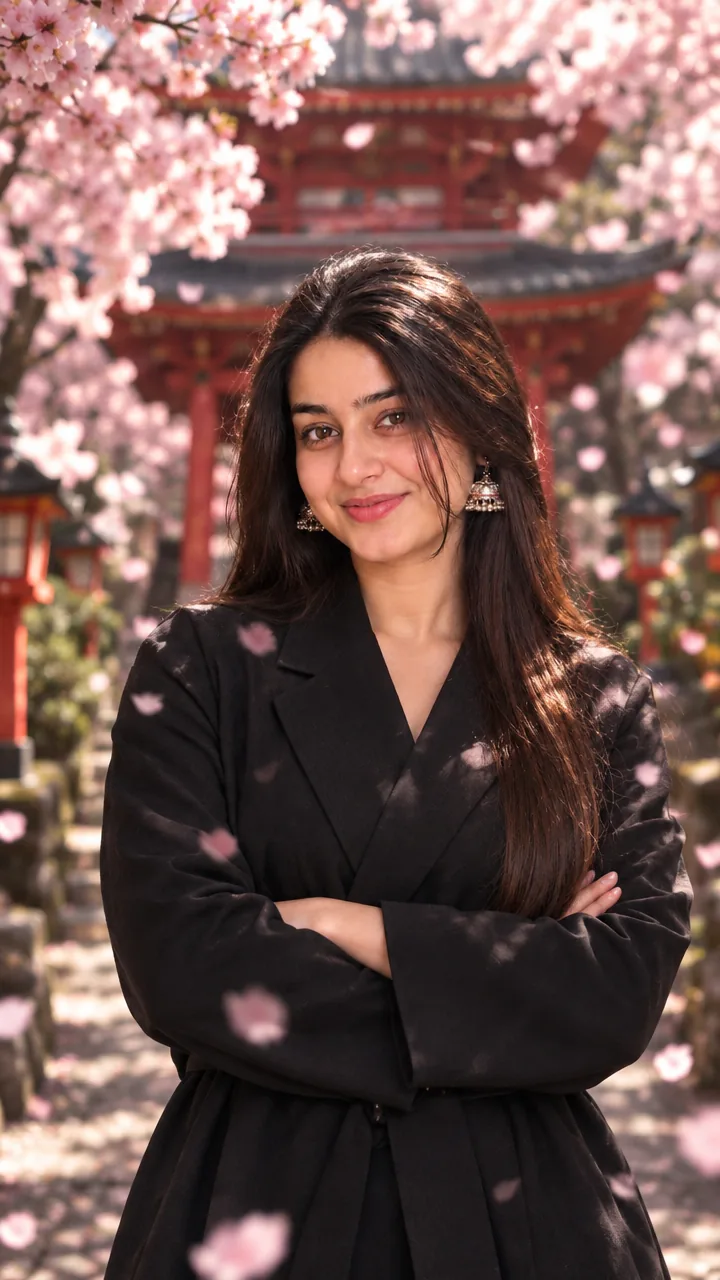
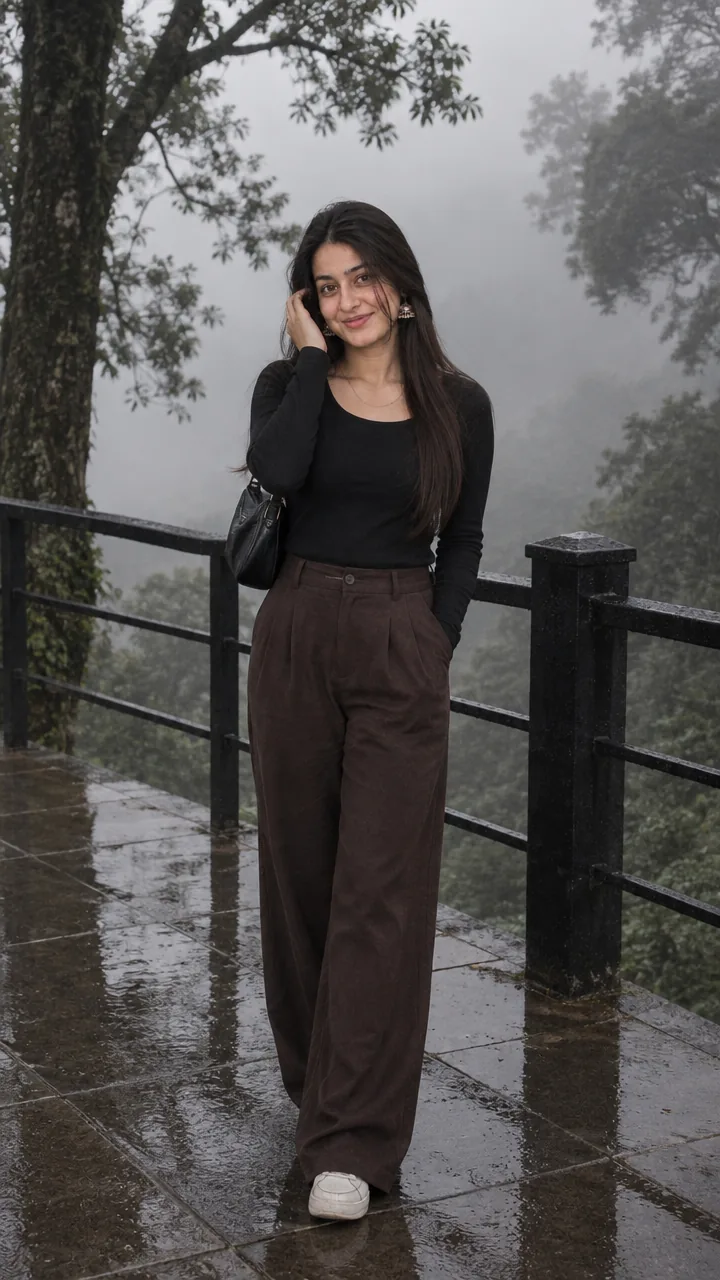
3 more birthday shoot ideas
Same studio birthday vibe – change the numbers to your own age.
Birthday Cake Studio Prompt
Birthday Confetti Prompt
Birthday Crown Close-Up Prompt
Birthday DP prompt
A square close-up made for your WhatsApp or Instagram profile picture.
Birthday captions for your post
Your photo is ready – now pick a caption. Tap Copy and paste it on Instagram.
- Twenty-five and thriving 🎈
- Quarter century, full attitude 👑
- Today is my day 🎂
- 25 years, 0 regrets ✨
- Level 25 unlocked 🔓
- Cut the cake, take a photo, repeat 🍰
- Growing older, glowing brighter 💫
- Birthday girl swag hits different 💃
- Cheers to me 🥂
- One more fabulous year 🎉
- #BirthdayGirl #25thBirthday #BirthdayShoot #HappyBirthdayToMe #AIPhoto #GeminiAI #ChatGPT #BirthdayVibes #PhotoPrompt
Turn your photo into a birthday reel
Made your photo? Bring it to life as a short reel. Upload the photo you just made in Gemini, tap Video, paste this prompt and send.
How to use this 25th birthday photo prompt in Gemini
- Go to gemini.google.com or open the Gemini app on your phone.
- Tap Copy prompt above.
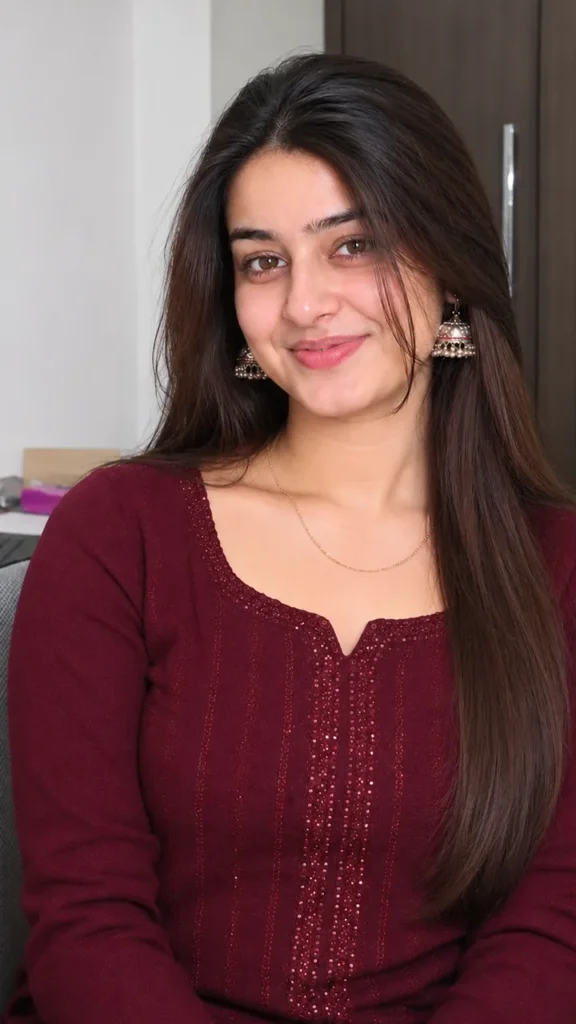
- Tap + and upload one clear, front-facing photo of yourself.
- Paste the prompt and send. Your photo is ready in about 10–20 seconds.
- Not happy? Tap regenerate or change one detail in the prompt and try again.
How to use it in ChatGPT
- Open ChatGPT (the free plan works) and start a new chat.
- Tap + and add your photo.
- Paste the prompt and send – image generation takes up to a minute.
- Long-press or tap download to save the picture.
Tips for the best birthday photo
- Use a sharp photo where your full face is visible – no sunglasses, mask or heavy filter.
- Change the size at the end of the prompt: 1:1 for a DP, 3:4 for a post, 9:16 for a story.
- Change “2” and “5” to your own age – for example “1” and “8” or “3” and “0”.
- Try gold balloons on a black backdrop for a different party look.
FAQ
Is this 25th birthday photo prompt free?
Yes, the prompt is free. Gemini and ChatGPT both make images on their free plans, with a small daily limit.
Which is better for this prompt – Gemini or ChatGPT?
Gemini keeps the face closer to your photo and is faster. ChatGPT often gives softer, more cinematic light. Try both and keep the one you like.
My face looks different in the result. What should I do?
Upload a clear, front-facing photo in good light without sunglasses or filters, and add "keep my face exactly the same as the uploaded photo" at the start of the prompt. Then generate again.
Can I make a video from this photo?
Yes. First make your photo with the prompt, then upload that photo in Gemini, choose Video and paste the video prompt from this page. Free plans have a small daily video limit.
More prompts like this
- Red Blazer Portrait Prompt – Bold Scarlet-on-Red Studio Look for Girls in Gemini & ChatGPT
- Monochrome Red Lips Photo Prompt – Black & White Sunglasses Portrait in Gemini & ChatGPT
- Black Suit Black and White Portrait Prompt – Couture Studio Look for Girls in Gemini & ChatGPT
- All AI photo prompts for girls