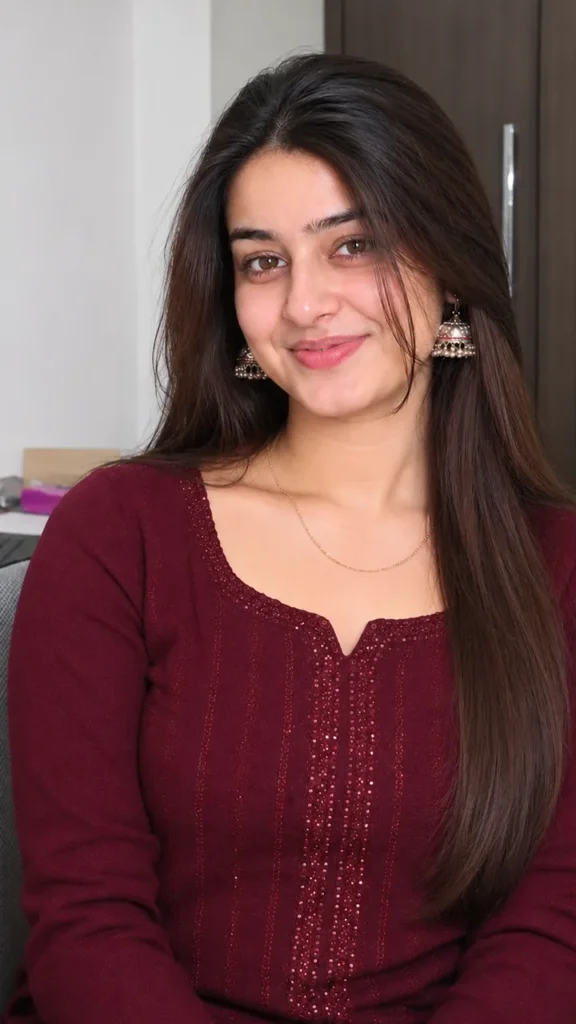
Girls · AI photo prompt
Rakhi Tying Photo Prompt – Cinematic Sister & Brother Moment in Gemini & ChatGPT
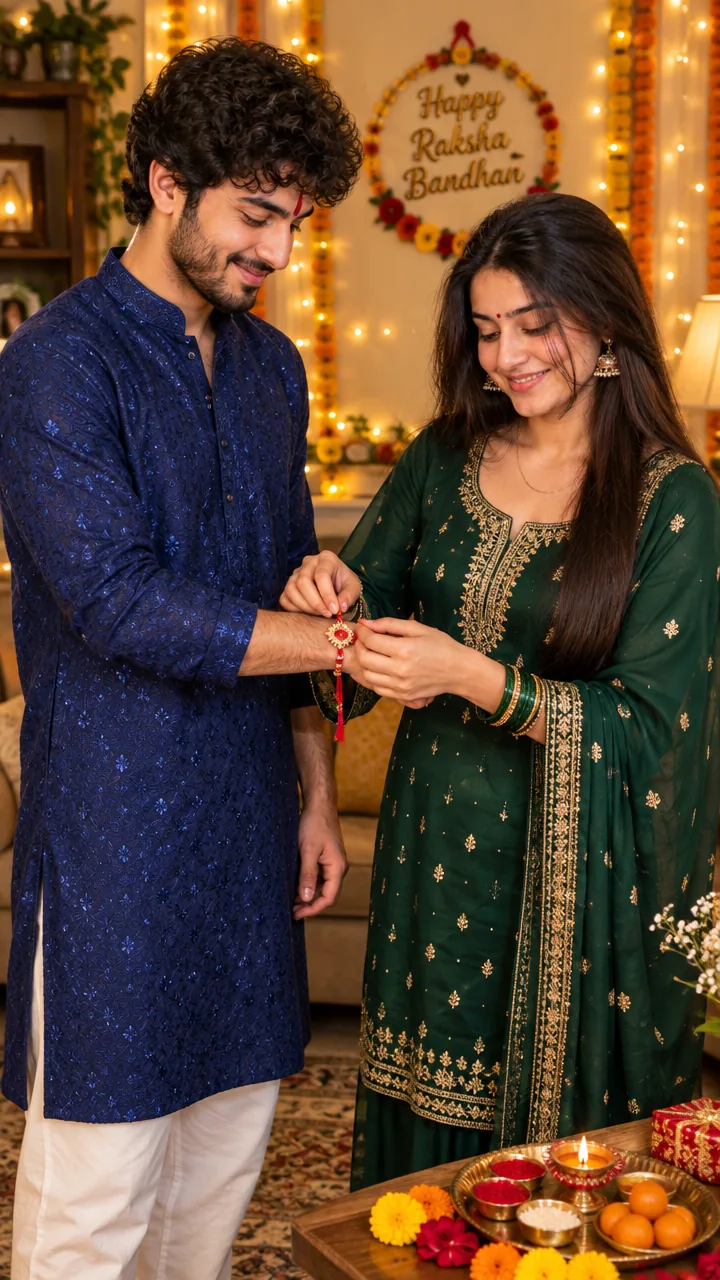
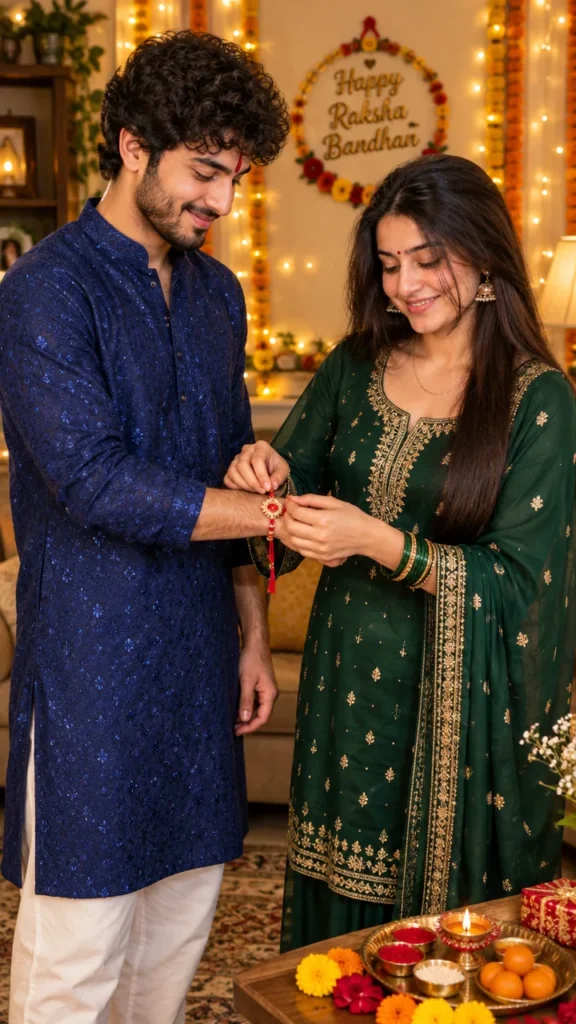
This Rakhi tying photo prompt turns two photos – sister first, brother second – into a cinematic Raksha Bandhan moment at home. The sister, in an emerald green salwar suit with golden embroidery and jhumkas, ties a red-and-gold Rakhi on her brother's wrist. He wears a royal blue embroidered kurta with a red tilak, and both look down with warm smiles beside a puja thali, diya and marigold garlands. Copy the prompt, upload both photos in Gemini or ChatGPT and get your Rakhi photo in seconds.
The prompt
3 more Raksha Bandhan moments
Same sibling love – a new Rakhi moment each time.
Rakhi Sweet Feeding Prompt
Rakhi Gift Surprise Prompt
Rakhi Selfie Prompt
Rakhi siblings DP prompt
A square close-up made for your WhatsApp or Instagram profile picture.
Raksha Bandhan captions
Your photo is ready – now pick a caption. Tap Copy and paste it on Instagram.
- Happy Raksha Bandhan 🪢
- One thread, a thousand promises ❤️
- Brother's wrist, sister's love 💞
- Rakhi ready, where's the gift? 😂
- Partners in crime since forever 👫
- A bond of love 🙏
- My forever protector 💪
- Rakhi and sweets 🍬
- Sibling love, festival edition ✨
- You're my superhero 🦸♂️
- #RakshaBandhan #Rakhi #SiblingLove #BhaiBehen #AIPhoto #GeminiAI #ChatGPT #FestivePhoto #PhotoPrompt
Turn your photo into a Rakhi reel
Made your photo? Bring it to life as a short reel. Upload the photo you just made in Gemini, tap Video, paste this prompt and send.
How to use this rakhi tying photo prompt in Gemini
- Open the Gemini app or gemini.google.com.
- Tap Copy prompt above.
- Tap + and upload one clear, front-facing photo of yourself.
- Paste the prompt and tap send – the picture comes back in a few seconds.
- If something looks off, ask Gemini to fix just that part, for example "keep my face the same, make the light warmer".
How to use it in ChatGPT
- Open ChatGPT (the free plan works) and start a new chat.
- Tap + and add your photo.
- Paste the prompt and send – image generation takes up to a minute.
- Long-press or tap download to save the picture.
Tips for the best Rakhi photo
- Pick a selfie in daylight with your face straight to the camera; side angles change the face more.
- For an Instagram post write vertical 3:4; for a story or reel cover write vertical 9:16.
- Upload the sister's photo first and the brother's second – the prompt depends on the order.
- Change the outfit colours to match what you will wear this Rakhi.
FAQ
Is this rakhi tying photo prompt free?
Yes. Copy it for free and use it in the free version of Gemini or ChatGPT. Free accounts may have a daily image limit.
Should I use Gemini or ChatGPT?
Both work. Gemini is quicker and usually keeps your face closer to the photo; ChatGPT takes longer but the light and detail can look richer. Run it in both and pick your favourite.
Why does the face not look like me?
Usually the photo is too small, dark or taken from the side. Use a sharp, front-facing selfie and write "do not change my face" at the start of the prompt, then try again.
Can I make a video from this photo?
Yes. First make your photo with the prompt, then upload that photo in Gemini, choose Video and paste the video prompt from this page. Free plans have a small daily video limit.