3D Grid
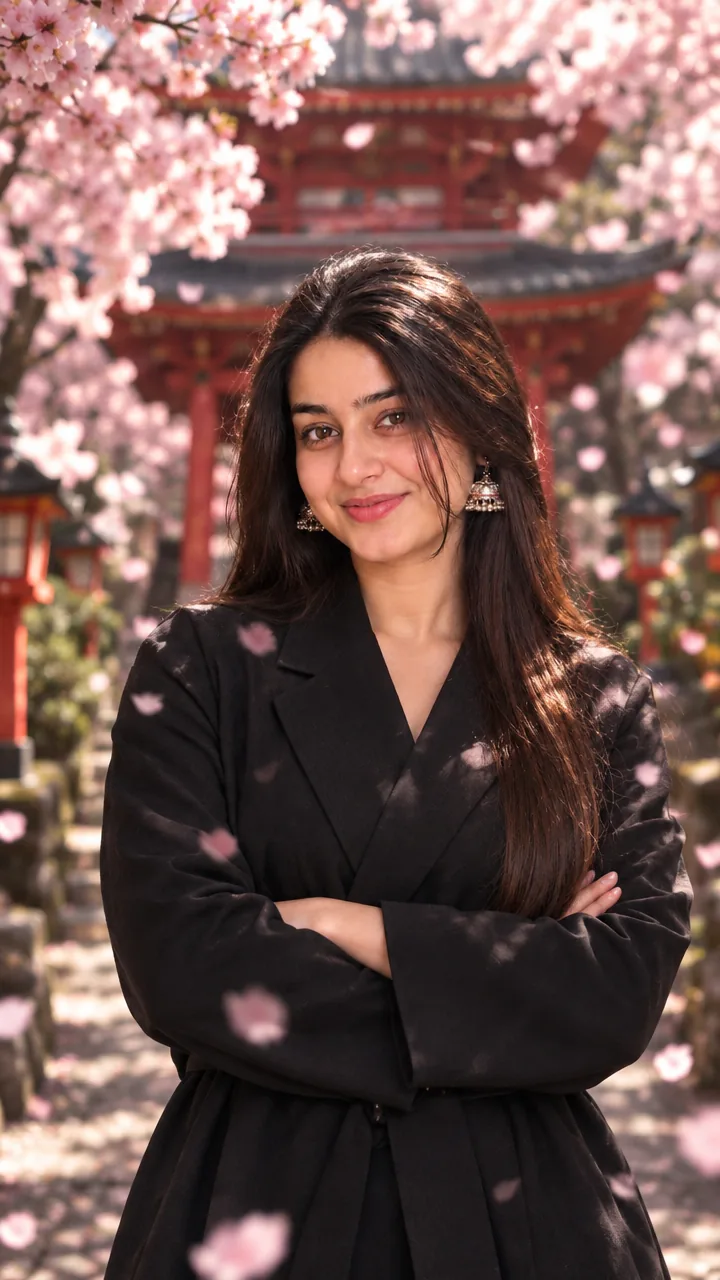
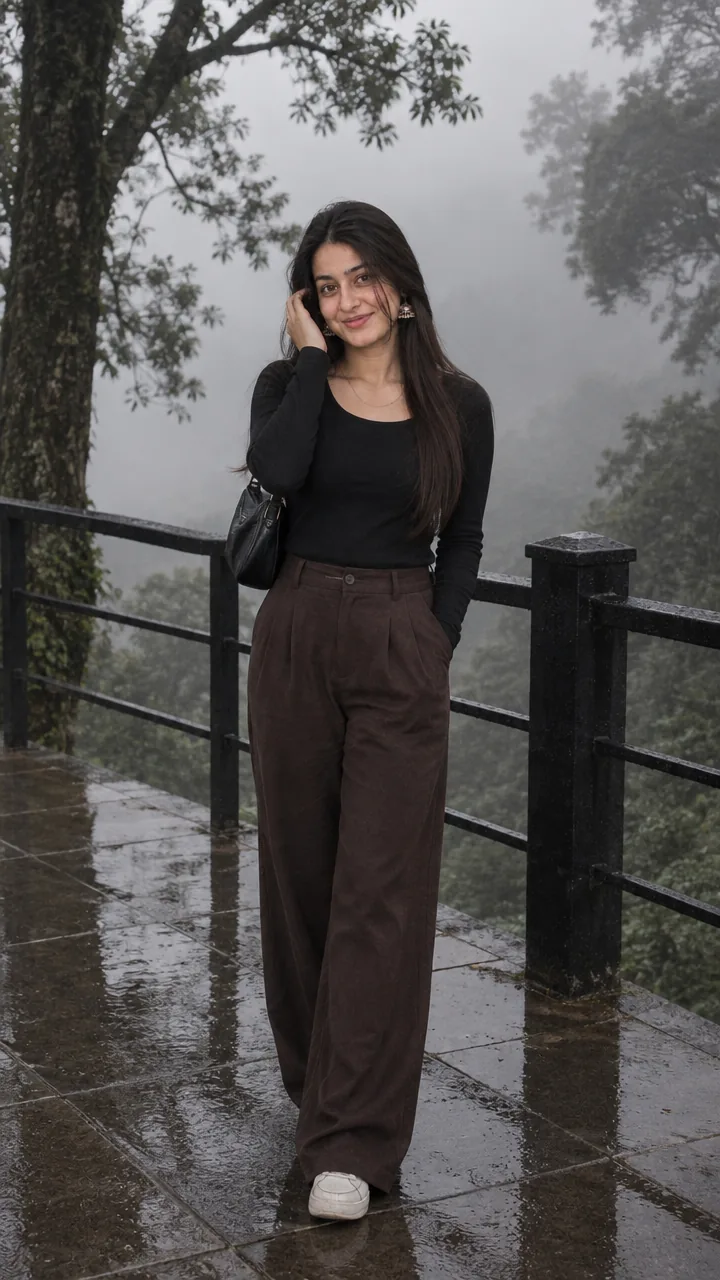
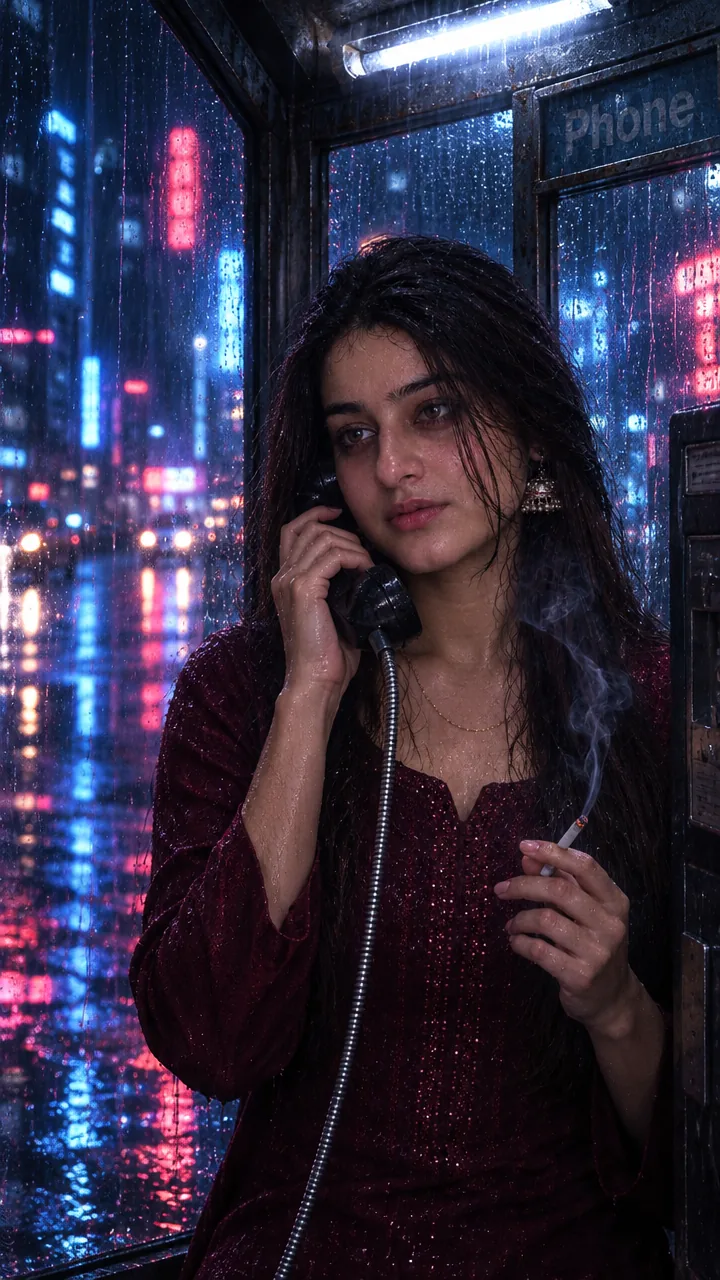
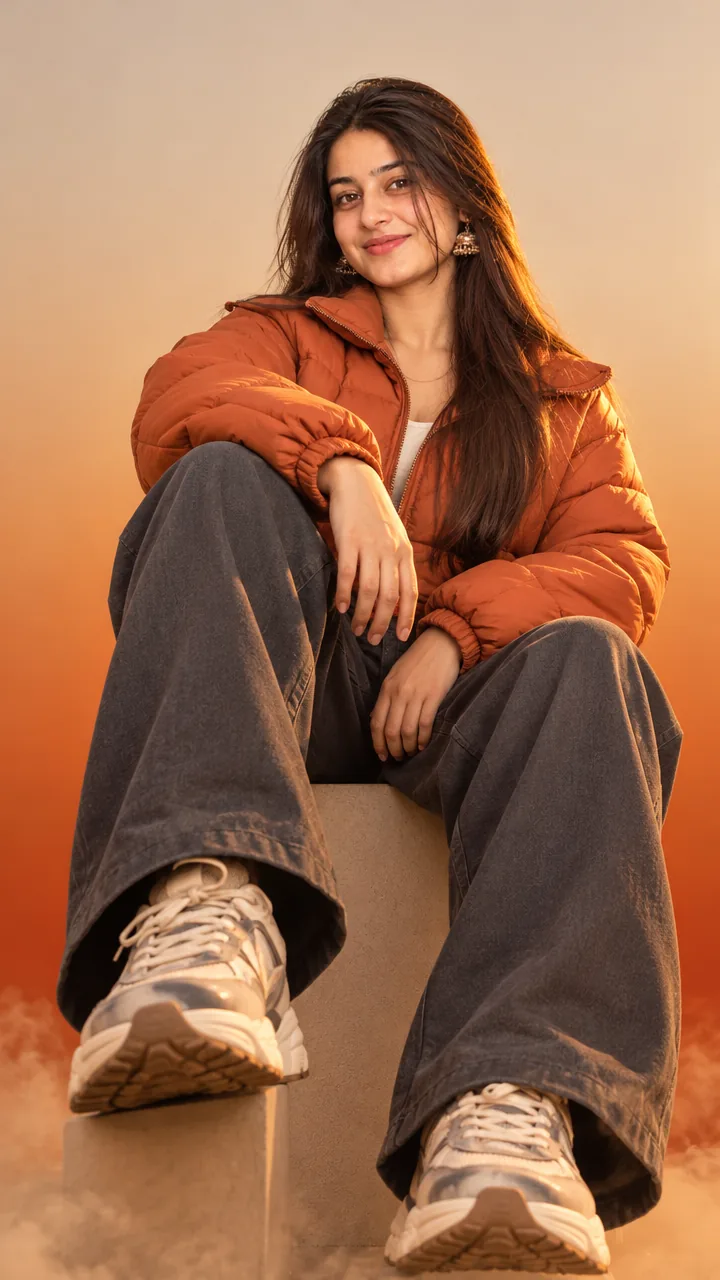
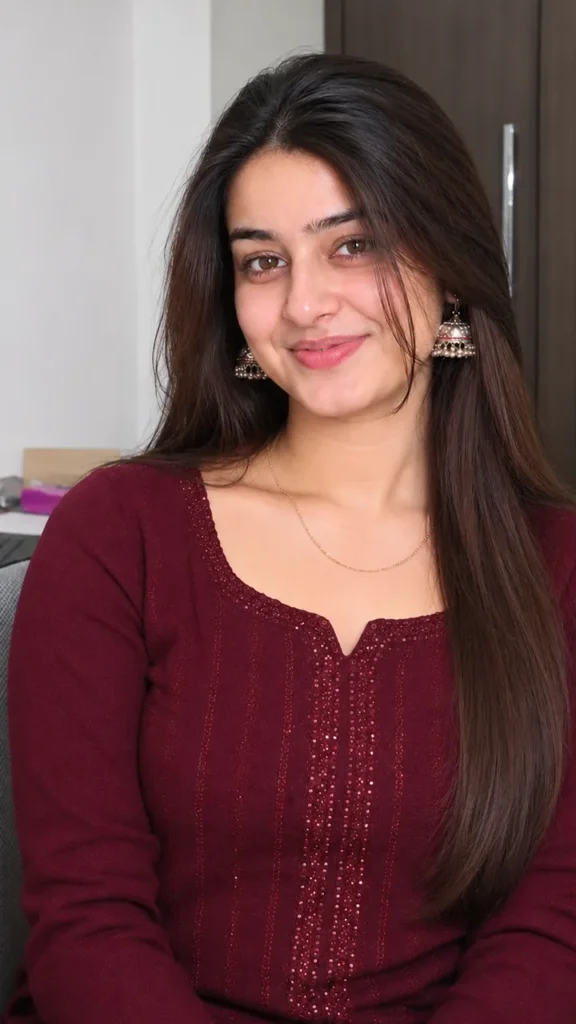
Independence day night relight prompt – girl relit with cinematic saffron and green glow on a dark patriotic night background, AI photo
AI photo
See it on the wall in the 3D gallery

Girls · AI photo prompt

Independence Day Night Relight Prompt – Cinematic Patriotic Glow in Gemini & ChatGPT

This Independence day night relight prompt keeps your photo exactly as it is – same face, outfit, pose and accessories – and only relights it with a deep, cinematic Independence Day night: a dark atmospheric backdrop, faint city silhouettes, tricolour bokeh and floating dust particles. Copy the prompt, upload your photo in Gemini or ChatGPT and get a patriotic edit in seconds.

The prompt

STRICT FACE IDENTITY LOCK — Relight the uploaded image while preserving the exact same real person with 100% facial identity. Keep the identical face shape, hairstyle, hairline, eyebrows, eyes, nose, lips, ears, skin tone, beard (if any), expression, body proportions, pose, outfit, and accessories exactly as in the uploaded photo. Do NOT beautify, stylize, replace, age, de-age, or generate a different face. Only enhance the lighting and patriotic atmosphere. Background: Deep, cinematic Independence Day night scene with a dark atmospheric backdrop, subtle grain, soft blur, faint city silhouettes, cinematic bokeh lights, floating dust particles, and gentle tricolor smoke. A softly waving Indian National Flag and a faint glowing Ashoka Chakra blend naturally into the background without distracting from the subject. Lighting: Premium DSLR night-flash photography with realistic front flash, soft bloom, tiny skin highlights, and cinematic contrast. Replace the plain white rim light with a stunning Indian Tricolor neon rim glow—Saffron on the left, Pure White at the center, and Green on the right—wrapping naturally around the hair, shoulders, jawline, and body edges. Add soft volumetric tricolor light rays behind the subject for a premium patriotic look. Mood: Emotional, powerful Independence Day atmosphere with deep shadows, subtle haze, cinematic lens glow, soft halation, realistic smoke, and dramatic low-light ambience. Skin: Natural realistic skin texture with premium editorial flash photography look, authentic pores, realistic hair strands, soft warm highlights, and lifelike facial details. Style: Ultra-realistic 8K, HDR, Instagram LoFi Dusk aesthetic, vintage digital camera texture, fine film grain, low-light sensor noise, slight chromatic softness, faded dark tones, nostalgic lo-fi mood, shallow depth of field, 85mm DSLR lens, masterpiece quality, ultra-detailed, photorealistic, cinematic Independence Day portrait. No face modification, no watermark, no logo, no extra people, no extra text.

3 more patriotic edits

Same patriotic mood – these versions build a new scene from your selfie.

Tiranga Fireworks Night Prompt

Use my uploaded photo and keep my face exactly the same. I stand on a rooftop at night holding a small Indian flag, saffron, white and green fireworks bursting in the sky, white kurta. Cinematic glow on my face, vertical 9:16.

Candle Tribute Prompt

Use my uploaded photo and keep my face exactly the same. I hold a lit candle at an evening tribute with the Indian flag behind me, soft respectful expression, white outfit. Warm candlelight, dark background, vertical 9:16.

Tricolour Lights Portrait Prompt

Use my uploaded photo and keep my face exactly the same. Night portrait with saffron light on one side of my face and green light on the other, white glow behind, proud calm look. Cinematic patriotic mood, vertical 4:5.

Patriotic night DP prompt

A square close-up made for your WhatsApp or Instagram profile picture.

Use my uploaded photo and keep my face exactly the same. Square profile picture with soft saffron and green rim light, tricolour bokeh on a dark background, 1:1.

Independence Day captions

Your photo is ready – now pick a caption. Tap Copy and paste it on Instagram.

  • Jai Hind 🇮🇳
  • Tricolour in the night, tricolour in my heart 🧡🤍💚
  • Freedom glows brighter at night ✨
  • Proud to be Indian 🇮🇳
  • The light of freedom 💡
  • Three colours, one passion 🔥
  • Vande Mataram 🙏
  • My country, my pride 🇮🇳
  • Happy Independence Day 🎆
  • A photo for my country 📸
  • #IndependenceDay #JaiHind #15August #Tiranga #AIPhoto #GeminiAI #ChatGPT #PatrioticEdit #PhotoPrompt

Turn your photo into a patriotic reel

Made your photo? Bring it to life as a short reel. Upload the photo you just made in Gemini, tap Video, paste this prompt and send.

Animate this photo into a short 8-second video. Keep my face and outfit exactly the same. Tricolour bokeh lights drift slowly, dust particles float, a soft saffron and green glow pulses on my face. Dark cinematic night, smooth motion, no text, vertical 9:16.

How to use this independence day night relight prompt in Gemini

  1. Go to gemini.google.com or open the Gemini app on your phone.
  2. Tap Copy prompt above.
  3. Tap + and upload one clear, front-facing photo of yourself.
  4. Paste the prompt and send. Your photo is ready in about 10–20 seconds.
  5. Not happy? Tap regenerate or change one detail in the prompt and try again.

How to use it in ChatGPT

  1. Open ChatGPT (the free plan works) and start a new chat.
  2. Tap + and add your photo.
  3. Paste the prompt and send – image generation takes up to a minute.
  4. Long-press or tap download to save the picture.

Tips for the best patriotic edit

  • Use a sharp photo where your full face is visible – no sunglasses, mask or heavy filter.
  • Change the size at the end of the prompt: 1:1 for a DP, 3:4 for a post, 9:16 for a story.
  • This prompt only changes the light – upload the photo you already love.
  • For a daytime version, write “sunrise” instead of “night scene”.

FAQ

Is this independence day night relight prompt free?

Yes, the prompt is free. Gemini and ChatGPT both make images on their free plans, with a small daily limit.

Which is better for this prompt – Gemini or ChatGPT?

Gemini keeps the face closer to your photo and is faster. ChatGPT often gives softer, more cinematic light. Try both and keep the one you like.

My face looks different in the result. What should I do?

Upload a clear, front-facing photo in good light without sunglasses or filters, and add "keep my face exactly the same as the uploaded photo" at the start of the prompt. Then generate again.

Can I make a video from this photo?

Yes. First make your photo with the prompt, then upload that photo in Gemini, choose Video and paste the video prompt from this page. Free plans have a small daily video limit.
More prompts like this

More Girls prompts

See all