Girls · AI photo prompt
Cobalt Blue Suit Photo Prompt – Urban Power Suit Look for Girls in Gemini & ChatGPT
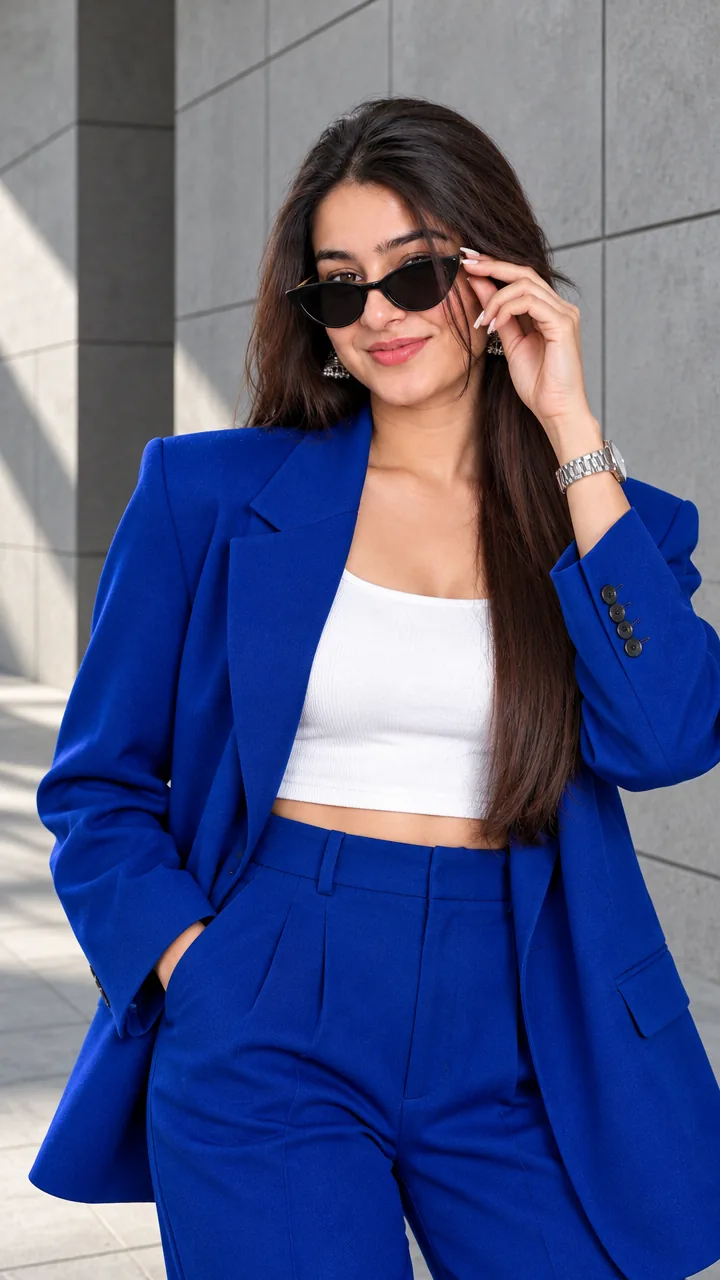
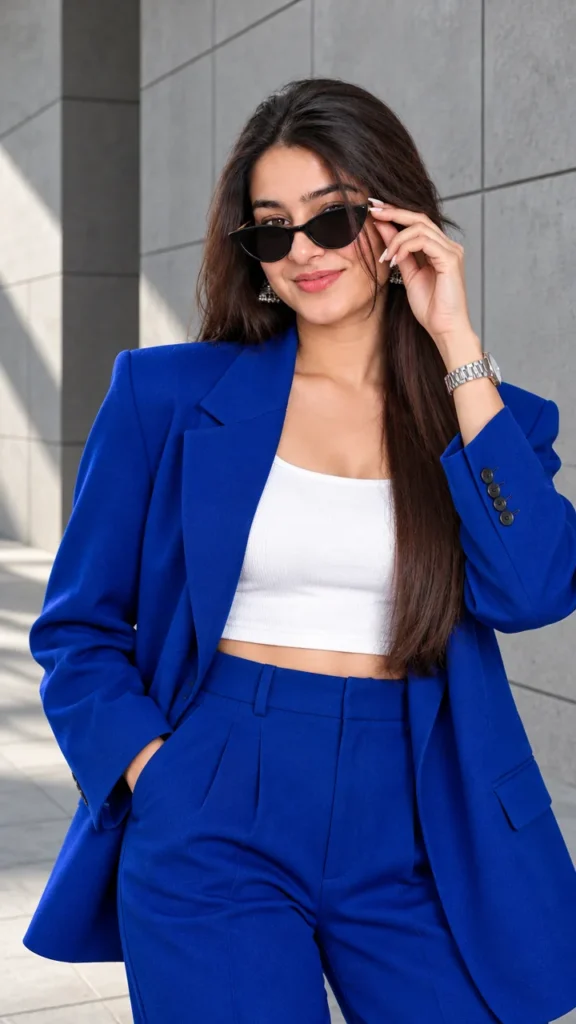
This Cobalt blue suit photo prompt turns your selfie into a confident urban fashion shot – a striking cobalt-blue oversized blazer suit, crisp white crop top, black cat-eye sunglasses and a silver watch, one hand at your shades, in a minimalist corridor of geometric concrete tiles. Copy the prompt, upload your photo in Gemini or ChatGPT and get a bold power-suit look in seconds.
The prompt
3 more cobalt suit moments
Same cobalt power suit – a new pose each time.
Cobalt Suit Walk Prompt
Cobalt Suit Wall Lean Prompt
Cobalt Suit Close-Up Prompt
Cobalt suit DP prompt
A square close-up made for your WhatsApp or Instagram profile picture.
Power suit captions
Your photo is ready – now pick a caption. Tap Copy and paste it on Instagram.
- Cobalt and confident 💙
- Suit up, show up 💼
- Blue mood, bold moves 🔵
- Blue colour, sharp style 😎
- Power suit era ✨
- Shades on, world off 🕶️
- Concrete jungle queen 👑
- Boss baby? No, boss lady 💅
- Oversized blazer, oversized dreams 🌟
- Walk like you own the corridor 🚶♀️
- #PowerSuit #CobaltBlue #UrbanStyle #BossLady #AIPhoto #GeminiAI #ChatGPT #FashionGirl #PhotoPrompt
Turn your photo into a power suit reel
Made your photo? Bring it to life as a short reel. Upload the photo you just made in Gemini, tap Video, paste this prompt and send.
How to use this cobalt blue suit photo prompt in Gemini
- Go to gemini.google.com or open the Gemini app on your phone.
- Tap Copy prompt above.
- Tap + and upload one clear, front-facing photo of yourself.
- Paste the prompt and send. Your photo is ready in about 10–20 seconds.
- Not happy? Tap regenerate or change one detail in the prompt and try again.
How to use it in ChatGPT
- Open ChatGPT (the free plan works) and start a new chat.
- Tap + and add your photo.
- Paste the prompt and send – image generation takes up to a minute.
- Long-press or tap download to save the picture.
Tips for the best power suit photo
- Pick a selfie in daylight with your face straight to the camera; side angles change the face more.
- Change the size at the end of the prompt: 1:1 for a DP, 3:4 for a post, 9:16 for a story.
- Try emerald, red or blush suits with the same pose.
- A full-body photo helps the oversized suit fall naturally.
FAQ
Is this cobalt blue suit photo prompt free?
Yes, the prompt is free. Gemini and ChatGPT both make images on their free plans, with a small daily limit.
Which is better for this prompt – Gemini or ChatGPT?
Gemini keeps the face closer to your photo and is faster. ChatGPT often gives softer, more cinematic light. Try both and keep the one you like.
My face looks different in the result. What should I do?
Upload a clear, front-facing photo in good light without sunglasses or filters, and add "keep my face exactly the same as the uploaded photo" at the start of the prompt. Then generate again.
Can I make a video from this photo?
Yes. First make your photo with the prompt, then upload that photo in Gemini, choose Video and paste the video prompt from this page. Free plans have a small daily video limit.