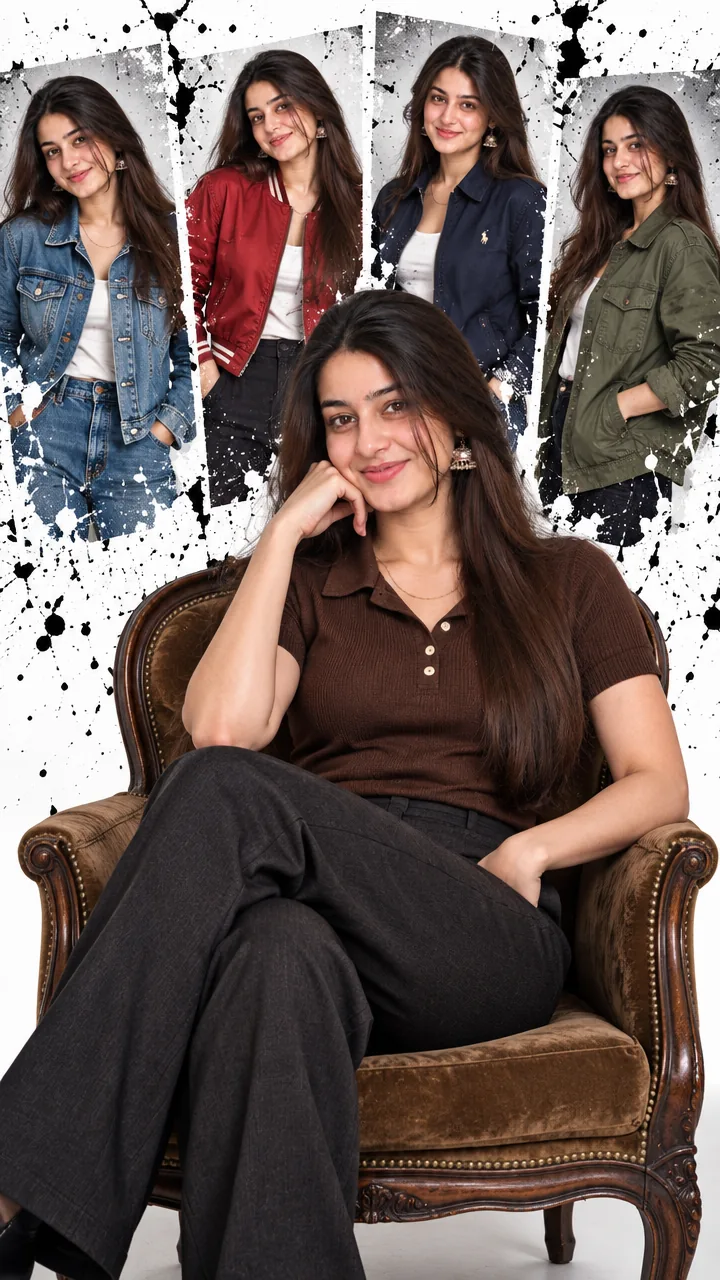
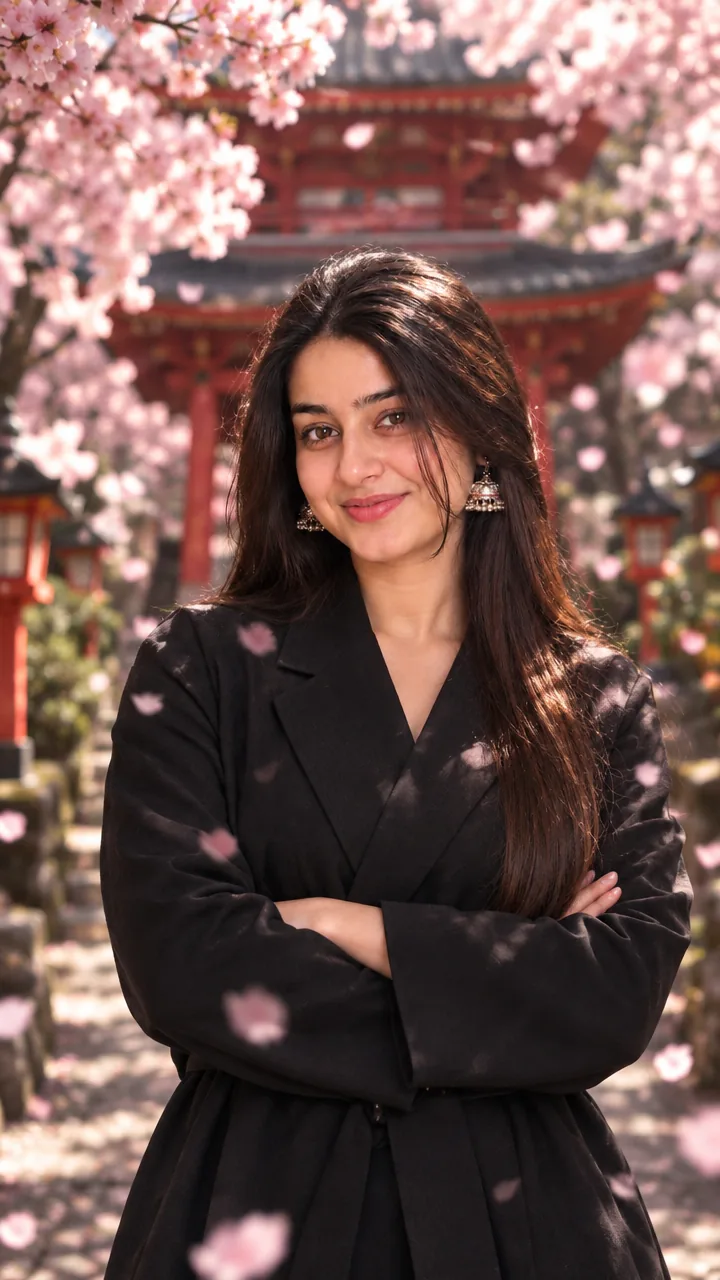
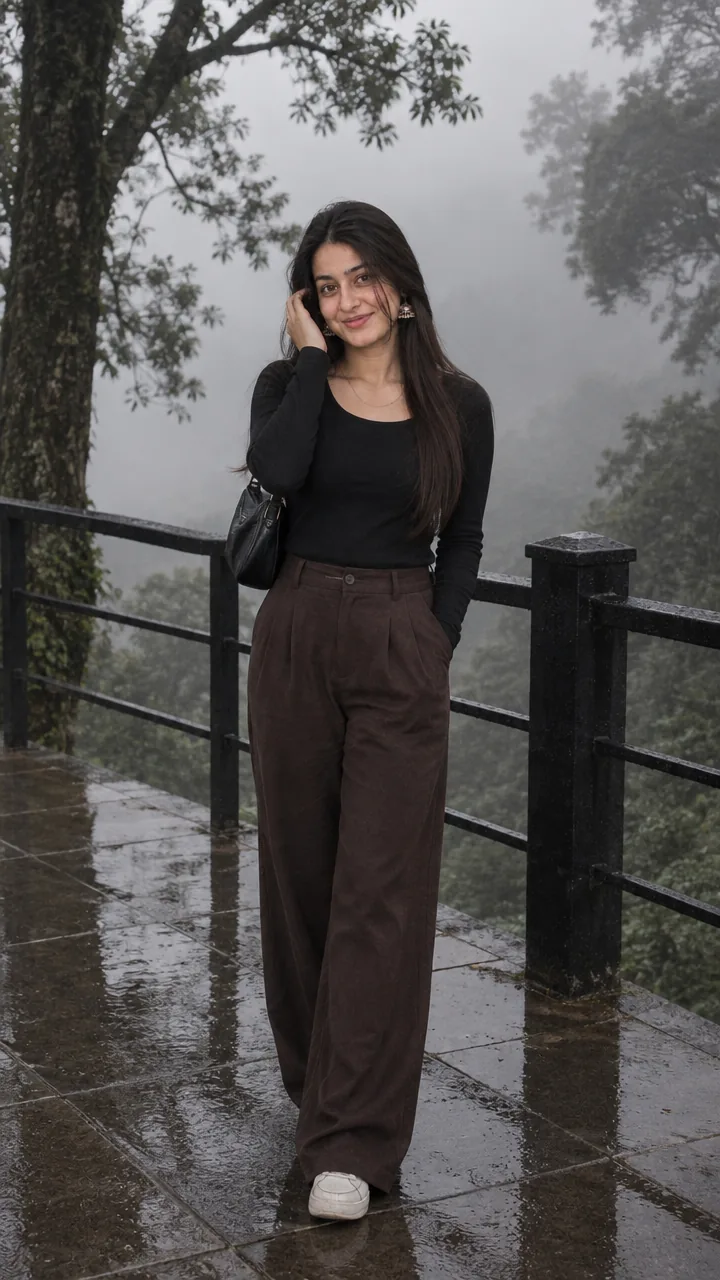
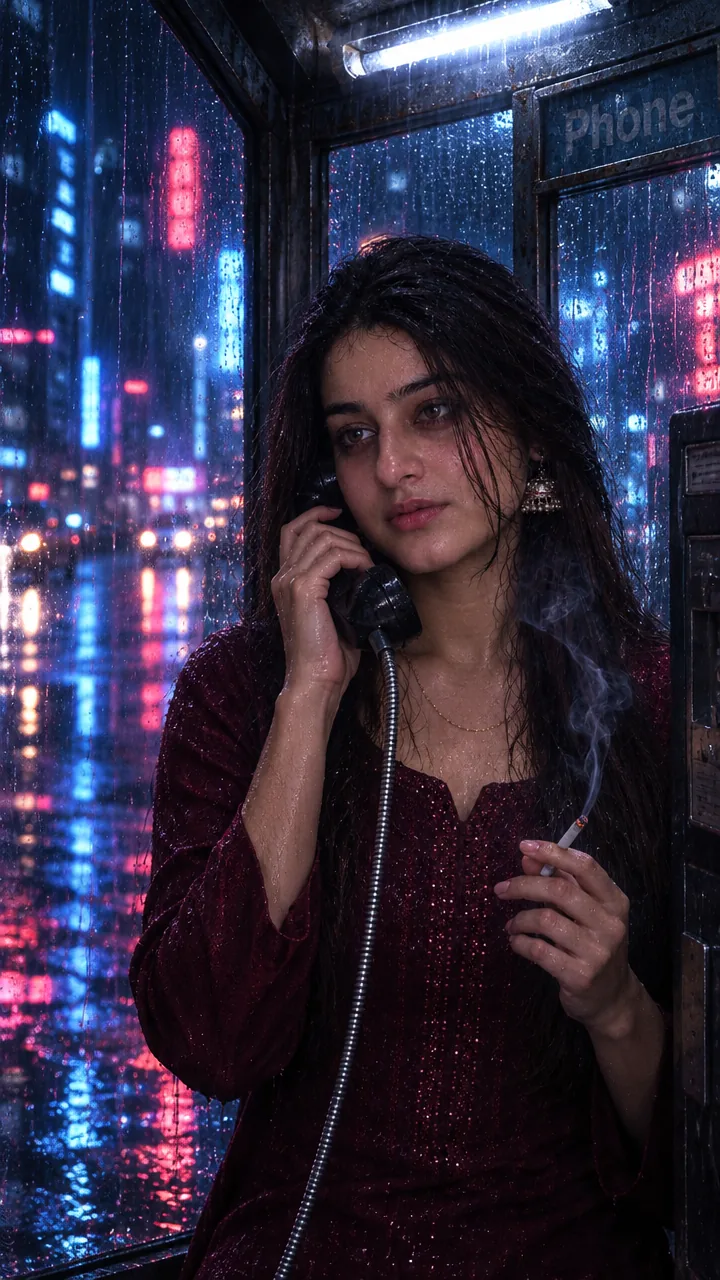
Jailer 2 Cinema Hall Photo Prompt for Girls – Release Day Poster Look in Gemini & ChatGPT
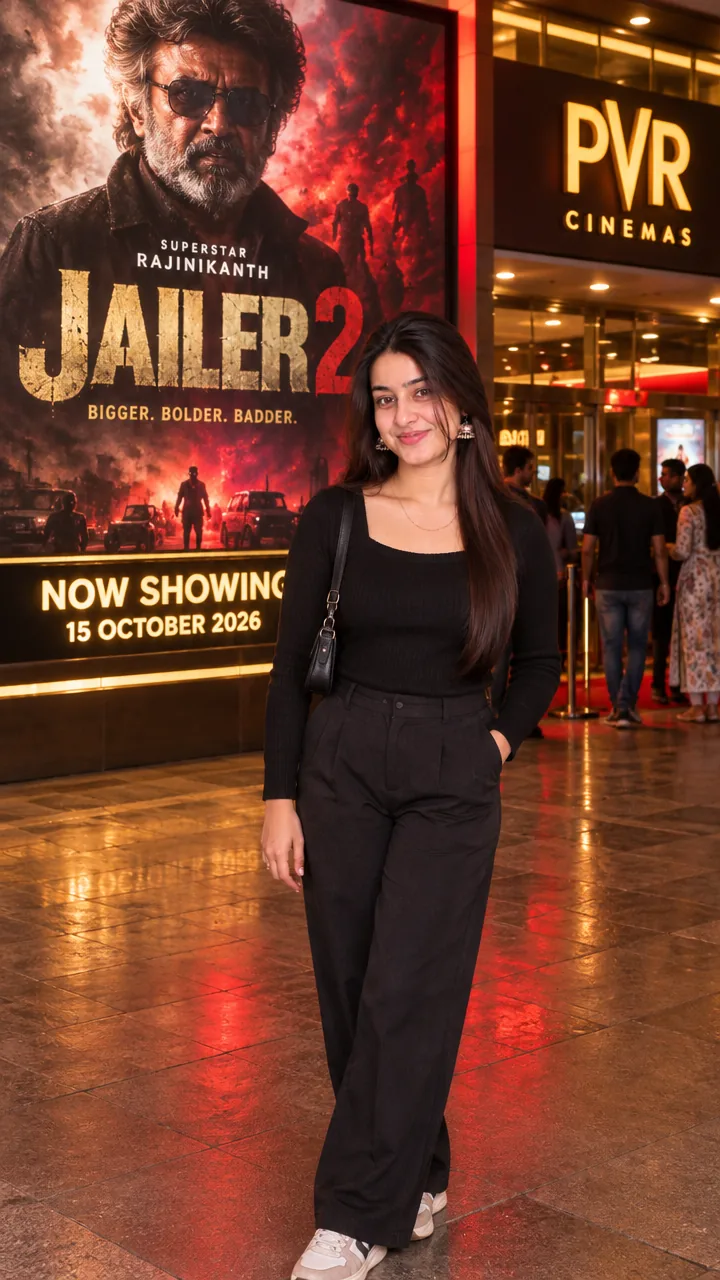
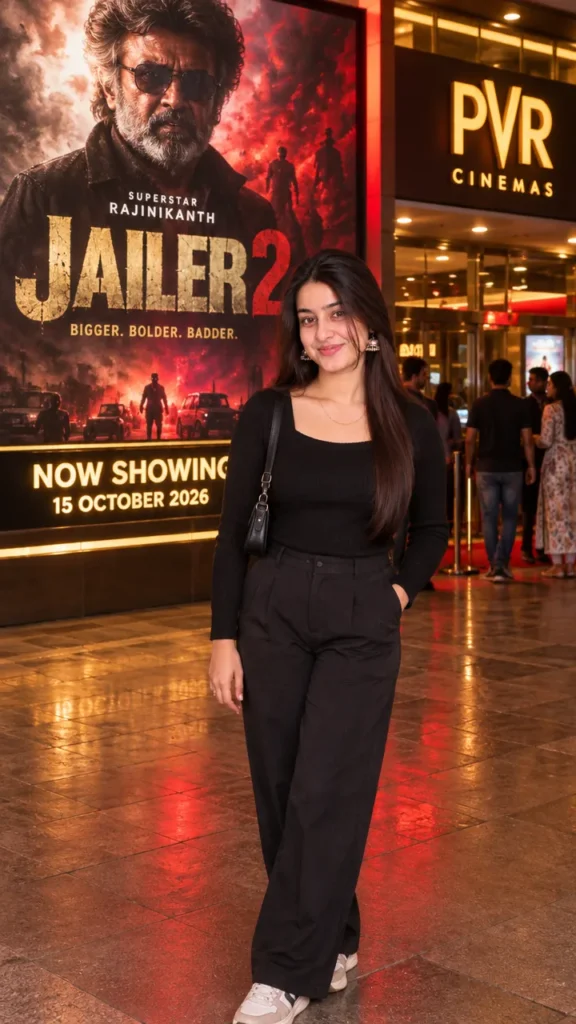
This Jailer 2 cinema hall photo prompt for girls puts you outside an Indian cinema hall at night on release day, standing elegantly in front of a huge, illuminated Jailer 2 poster. The prompt locks your face, skin tone and hairstyle, and builds a realistic cinema entrance with lights, a crowd and festival-like excitement. Copy the prompt, upload your photo in Gemini or ChatGPT and get your first-day-first-show photo in seconds.
The prompt
Create an ultra-realistic, cinematic DSLR photograph using the uploaded image as the face reference. Show the same girl or woman from the uploaded photo standing elegantly outside an Indian cinema hall on 15 October 2026, in front of a huge, illuminated Jailer 2 movie promotional poster.
STRICT FACE IDENTITY LOCK: Preserve the exact face and identity from the uploaded reference image. Maintain the original facial features, skin tone, hairstyle, eyes, eyebrows, nose, lips, and natural expression. Do not beautify, reshape, replace, or alter the face. Preserve the person's original appearance and recognizable identity.
SCENE AND BACKGROUND: A realistic Indian cinema hall entrance at night, featuring a massive illuminated Jailer 2 promotional poster displayed on a theatre wall or large LED billboard. Include glowing cinema signage, glass entrance doors, realistic reflections, dramatic red and golden lighting, and a few moviegoers in the background. Make the atmosphere feel lively and authentic, like a movie release celebration.
POSE AND OUTFIT: The woman stands naturally facing the camera with a confident, relaxed expression. One hand rests casually in a pocket, if appropriate for the outfit, while the other hangs naturally by her side. Dress her in a stylish black top with elegant dark trousers and fashionable sneakers, or a modern black outfit that complements her original style. Keep the outfit tasteful and realistic. Adjust her height, body proportions, and size naturally according to the cinema background.
MOVIE POSTER: Display a large, dramatic Jailer 2 promotional poster behind her, featuring a dark action-movie atmosphere, smoky textures, red highlights, golden accents, dramatic shadows, and bold cinematic typography. Add a realistic theatre banner reading “NOW SHOWING — 15 OCTOBER 2026.” Keep the poster clearly visible without covering the person.
PHOTOGRAPHY AND QUALITY: Professional DSLR photography, 85mm portrait lens aesthetic, realistic skin texture, natural hair details, sharp facial features, accurate perspective, lifelike shadows, balanced exposure, high dynamic range, and premium cinematic color grading. Match the lighting on the subject to the theatre's red and golden illumination.
STRICT REALISM: Do not change the original face, skin tone, or identity. Avoid excessive makeup, artificial skin smoothing, distorted hands, extra fingers, unnatural body proportions, unrealistic reflections, blurry facial details, and cartoon effects. Ensure seamless blending between the person and the cinema environment.
COMPOSITION: Vertical 3:4 portrait orientation, full-body framing, with the woman positioned naturally in front of the cinema poster. Keep the Jailer 2 title and cinema entrance clearly visible.
FINAL RESULT: A high-quality, photorealistic cinematic photograph that looks like a professional picture taken outside an Indian cinema hall during the Jailer 2 release-day celebrations on 15 October 2026.
3 more release day moments
Same first-day-first-show excitement – a new moment each time.
Ticket Selfie Cinema Prompt
Use my uploaded photo and keep my face exactly the same. A selfie outside a cinema at night holding two movie tickets and smiling, with a big lit poster and crowd behind. Realistic phone look, vertical 9:16.
Popcorn Cinema Prompt
Use my uploaded photo and keep my face exactly the same. I hold a big popcorn tub at the cinema entrance in a stylish kurti and smile at the camera. Warm marquee lights, vertical 9:16.
Fan Crowd Cinema Prompt
Use my uploaded photo and keep my face exactly the same. I cheer with the crowd outside a cinema on release night as confetti flies. Festive night lights, cinematic, vertical 9:16.
Release day DP prompt
A square close-up made for your WhatsApp or Instagram profile picture.
Use my uploaded photo and keep my face exactly the same. A square profile picture outside a lit cinema hall at night, with the poster glow behind, 1:1.
Release day captions
Your photo is ready – now pick a caption. Tap Copy and paste it on Instagram.
Made your photo? Bring it to life as a short reel. Upload the photo you just made in Gemini, tap Video, paste this prompt and send.
Animate this photo into a short 8-second video. Keep my face exactly the same. The poster lights flicker on, the crowd cheers in the background, and I turn and smile at the camera. Warm cinematic night light, realistic motion, no text, vertical 9:16.
How to use this jailer 2 cinema hall photo prompt for girls in Gemini
Tap + and upload one clear, front-facing photo of yourself.
Paste the prompt and send. Your photo is ready in about 10–20 seconds.
Not happy? Tap regenerate or change one detail in the prompt and try again.
How to use it in ChatGPT
Open ChatGPT (the free plan works) and start a new chat.
Tap + and add your photo.
Paste the prompt and send – image generation takes up to a minute.
Long-press or tap download to save the picture.
Tips for the best cinema photo
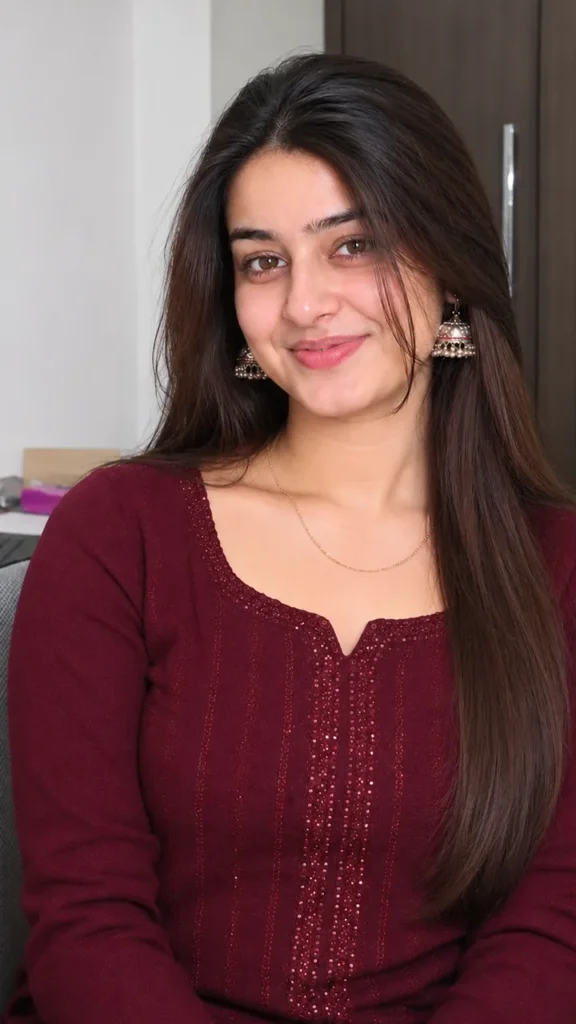
Use a sharp photo where your full face is visible – no sunglasses, mask or heavy filter.
Change the size at the end of the prompt: 1:1 for a DP, 3:4 for a post, 9:16 for a story.
Change the movie name and date in the prompt for any film you are excited about.
AI often misspells poster text – try again if it comes out wrong.
FAQ
Is this jailer 2 cinema hall photo prompt for girls free?
Yes, the prompt is free. Gemini and ChatGPT both make images on their free plans, with a small daily limit.
Which is better for this prompt – Gemini or ChatGPT?
Gemini keeps the face closer to your photo and is faster. ChatGPT often gives softer, more cinematic light. Try both and keep the one you like.
My face looks different in the result. What should I do?
Upload a clear, front-facing photo in good light without sunglasses or filters, and add "keep my face exactly the same as the uploaded photo" at the start of the prompt. Then generate again.
Can I make a video from this photo?
Yes. First make your photo with the prompt, then upload that photo in Gemini, choose Video and paste the video prompt from this page. Free plans have a small daily video limit.