
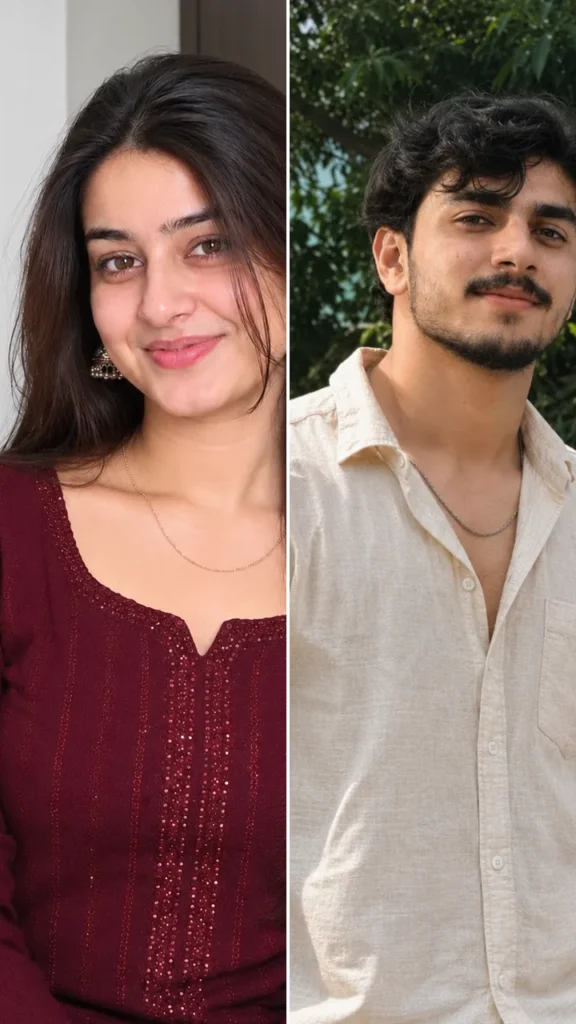
Couple · AI photo prompt
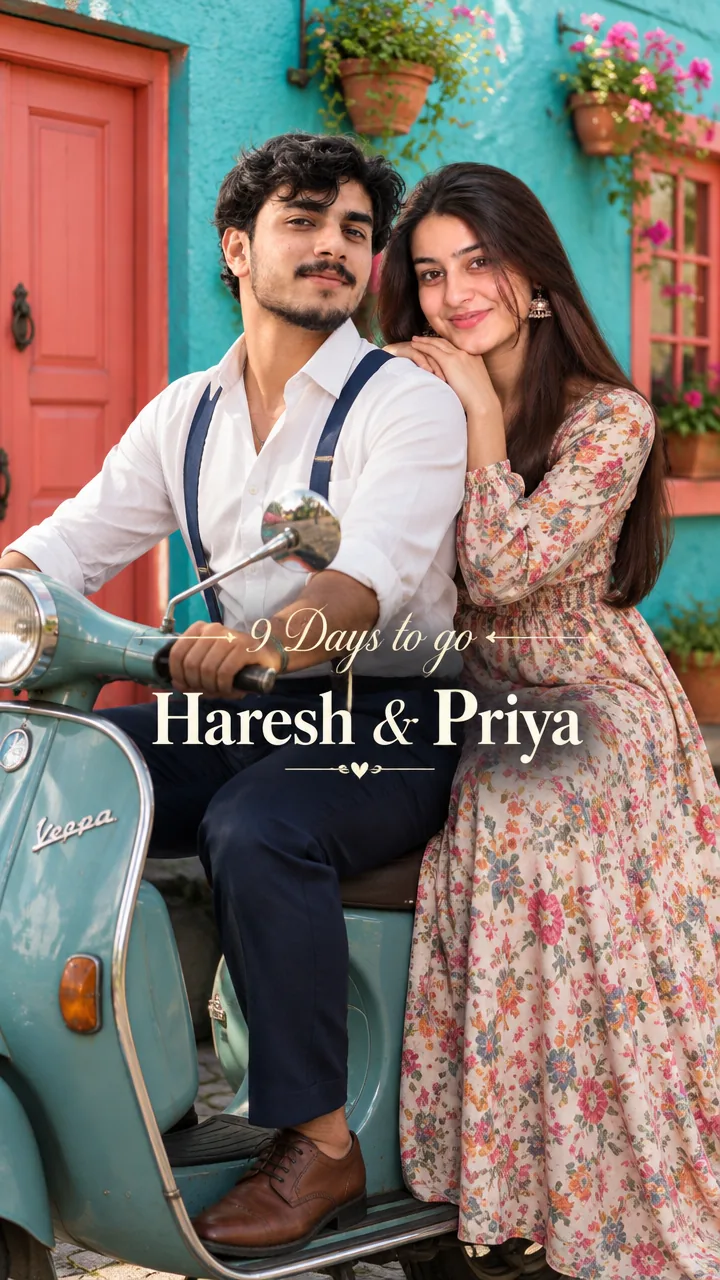
Vintage Scooter Pre Wedding Photo Prompt – Colourful Street Couple in Gemini & ChatGPT
This Vintage scooter pre wedding photo prompt turns your photos into a colourful pre-wedding street shot – he sits on a vintage scooter in a white shirt with suspenders and navy trousers, she sits behind in a flowing floral dress with her chin on her hands, smiling, against a vibrant turquoise wall with coral doors and plants. Copy the prompt, upload your photos in Gemini or ChatGPT and get a playful pre-wedding picture in seconds.
The prompt
3 more colourful pre-wedding ideas
Same playful street style – a new location each time.
Yellow Wall Couple Prompt
Pink City Couple Prompt
Vintage Cycle Couple Prompt
Pre wedding scooter DP prompt
A square close-up made for your WhatsApp or Instagram profile picture.
Pre-wedding captions
Your photo is ready – now pick a caption. Tap Copy and paste it on Instagram.
- Riding into forever 🛵💕
- A ride of love on a scooter 😍
- Colourful love story 🌈
- Pre-wedding diaries 📖
- Save the date 📅
- You in front, me behind, always together 💑
- Vintage love, modern us ✨
- Our happy colours 🎨
- Mr & Mrs loading… ⏳
- From my heart to yours 💞
- #PreWedding #CoupleGoals #VintageScooter #ColourfulLove #AIPhoto #GeminiAI #ChatGPT #WeddingSeason #PhotoPrompt
Turn your photo into a pre-wedding reel
Made your photo? Bring it to life as a short reel. Upload the photo you just made in Gemini, tap Video, paste this prompt and send.
How to use this vintage scooter pre wedding photo prompt in Gemini
- Open the Gemini app or gemini.google.com.
- Tap Copy prompt above.
- Tap + and upload one clear photo of you both together (or one photo of each of you).
- Paste the prompt and send. Your photo is ready in about 10–20 seconds.
- Not happy? Tap regenerate or change one detail in the prompt and try again.
How to use it in ChatGPT
- Open ChatGPT (the free plan works) and start a new chat.
- Tap + and add your photo.
- Paste the prompt and send – image generation takes up to a minute.
- Long-press or tap download to save the picture.
Tips for the best pre-wedding photo
- Use a photo where both faces are clear and similar in size – no sunglasses or heavy filters.
- For an Instagram post write vertical 3:4; for a story or reel cover write vertical 9:16.
- Upload one clear photo of each of you for the best faces.
- Change the wall colours to match your wedding theme.
FAQ
Is this vintage scooter pre wedding photo prompt free?
Yes, the prompt is free. Gemini and ChatGPT both make images on their free plans, with a small daily limit.
Should I use Gemini or ChatGPT?
Both work. Gemini is quicker and usually keeps your face closer to the photo; ChatGPT takes longer but the light and detail can look richer. Run it in both and pick your favourite.
One of our faces changed. How do I fix it?
Use a photo where both faces are sharp and front-facing, or upload one clear photo of each person. Add "keep both faces exactly the same as the uploaded photos" at the start of the prompt and generate again.
Can I make a video from this photo?
Yes. First make your photo with the prompt, then upload that photo in Gemini, choose Video and paste the video prompt from this page. Free plans have a small daily video limit.