Couple · AI photo prompt
Tower Top Proposal Photo Prompt – Will You Marry Me Flag Above the City (Gemini & ChatGPT)
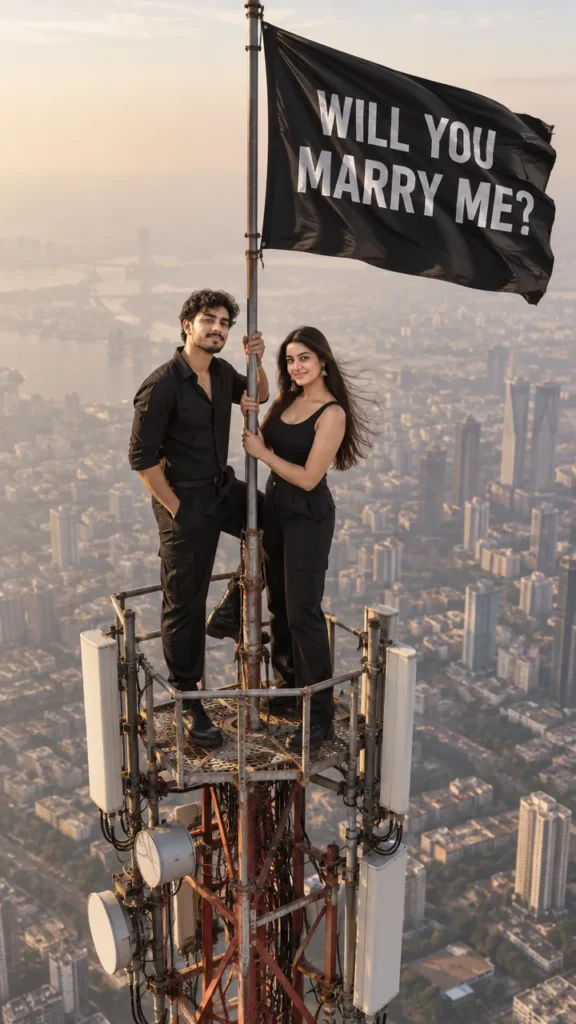
This Tower top proposal photo prompt puts you both on the tiny top platform of a very tall tower, high above a hazy city skyline, in a dramatic drone shot. He holds the antenna pole in an all-black outfit, she stands beside him, and a big black flag blowing in the wind reads WILL YOU MARRY ME? in bold white letters. Upload your photos in Gemini or ChatGPT and you have a proposal picture nobody will forget.
The prompt
3 more sky-high proposal ideas
Same height, same thrill – a new setting each time.
Bridge Top Proposal Prompt
Mountain Peak Proposal Prompt
Skyscraper Edge Proposal Prompt
Proposal flag DP prompt
A square close-up made for your WhatsApp or Instagram profile picture.
Proposal captions
Your photo is ready – now pick a caption. Tap Copy and paste it on Instagram.
- She said yes – from the top of the world 💍
- Height of love, literally 🗼
- Will you marry me? ❤️
- Far from the ground, close to the heart 💞
- Asked the question above the city 🏙️
- Forever starts up here ✨
- Asked up high, got a yes 💍
- No fear of heights, only of losing you 🫶
- Our love story needs a drone shot 🎥
- The highest proposal ever 🔝
- #ProposalPhoto #WillYouMarryMe #CouplePhoto #AIPhoto #GeminiAI #ChatGPT #PhotoPrompt #DroneShot #CoupleGoals
Turn your proposal into a drone reel
Made your photo? Bring it to life as a short reel. Upload the photo you just made in Gemini, tap Video, paste this prompt and send.
How to use this tower top proposal photo prompt in Gemini
- Go to gemini.google.com or open the Gemini app on your phone.
- Tap Copy prompt above.
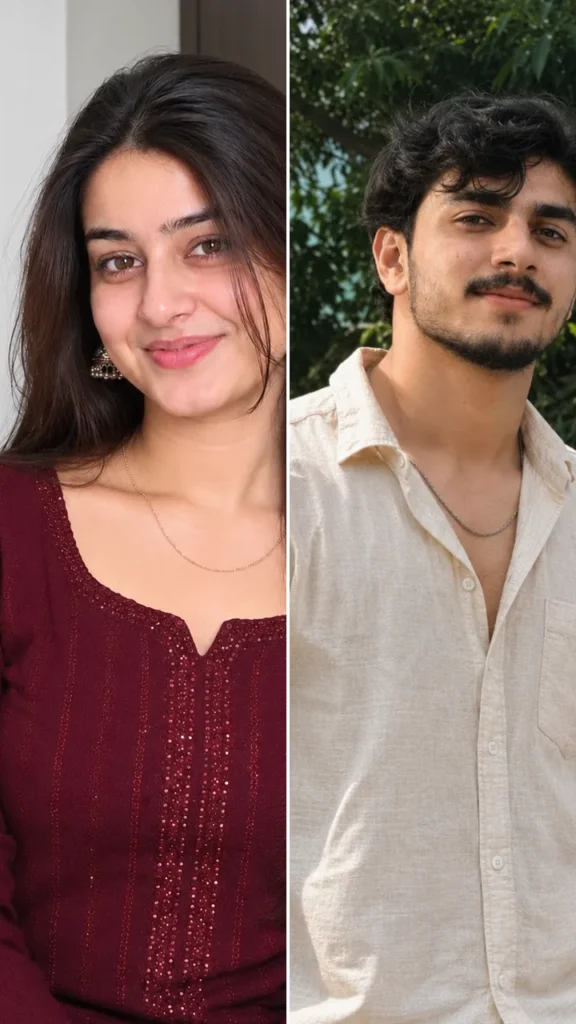
- Tap + and upload one clear photo of you both together (or one photo of each of you).
- Paste the prompt and tap send – the picture comes back in a few seconds.
- If something looks off, ask Gemini to fix just that part, for example "keep my face the same, make the light warmer".
How to use it in ChatGPT
- Open ChatGPT and start a new chat.
- Attach your photo with the + button.
- Paste the prompt, send it and wait for the image.
- Tap the download icon to save it.
Tips for the best proposal shot
- Use a photo where both faces are clear and similar in size – no sunglasses or heavy filters.
- Change the size at the end of the prompt: 1:1 for a DP, 3:4 for a post, 9:16 for a story.
- Use one clear photo of each of you – the prompt keeps your faces while placing you on the tower.
- Change the flag text to your own words, for example your partner's name, but keep it short so it stays readable.
FAQ
Is this tower top proposal photo prompt free?
Yes. Copy it for free and use it in the free version of Gemini or ChatGPT. Free accounts may have a daily image limit.
Which is better for this prompt – Gemini or ChatGPT?
Gemini keeps the face closer to your photo and is faster. ChatGPT often gives softer, more cinematic light. Try both and keep the one you like.
One of our faces changed. How do I fix it?
Use a photo where both faces are sharp and front-facing, or upload one clear photo of each person. Add "keep both faces exactly the same as the uploaded photos" at the start of the prompt and generate again.
Can I make a video from this photo?
Yes. First make your photo with the prompt, then upload that photo in Gemini, choose Video and paste the video prompt from this page. Free plans have a small daily video limit.