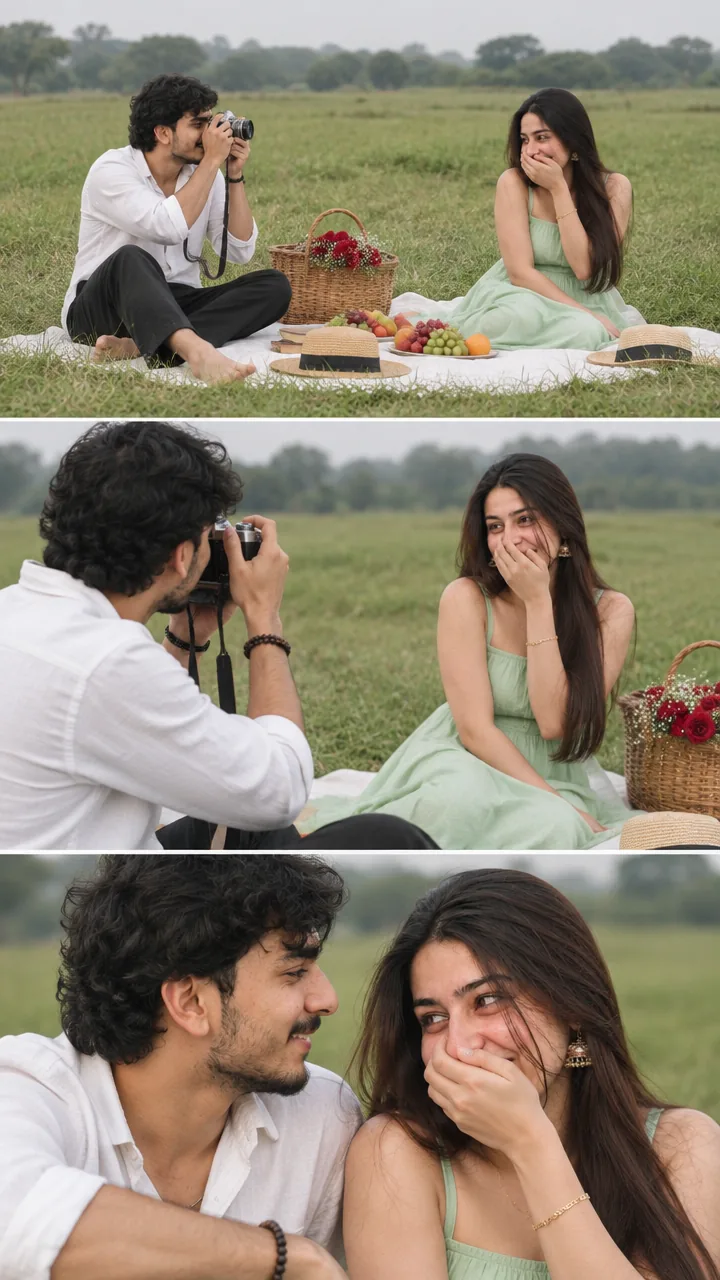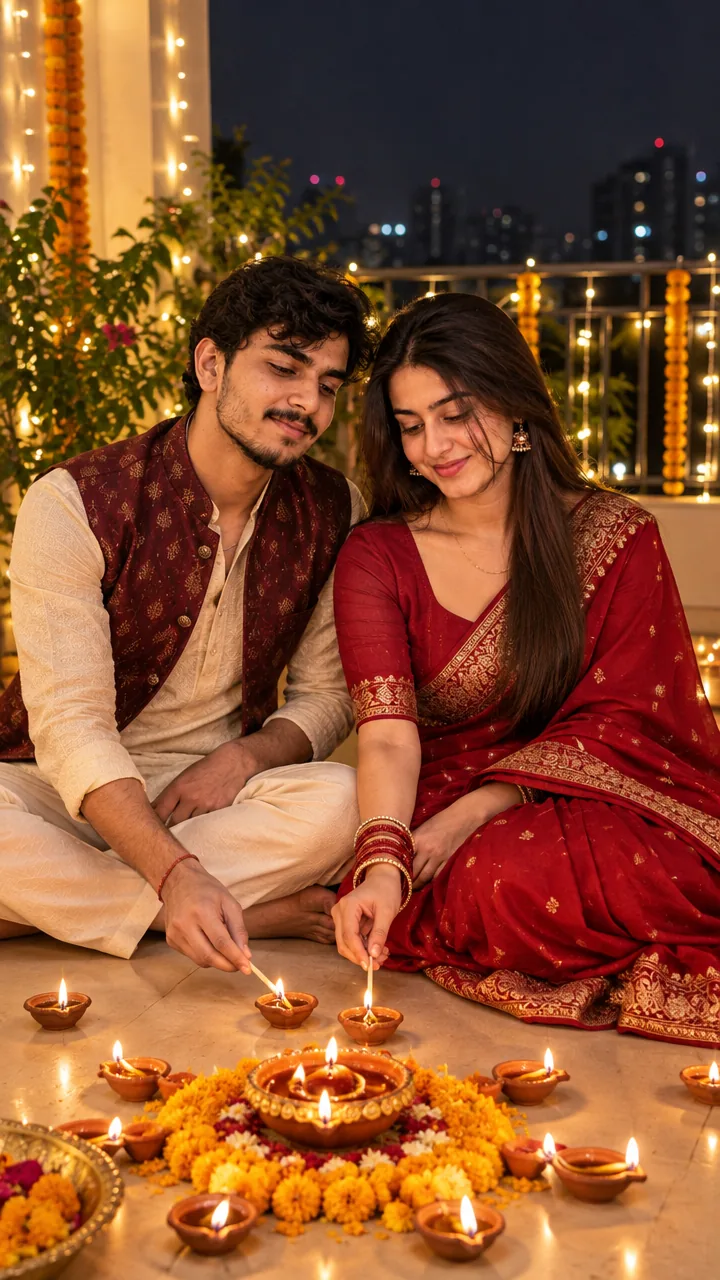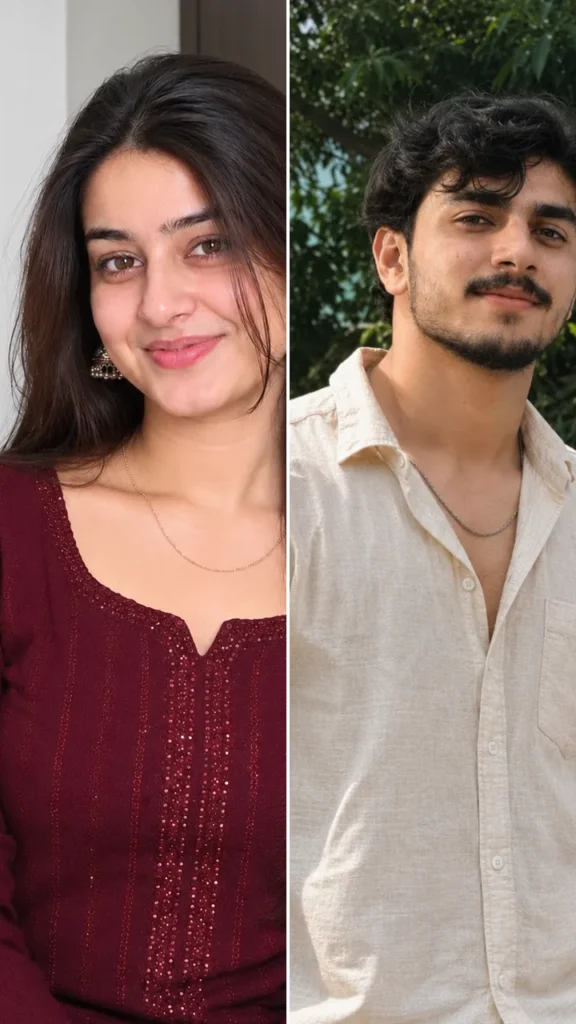
Couple · AI photo prompt
Pre Wedding Countdown Photo Prompt – “3 Days to Go” Dreamy Poster in Gemini & ChatGPT
This Pre wedding countdown photo prompt turns your photo into a dreamy wedding-countdown poster – a high-key romantic close-up, her smiling joyfully in a pink floral dress, him leaning in from behind cheek to cheek, soft white flowers framing the foreground, and elegant text like “3 Days to Go” with both your names. Copy the prompt, change the names and days, upload your photo in Gemini or ChatGPT and get a countdown post in seconds.
The prompt
3 more wedding countdown ideas
Same countdown idea – a new style each time.
Countdown 7 Days Prompt
Countdown Haldi Prompt
Countdown Mehendi Prompt
Wedding countdown DP prompt
A square close-up made for your WhatsApp or Instagram profile picture.
Wedding countdown captions
Your photo is ready – now pick a caption. Tap Copy and paste it on Instagram.
- 3 days to forever 💍
- Just a few more days 🥹
- Countdown to our happily ever after ✨
- That wedding feeling 💕
- Soon to be Mr & Mrs 💑
- Bride and groom loading… ⏳
- Save the date 📅
- Can't wait any longer 😍
- Our big day is almost here 🎉
- Forever starts in 3… 2… 1… 💖
- #WeddingCountdown #PreWedding #SaveTheDate #ShaadiSeason #AIPhoto #GeminiAI #ChatGPT #CoupleGoals #PhotoPrompt
Turn your poster into a countdown reel
Made your photo? Bring it to life as a short reel. Upload the photo you just made in Gemini, tap Video, paste this prompt and send.
How to use this pre wedding countdown photo prompt in Gemini
- Go to gemini.google.com or open the Gemini app on your phone.
- Tap Copy prompt above.
- Tap + and upload one clear photo of you both together (or one photo of each of you).
- Paste the prompt and tap send – the picture comes back in a few seconds.
- If something looks off, ask Gemini to fix just that part, for example "keep my face the same, make the light warmer".
How to use it in ChatGPT
- Open ChatGPT and start a new chat.
- Attach your photo with the + button.
- Paste the prompt, send it and wait for the image.
- Tap the download icon to save it.
Tips for the best countdown poster
- Use a photo where both faces are clear and similar in size – no sunglasses or heavy filters.
- Change the size at the end of the prompt: 1:1 for a DP, 3:4 for a post, 9:16 for a story.
- Replace “Abhay & Sneha” with your names and change the number of days.
- Check the spelling of names in the result before posting.
FAQ
Is this pre wedding countdown photo prompt free?
Yes. Copy it for free and use it in the free version of Gemini or ChatGPT. Free accounts may have a daily image limit.
Which is better for this prompt – Gemini or ChatGPT?
Gemini keeps the face closer to your photo and is faster. ChatGPT often gives softer, more cinematic light. Try both and keep the one you like.
One of our faces changed. How do I fix it?
Use a photo where both faces are sharp and front-facing, or upload one clear photo of each person. Add "keep both faces exactly the same as the uploaded photos" at the start of the prompt and generate again.
Can I make a video from this photo?
Yes. First make your photo with the prompt, then upload that photo in Gemini, choose Video and paste the video prompt from this page. Free plans have a small daily video limit.