Templates · CapCut template
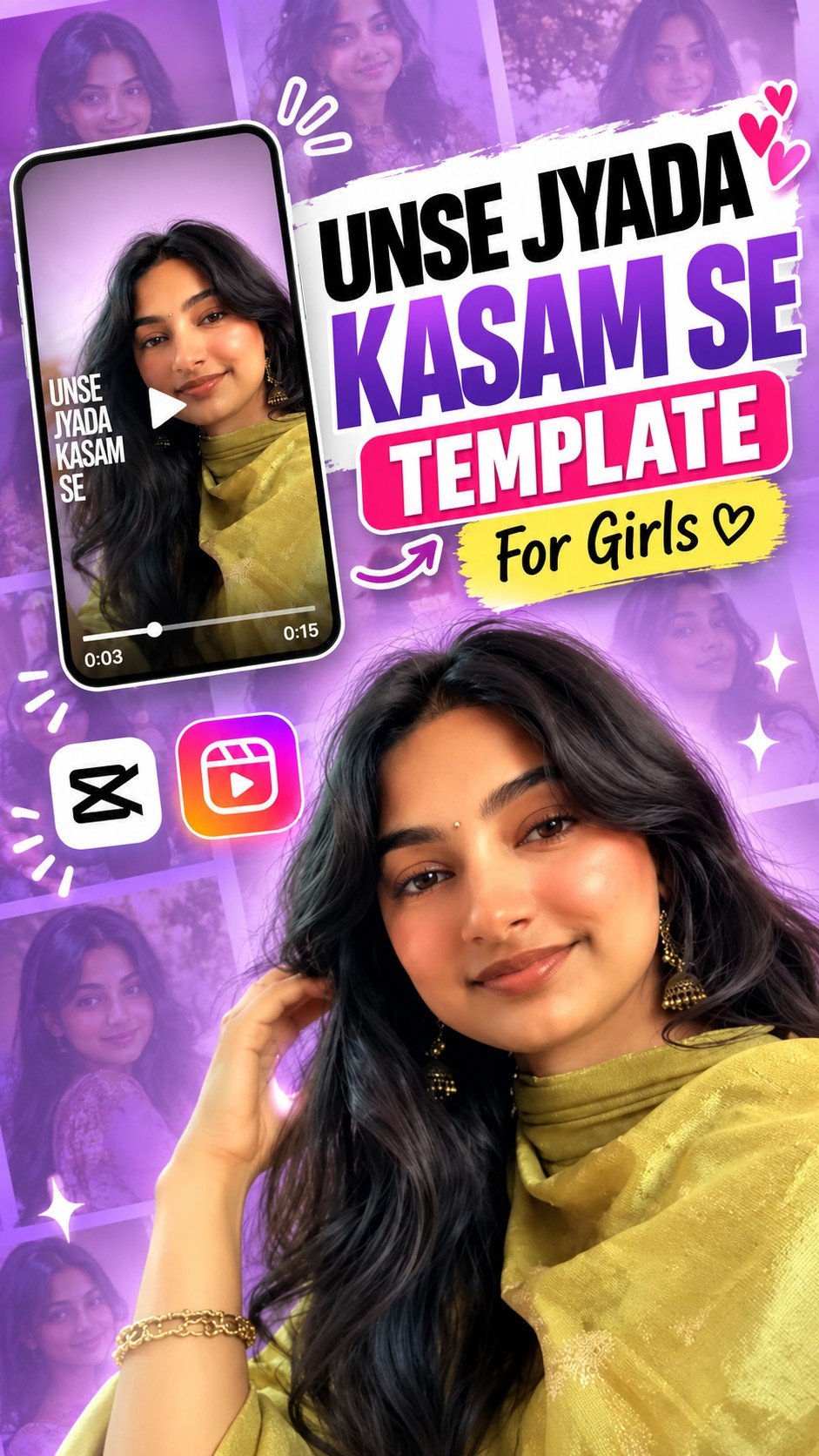
Unse Zyada Kasam Se Viral Template For Girls
Free Unse Zyada Kasam Se CapCut template for girls – the viral soft romantic lyric edit for Reels. Add your photos and export. Step-by-step guide in English, Hindi and Gujarati.

On a computer? Scan this with your phone to open the template in CapCut.
How to use this template
- Open the template link - Tap the Use Template on CapCut button above. It opens the template page in the CapCut app.
- Tap "Use template" - If the template is still public and your CapCut app is up to date, a Use template button appears at the bottom. Tap it to open your gallery.
- Pick your photos or clips - Choose clear, well-lit media — vertical portraits and couple photos suit this edit best. Fill the slots CapCut asks for; the order you tap is the order they play.
- Fix the framing - Tap any clip on the timeline and pinch or drag until the faces sit in the middle of the frame, so nothing important gets cropped.
- Preview it once - Play the reel from start to finish. The effects and timing are already set, so you are only checking that each photo appears where you want it.
- Export and share - Tap export, choose the quality, and the reel saves to your phone — ready for Instagram Reels, WhatsApp status, YouTube Shorts or Facebook.