Templates · CapCut template
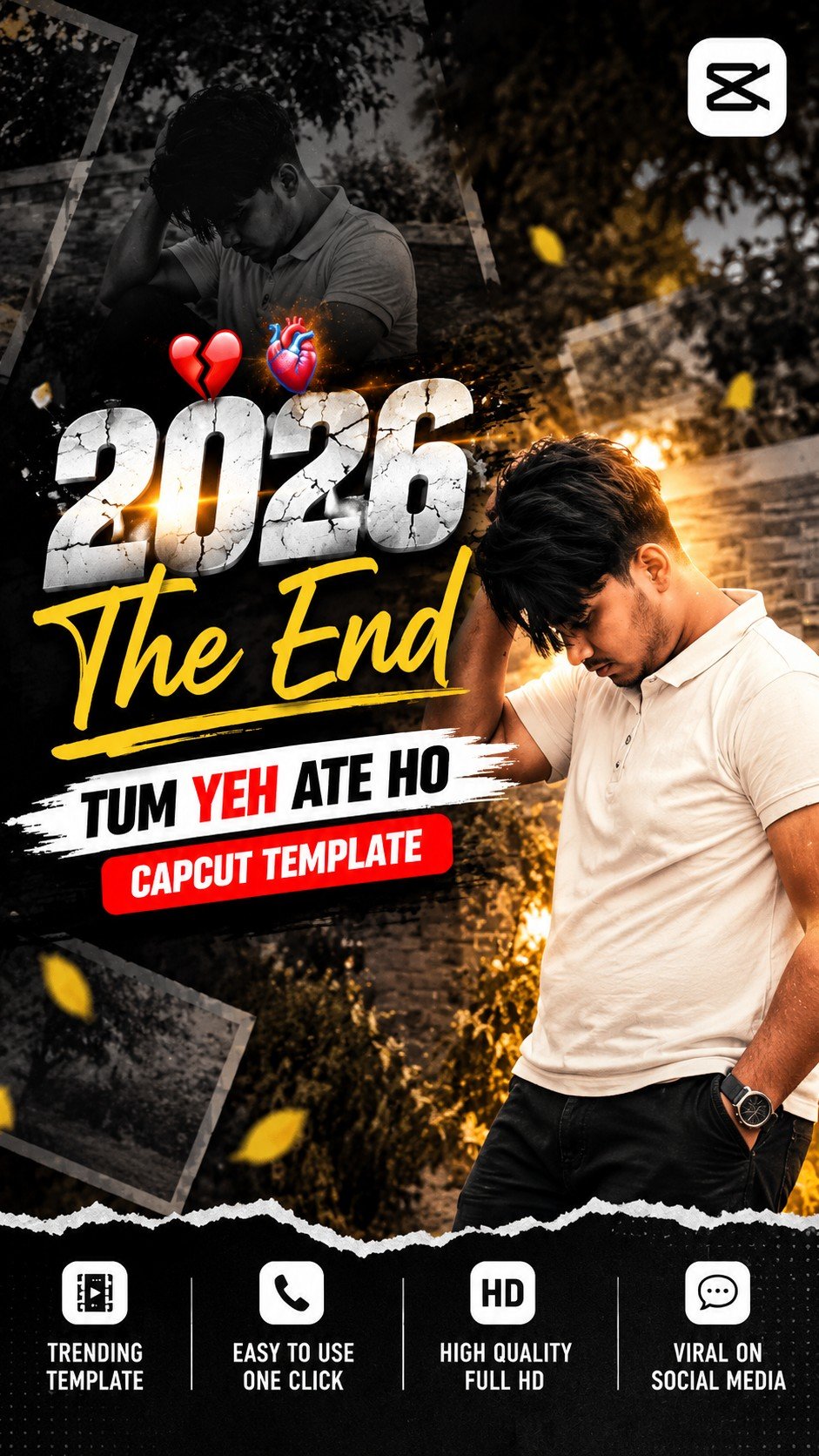
2026 The End – Lyrics Video Editing Template
Free 2026 The End lyrics video editing template – year-end memories with on-screen lyrics. Two CapCut versions. Guide in English, Hindi and Gujarati.

On a computer? Scan this with your phone to open the template in CapCut.
How to use this template
- Open the template link - Tap the Use Template on CapCut button above. It opens the template in the CapCut app.
- Tap "Use template" - If the template is still public and CapCut is up to date, a Use template button appears at the bottom. Tap it to open your gallery.
- Pick your media - Choose one photo from each month of the year for a proper recap feel. Fill every slot CapCut asks for; the order you tap is the order they play.
- Fix the framing - Tap any clip on the timeline and pinch or drag until faces sit in the middle of the frame.
- Preview once - Play it from start to finish to check every photo lands where you want it.
- Export and share - Tap export, choose the quality, and the reel saves to your phone — ready for Instagram, WhatsApp or YouTube Shorts.