Couple · AI photo prompt
Romantic Portrait Any Setting Prompt – Flexible Couple Template in Gemini & ChatGPT
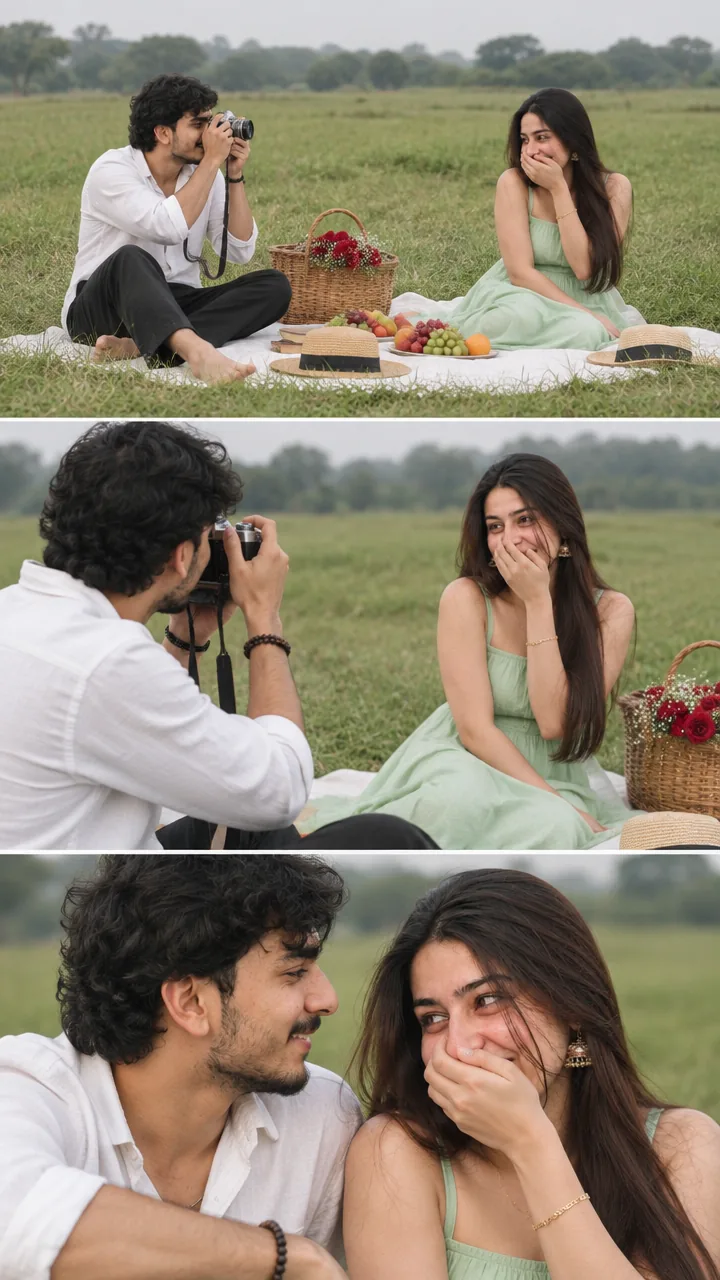
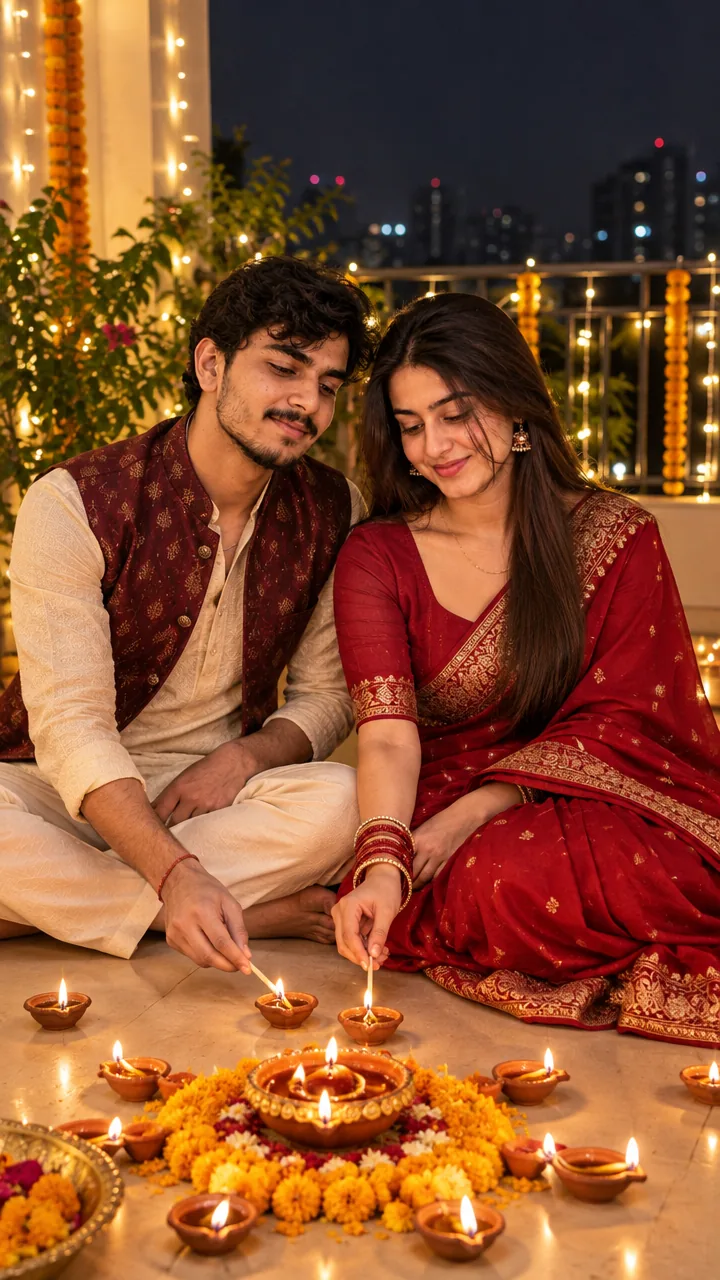
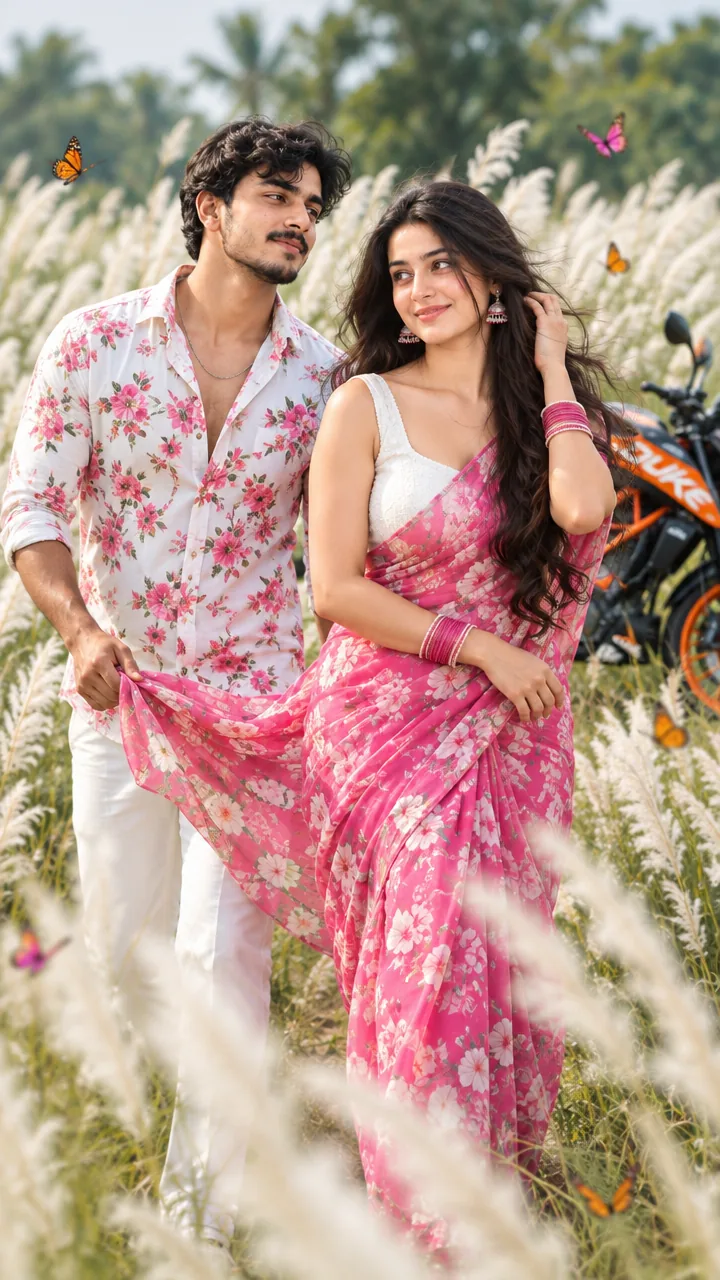
This Romantic portrait any setting prompt is a flexible template for a realistic romantic portrait – it keeps both faces exactly, then lets you choose the pose (hugging, holding hands, close together), modern stylish outfits, natural expressions and any setting you like – city, beach, rooftop or soft bokeh – in golden-hour or cinematic light. Copy the prompt, fill in your choices, upload your photo in Gemini or ChatGPT and get your couple picture in seconds.
The prompt
3 ready-made romantic settings
Already filled in – just upload a photo of you both.
Beach Hug Couple Prompt
Rooftop Couple Prompt
Park Bench Couple Prompt
Romantic couple DP prompt
A square close-up made for your WhatsApp or Instagram profile picture.
Romantic captions
Your photo is ready – now pick a caption. Tap Copy and paste it on Instagram.
- Anywhere with you 💕
- Any place, as long as I'm with you ❤️
- Golden hour, golden us ✨
- Candid and in love 📸
- Our favourite frame 🖼️
- With you, every place is special 🌍
- Love in every light 💡
- Close to you, always 🤍
- Simply us 💑
- A portrait of love 💞
- #CouplePortrait #CoupleGoals #RomanticVibes #LoveStory #AIPhoto #GeminiAI #ChatGPT #CouplePhoto #PhotoPrompt
Turn your portrait into a romantic reel
Made your photo? Bring it to life as a short reel. Upload the photo you just made in Gemini, tap Video, paste this prompt and send.
How to use this romantic portrait any setting prompt in Gemini
- Go to gemini.google.com or open the Gemini app on your phone.
- Tap Copy prompt above.
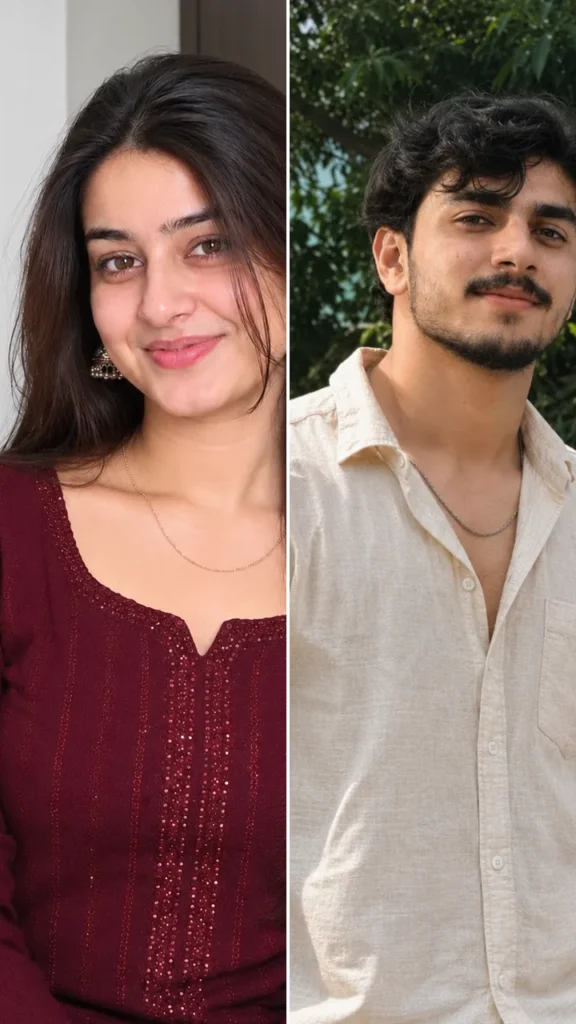
- Tap + and upload one clear photo of you both together (or one photo of each of you).
- Paste the prompt and send. Your photo is ready in about 10–20 seconds.
- Not happy? Tap regenerate or change one detail in the prompt and try again.
How to use it in ChatGPT
- Open ChatGPT (the free plan works) and start a new chat.
- Tap + and add your photo.
- Paste the prompt and send – image generation takes up to a minute.
- Long-press or tap download to save the picture.
Tips for the best romantic portrait
- Two separate selfies work too: upload both and the prompt keeps each face.
- Change the size at the end of the prompt: 1:1 for a DP, 3:4 for a post, 9:16 for a story.
- Replace “{male / female / couple}” with “couple” and pick one setting.
- Upload one photo of you together for the most natural faces.
FAQ
Is this romantic portrait any setting prompt free?
Yes, the prompt is free. Gemini and ChatGPT both make images on their free plans, with a small daily limit.
Which is better for this prompt – Gemini or ChatGPT?
Gemini keeps the face closer to your photo and is faster. ChatGPT often gives softer, more cinematic light. Try both and keep the one you like.
One of our faces changed. How do I fix it?
Use a photo where both faces are sharp and front-facing, or upload one clear photo of each person. Add "keep both faces exactly the same as the uploaded photos" at the start of the prompt and generate again.
Can I make a video from this photo?
Yes. First make your photo with the prompt, then upload that photo in Gemini, choose Video and paste the video prompt from this page. Free plans have a small daily video limit.