
Boys · AI photo prompt
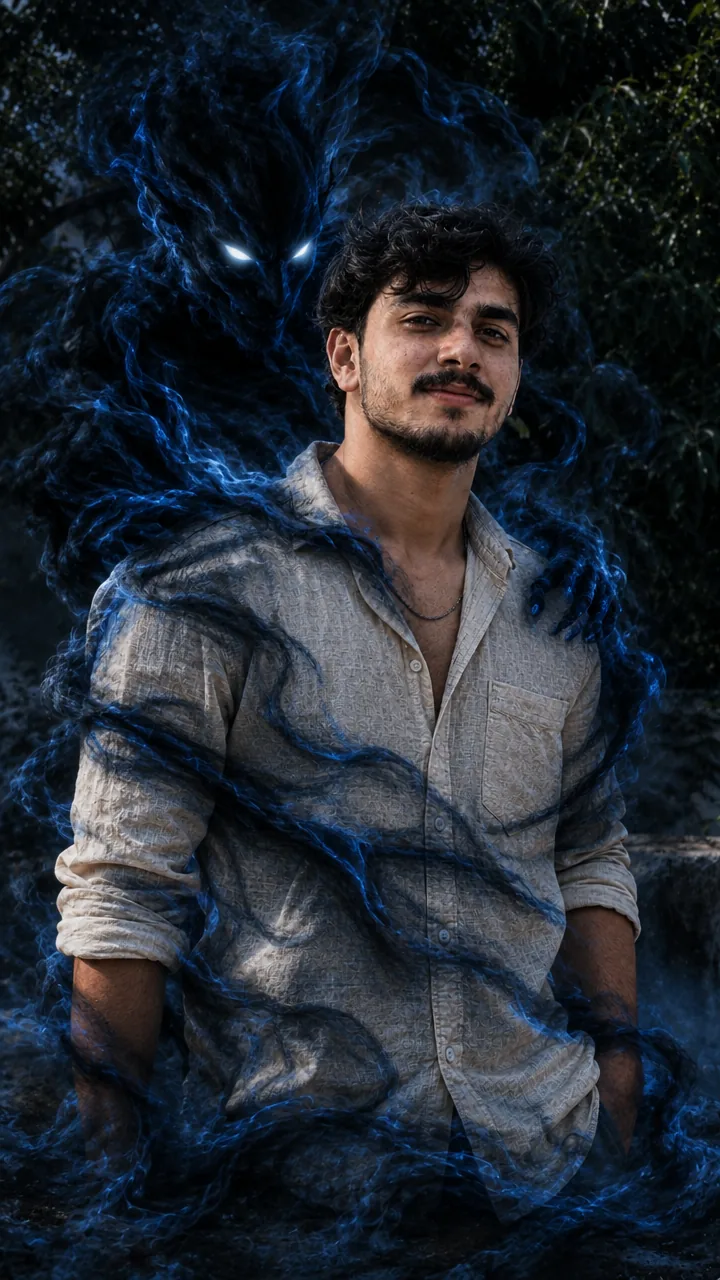
Horror Shadow Photo Edit Prompt – Smoky Demon Behind You in Gemini & ChatGPT
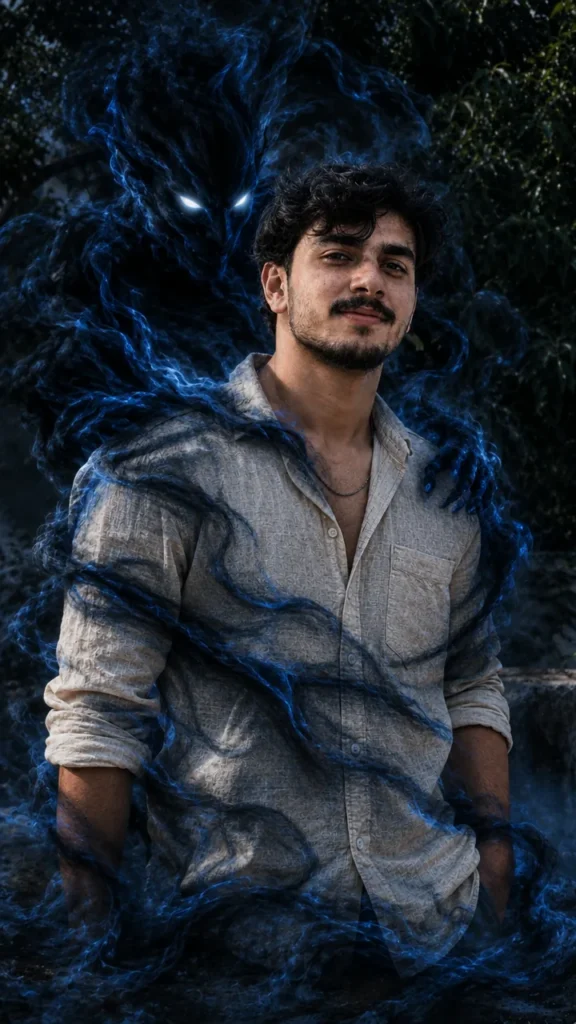
This Horror shadow photo edit prompt keeps your photo exactly as it is – same face, pose, outfit and background – and adds a shadowy, smoke-like entity rising from behind you, made of swirling blue and black smoke with glowing white eyes that wraps around and flows to the floor. Copy the prompt, upload your photo in Gemini or ChatGPT and get a spooky edit in seconds.
The prompt
3 more spooky edits
Same eerie cinematic mood – a new scary twist each time.
Haunted Mirror Prompt
Shadow Hands Prompt
Ghost Corridor Prompt
Spooky shadow DP prompt
A square close-up made for your WhatsApp or Instagram profile picture.
Spooky captions
Your photo is ready – now pick a caption. Tap Copy and paste it on Instagram.
- Don't look behind me 👀
- Don't look back 😨
- My shadow has a mind of its own 🖤
- 3 a.m. vibes 🌑
- Never alone 👻
- The darkness is my friend 🖤
- Something's following me 🌫️
- Beyond fear lies victory 😈
- Smoke and secrets 💨
- Ghost mode: ON 👻
- #HorrorEdit #SpookyVibes #DarkEdit #Halloween #AIPhoto #GeminiAI #ChatGPT #CreepyEdit #PhotoPrompt
Turn your edit into a horror reel
Made your photo? Bring it to life as a short reel. Upload the photo you just made in Gemini, tap Video, paste this prompt and send.
How to use this horror shadow photo edit prompt in Gemini
- Open the Gemini app or gemini.google.com.
- Tap Copy prompt above.
- Tap + and upload one clear, front-facing photo of yourself.
- Paste the prompt and tap send – the picture comes back in a few seconds.
- If something looks off, ask Gemini to fix just that part, for example "keep my face the same, make the light warmer".
How to use it in ChatGPT
- Open ChatGPT and start a new chat.
- Attach your photo with the + button.
- Paste the prompt, send it and wait for the image.
- Tap the download icon to save it.
Tips for the best horror edit
- Use a sharp photo where your full face is visible – no sunglasses, cap or heavy filter.
- For an Instagram post write vertical 3:4; for a story or reel cover write vertical 9:16.
- This edit keeps your original photo – choose one with some empty space behind you.
- Change the smoke colour to red for a fierier look.
FAQ
Is this horror shadow photo edit prompt free?
Yes. Copy it for free and use it in the free version of Gemini or ChatGPT. Free accounts may have a daily image limit.
Should I use Gemini or ChatGPT?
Both work. Gemini is quicker and usually keeps your face closer to the photo; ChatGPT takes longer but the light and detail can look richer. Run it in both and pick your favourite.
Why does the face not look like me?
Usually the photo is too small, dark or taken from the side. Use a sharp, front-facing selfie and write "do not change my face" at the start of the prompt, then try again.
Can I make a video from this photo?
Yes. First make your photo with the prompt, then upload that photo in Gemini, choose Video and paste the video prompt from this page. Free plans have a small daily video limit.