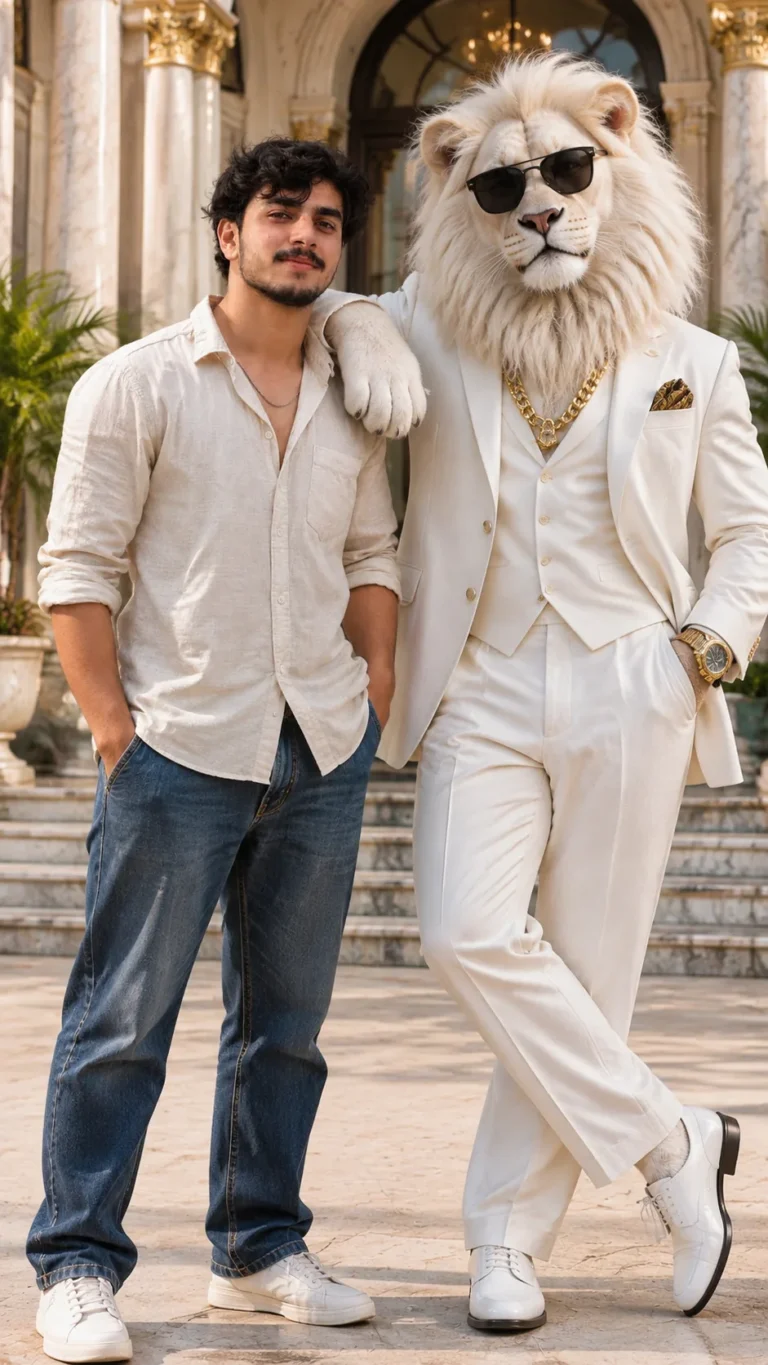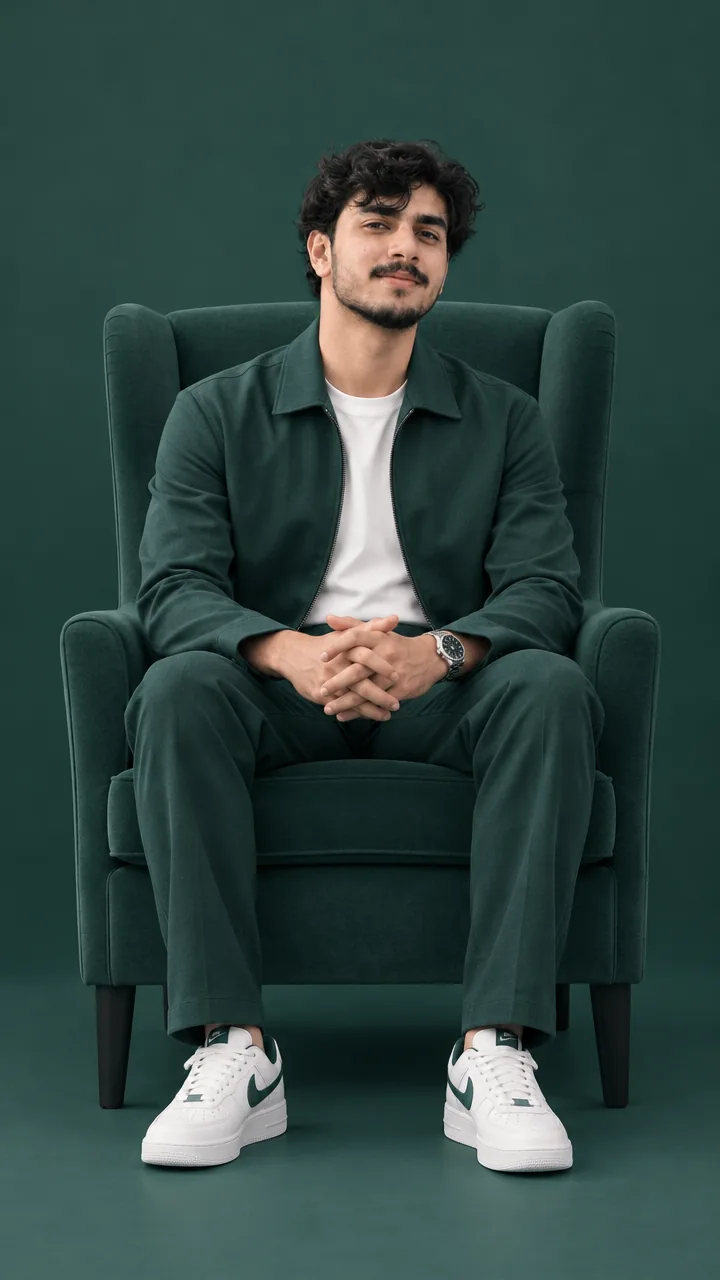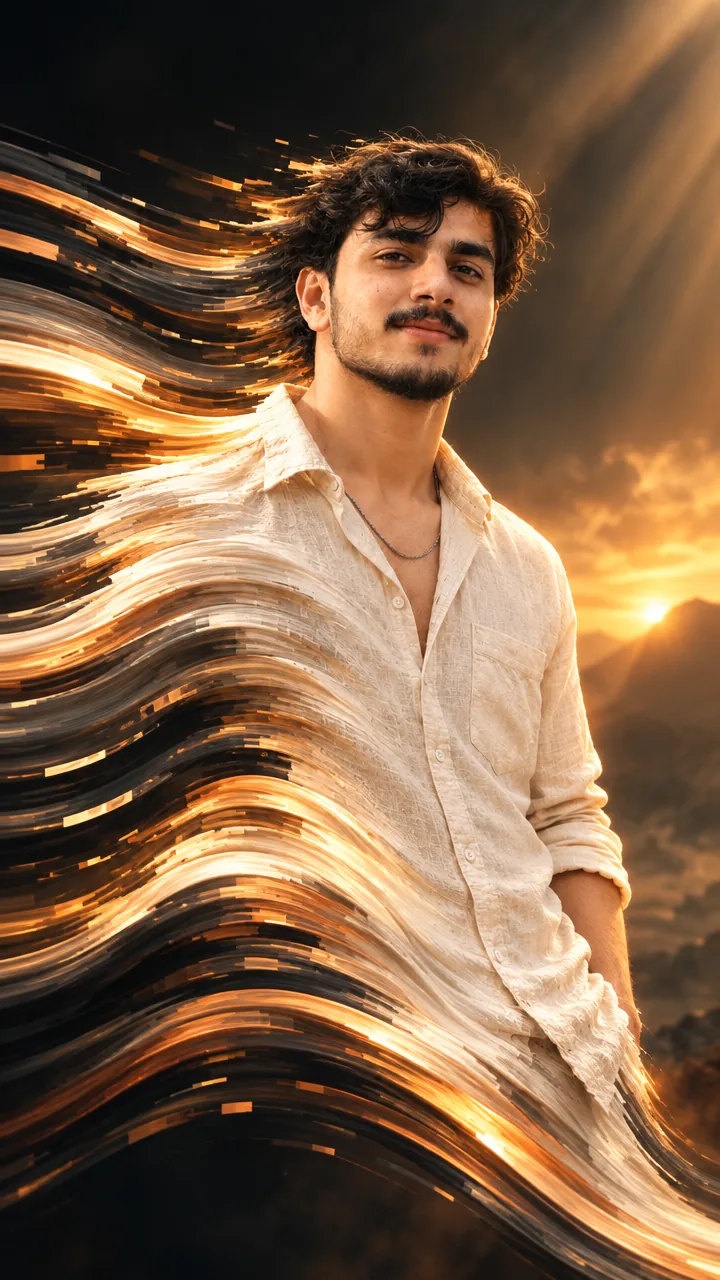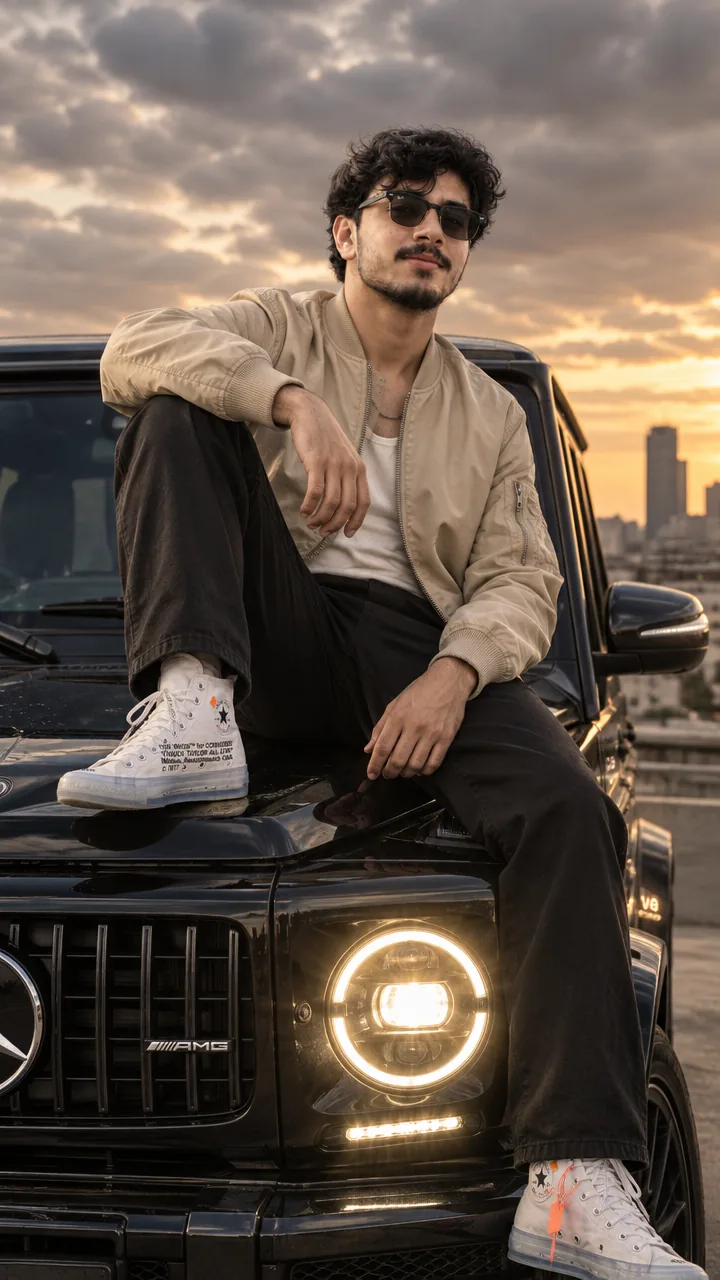


Boys · AI photo prompt
Engraving Illustration Portrait Prompt – Hatch-Line Vintage Art in Gemini & ChatGPT
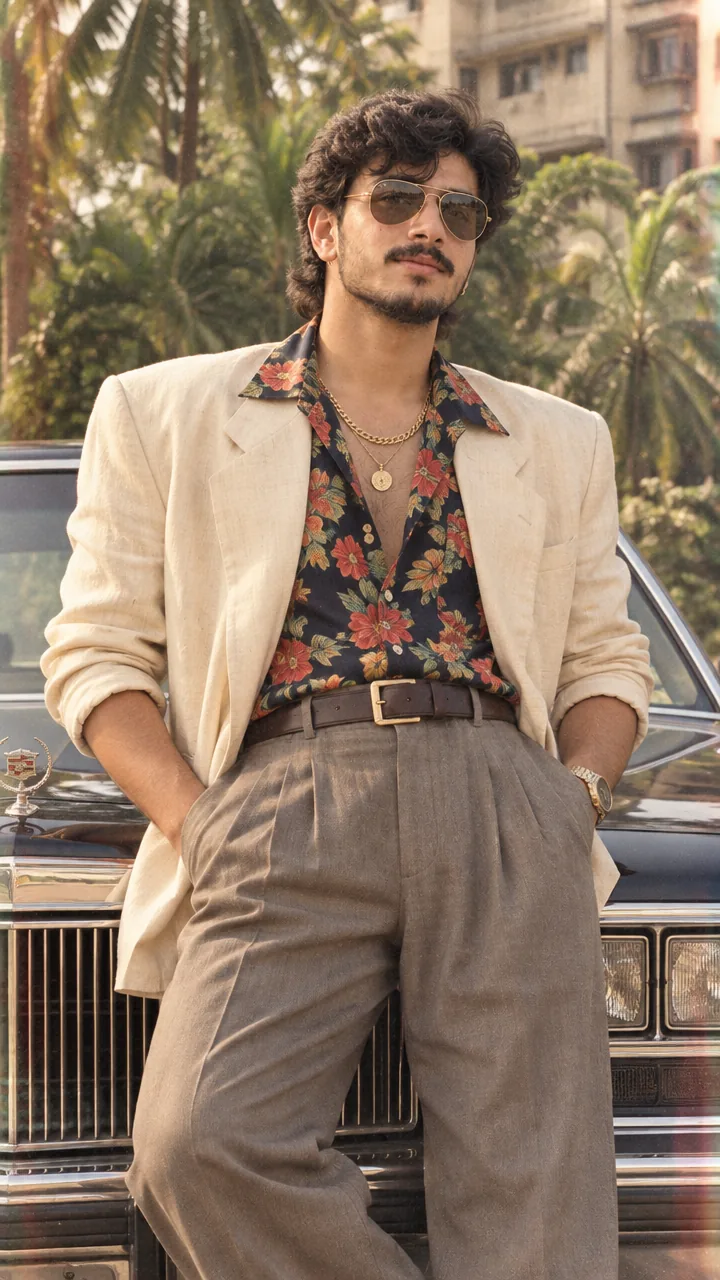
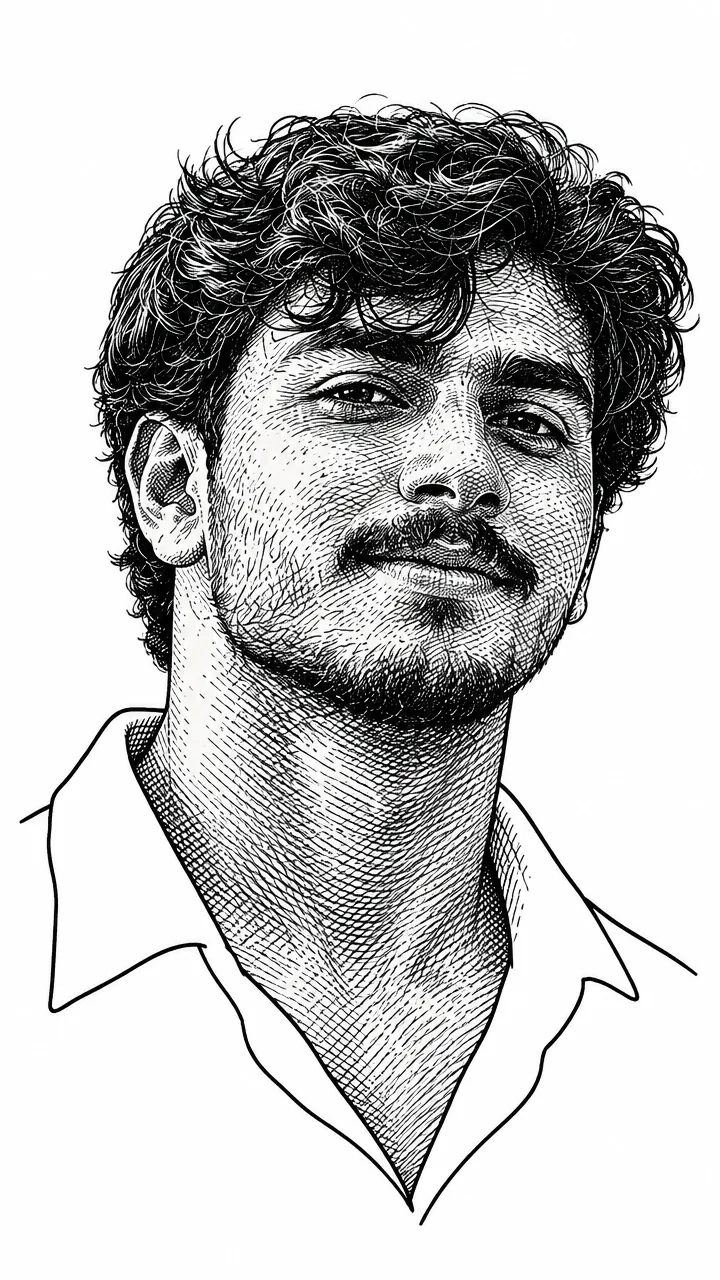
This Engraving illustration portrait prompt turns your photo into a classic engraving-style illustration – a neck-up portrait like the faces on old banknotes and newspapers. It adds lots of fine hatch lines on the face for depth and keeps the clothes as simple outlines with no detail. Copy the prompt, upload your photo plus an engraving-style example in Gemini or ChatGPT and get a vintage art portrait in seconds.
The prompt
3 more vintage art styles
Same hand-drawn idea – a different classic technique each time.
Stipple Dot Portrait Prompt
Charcoal Sketch Portrait Prompt
Pen and Ink Portrait Prompt
Engraving DP prompt
A square close-up made for your WhatsApp or Instagram profile picture.
Vintage art captions
Your photo is ready – now pick a caption. Tap Copy and paste it on Instagram.
- Engraved in history 🖋️
- Worthy of being printed on a banknote 😂
- Lines and legacy 📜
- Hatch by hatch ✏️
- Vintage soul 🕰️
- Old school, new me 🎨
- Ink tells my story 🖤
- One line, a thousand words ✨
- Printed in classic 📰
- Art that ages well ⏳
- #EngravingArt #VintagePortrait #LineArt #HatchDrawing #AIPhoto #GeminiAI #ChatGPT #ArtEdit #PhotoPrompt
Turn your engraving into a reel
Made your photo? Bring it to life as a short reel. Upload the photo you just made in Gemini, tap Video, paste this prompt and send.
How to use this engraving illustration portrait prompt in Gemini
- Go to gemini.google.com or open the Gemini app on your phone.
- Tap Copy prompt above.
- Tap + and upload one clear, front-facing photo of yourself.
- Paste the prompt and send. Your photo is ready in about 10–20 seconds.
- Not happy? Tap regenerate or change one detail in the prompt and try again.
How to use it in ChatGPT
- Open ChatGPT and start a new chat.
- Attach your photo with the + button.
- Paste the prompt, send it and wait for the image.
- Tap the download icon to save it.
Tips for the best engraving portrait
- Use a sharp photo where your full face is visible – no sunglasses, cap or heavy filter.
- Change the size at the end of the prompt: 1:1 for a DP, 3:4 for a post, 9:16 for a story.
- Upload an engraving example as the second image – the prompt follows “the reference” style.
- Replace “[change the person]” with “the man in my photo” or “me”.
FAQ
Is this engraving illustration portrait prompt free?
Yes, the prompt is free. Gemini and ChatGPT both make images on their free plans, with a small daily limit.
Which is better for this prompt – Gemini or ChatGPT?
Gemini keeps the face closer to your photo and is faster. ChatGPT often gives softer, more cinematic light. Try both and keep the one you like.
My face looks different in the result. What should I do?
Upload a clear, front-facing photo in good light without sunglasses or filters, and add "keep my face exactly the same as the uploaded photo" at the start of the prompt. Then generate again.
Can I make a video from this photo?
Yes. First make your photo with the prompt, then upload that photo in Gemini, choose Video and paste the video prompt from this page. Free plans have a small daily video limit.