
Boys · AI photo prompt
Krishna Wall Mural Photo Prompt for Boys – Janmashtami Street Look in Gemini & ChatGPT
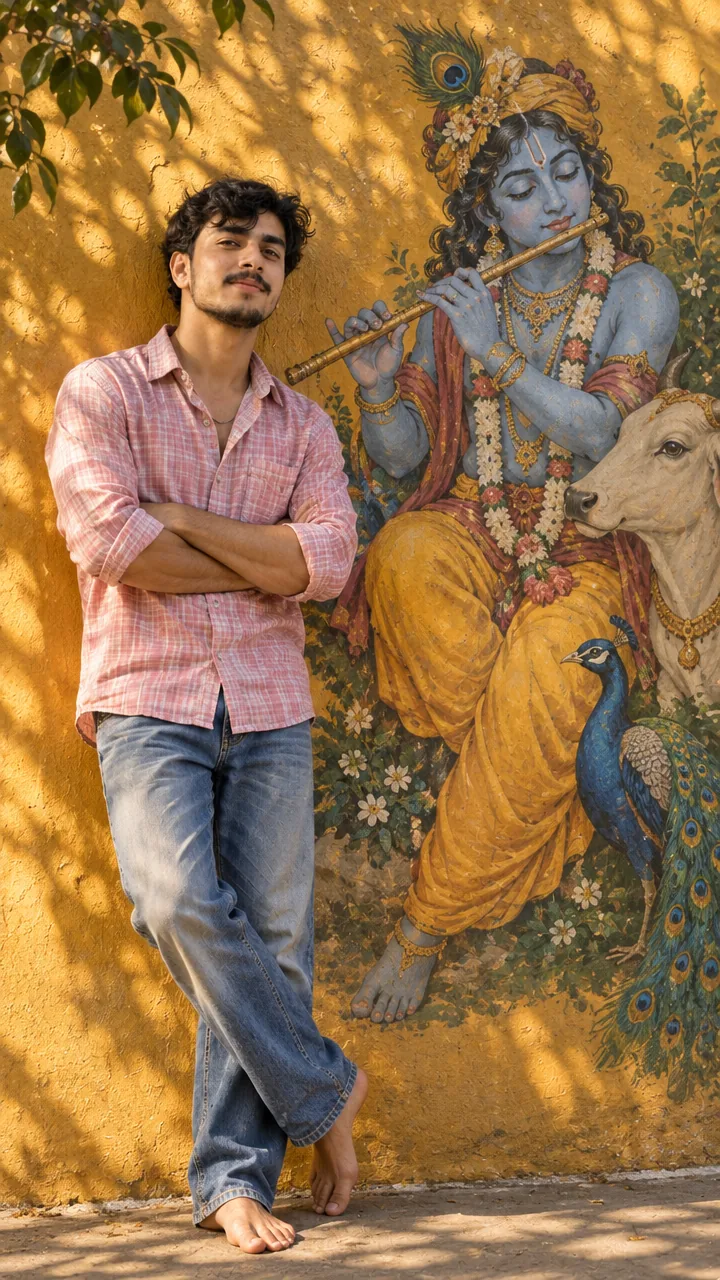
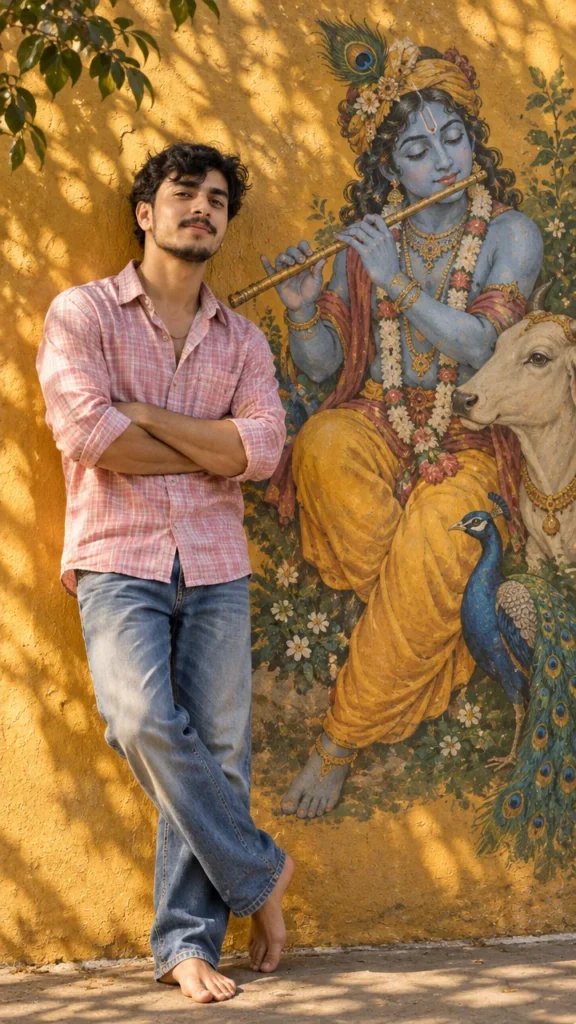
This Krishna wall mural photo prompt for boys turns your photo into a Janmashtami portrait. You stand barefoot beside a large Lord Krishna wall mural, leaning casually against a warm mustard-yellow wall with your arms folded, in a pink checked shirt with rolled sleeves and faded blue jeans. The prompt locks your face with no identity drift and keeps your hands and body proportions realistic. Copy the prompt, upload your photo in Gemini or ChatGPT and get a festive full-body photo in seconds.
The prompt
3 more Janmashtami moments
Same Krishna devotion – a new moment each time.
Krishna Mural Flute Prompt
Dahi Handi Prompt
Krishna Temple Night Prompt
Janmashtami DP prompt
A square close-up made for your WhatsApp or Instagram profile picture.
Janmashtami captions
Your photo is ready – now pick a caption. Tap Copy and paste it on Instagram.
- Happy Janmashtami 🦚
- Radhe Radhe 🙏
- Kanha's grace ✨
- Hare Krishna 🪈
- Govinda is here 🎉
- Fan of the butter thief 🧈
- Jai Shri Krishna 💛
- The flute's melody, peace of mind 🎶
- Peacock feather vibes 🪶
- Joy has come to Nand's home 🌸
- #Janmashtami #JaiShriKrishna #RadheRadhe #FestiveLook #AIPhoto #GeminiAI #ChatGPT #BoysStyle #PhotoPrompt
Turn your photo into a Janmashtami reel
Made your photo? Bring it to life as a short reel. Upload the photo you just made in Gemini, tap Video, paste this prompt and send.
How to use this krishna wall mural photo prompt for boys in Gemini
- Open the Gemini app or gemini.google.com.
- Tap Copy prompt above.
- Tap + and upload one clear, front-facing photo of yourself.
- Paste the prompt and tap send – the picture comes back in a few seconds.
- If something looks off, ask Gemini to fix just that part, for example "keep my face the same, make the light warmer".
How to use it in ChatGPT
- Open ChatGPT and start a new chat.
- Attach your photo with the + button.
- Paste the prompt, send it and wait for the image.
- Tap the download icon to save it.
Tips for the best Janmashtami photo
- Use a sharp photo where your full face is visible – no sunglasses, cap or heavy filter.
- For an Instagram post write vertical 3:4; for a story or reel cover write vertical 9:16.
- A full-body standing photo of you works best.
- Change the shirt colour to yellow for a classic Krishna touch.
FAQ
Is this krishna wall mural photo prompt for boys free?
Yes. Copy it for free and use it in the free version of Gemini or ChatGPT. Free accounts may have a daily image limit.
Should I use Gemini or ChatGPT?
Both work. Gemini is quicker and usually keeps your face closer to the photo; ChatGPT takes longer but the light and detail can look richer. Run it in both and pick your favourite.
Why does the face not look like me?
Usually the photo is too small, dark or taken from the side. Use a sharp, front-facing selfie and write "do not change my face" at the start of the prompt, then try again.
Can I make a video from this photo?
Yes. First make your photo with the prompt, then upload that photo in Gemini, choose Video and paste the video prompt from this page. Free plans have a small daily video limit.
More prompts like this
- Krishna Mural Photo Prompt for Boys – Aesthetic Flute & Blue Mural Look in Gemini & ChatGPT
- Street Photographer Portrait Prompt – Traveller with Camera by a Historic Tower in Gemini & ChatGPT
- Rainy Street Walk Photo Prompt for Boys – Moody Dusk Portrait in Gemini & ChatGPT
- All AI photo prompts for boys