3D Grid
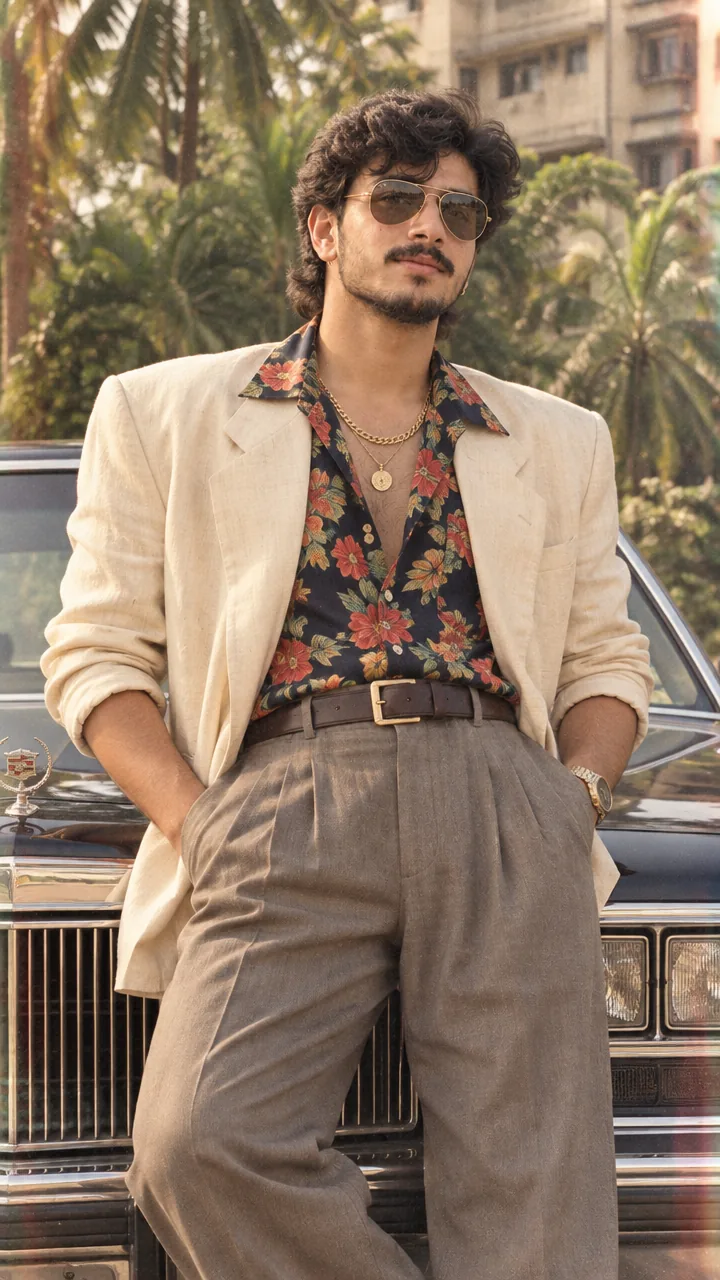
Gangster Walk CapCut Template – Slow-Motion Entry Reel – reel template preview

CapCut template · Attitude

Gangster Walk CapCut Template – Slow-Motion Entry Reel

Turns a simple walking clip into a slow-motion entry with cinematic colour, bold text and a bass-heavy beat synced to every step.

App
CapCut
Format
9:16 Reel
You need
One clip
Style
Slow motion, bold text
Best for
Boys
Level
Beginner · about 2 min
Open in CapCut
QR code to open Gangster Walk CapCut Template – Slow-Motion Entry Reel in CapCut

On a laptop? Scan with your phone camera to open the template straight in CapCut.

Make it in three steps

  1. Open the template. Tap Open in CapCut. If CapCut asks, update the app, then tap Use template.
  2. Add your one clip. Fill the slots in the order you want them to play; pinch to keep your face centred.
  3. Export. Preview once, export in HD and post it to Reels, Shorts or your WhatsApp status.

Tips for this template

Template not working?

The link opens but there is no “Use template” button.

Update CapCut from the Play Store or App Store and open the link again. Some templates also hide the button in regions where CapCut templates are limited – a VPN is not needed for most users in India.

It says the template is unavailable.

The creator may have removed it. Check back here – we replace dead links when we find them.

Can I change the song or text?

Templates lock the music and timing. You can edit text in most templates by tapping it before export.

Make the photos first

Car Photo Prompts

This reel looks best with fresh, matching pictures. Create them with one of these AI photo prompts, then drop them into the template.

More templates

See all